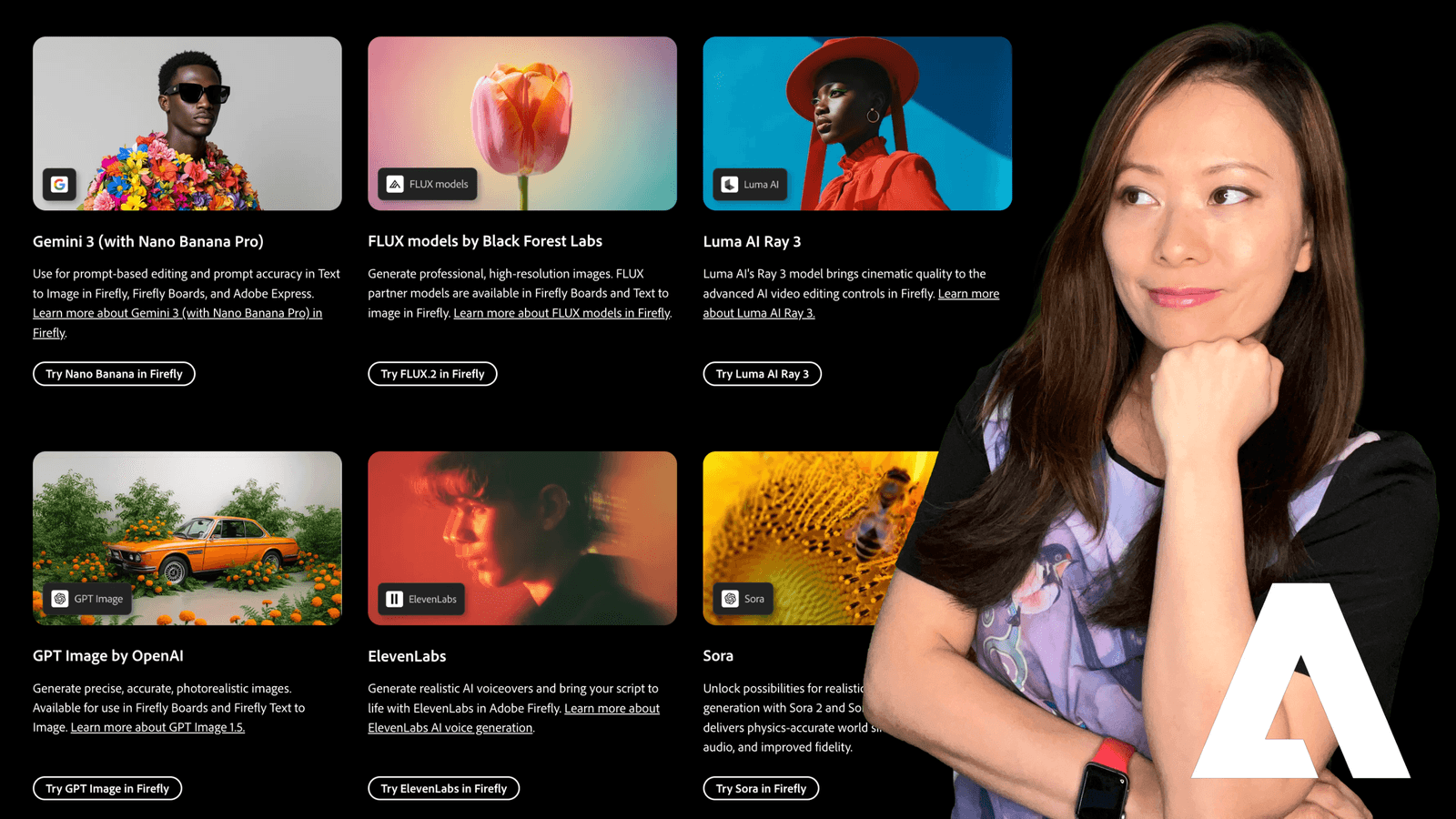
Last year, when Adobe dropped the bombshell that Firefly was integrating third-party partner models, the excitement was real. The idea that we could access the world’s best AI engines, from Google, OpenAI, and Black Forest Labs, right inside our Adobe workflow was a massive shift.
But almost immediately, that excitement turned into confusion.
I remember opening the dropdown menu for the first time and just staring at it. Gemini 3? FLUX.2? Ideogram? Something called Nano Banana?!
We went from having one option to having ten. And for busy creators and business owners, that created a new problem: Choice Paralysis.
We don’t have time to test five different models every time we need a thumbnail. We need to know what works, why it works, and when to use it.
So, for the past few weeks, I put them all to the test. I stopped trying to use one model for everything and started treating them like specialized employees.
Here are the results. This is your no-nonsense guide to choosing the right engine in 2026.
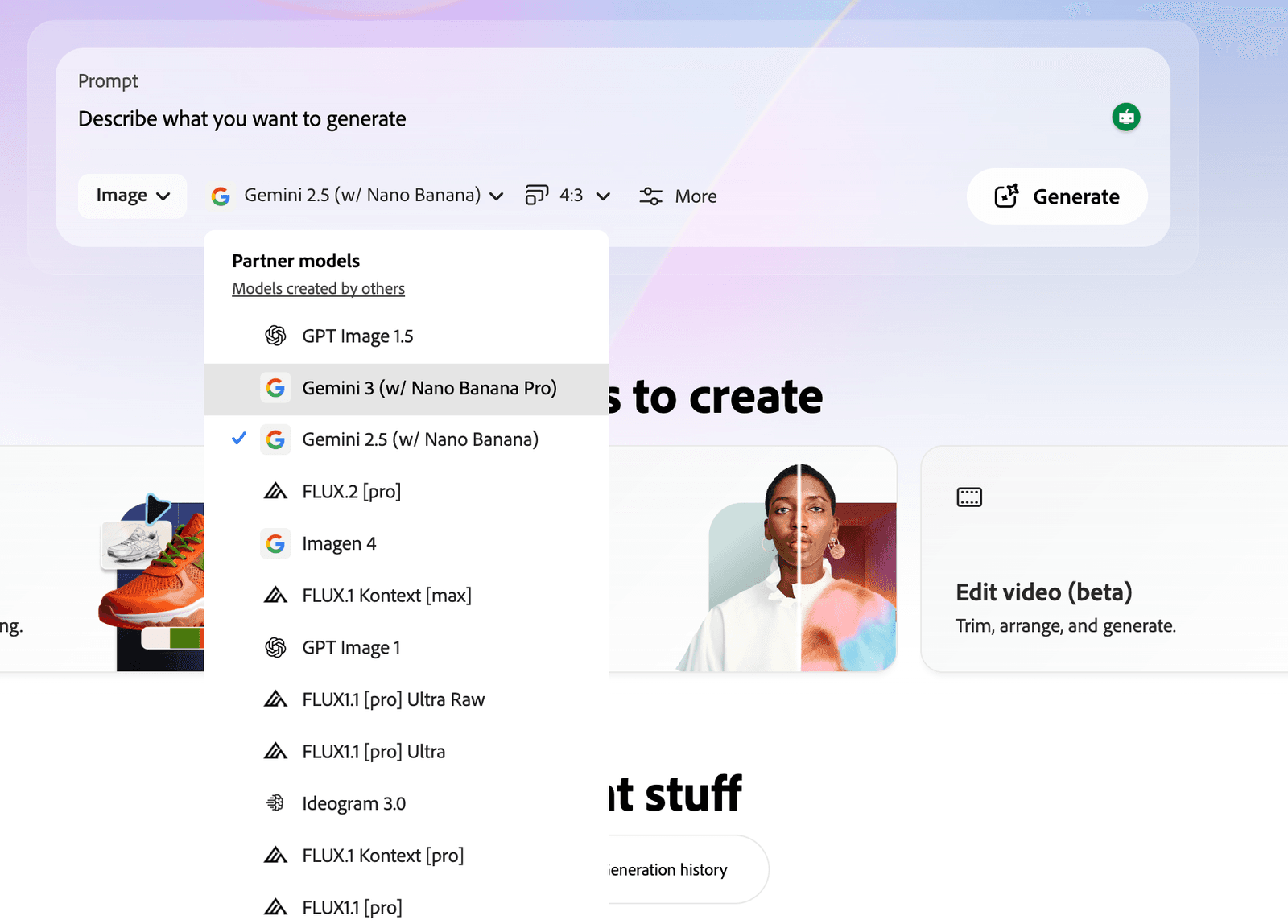
The Strategy: Why “Partner Models” Changed the Game
Before we get to the tools, let’s look at the strategy. In my Brand Building in 2026 guide, I talked about “consolidation.” Adobe realizes that no single AI model can be the best at everything.
- FLUX has the texture.
- Ideogram creates the text.
- Gemini has the logic.
- Firefly has the safety.
By bringing these partners inside, Adobe turned Firefly into a Creative OS. You keep your credits, your interface, and your workflow in one place, but you pull the engine you need for the specific job.
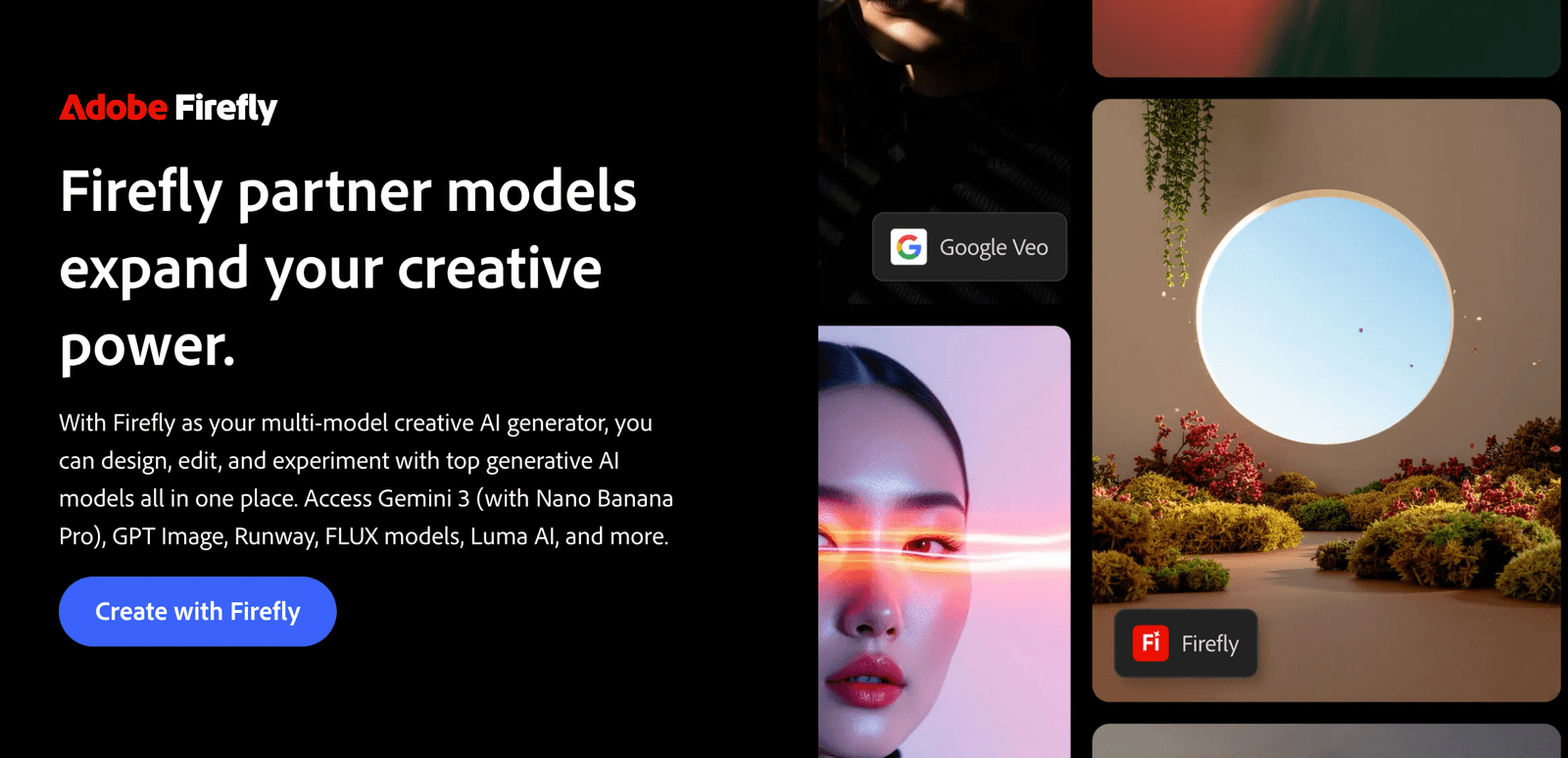
The Breakdown: Which Model Should You Choose?
I’ve categorized these based on the problem they solve. Next time you sit down to create, stop looking at the brand names. Just ask yourself: “What is the goal of this image?”
1. The “Photorealism” Powerhouse: FLUX
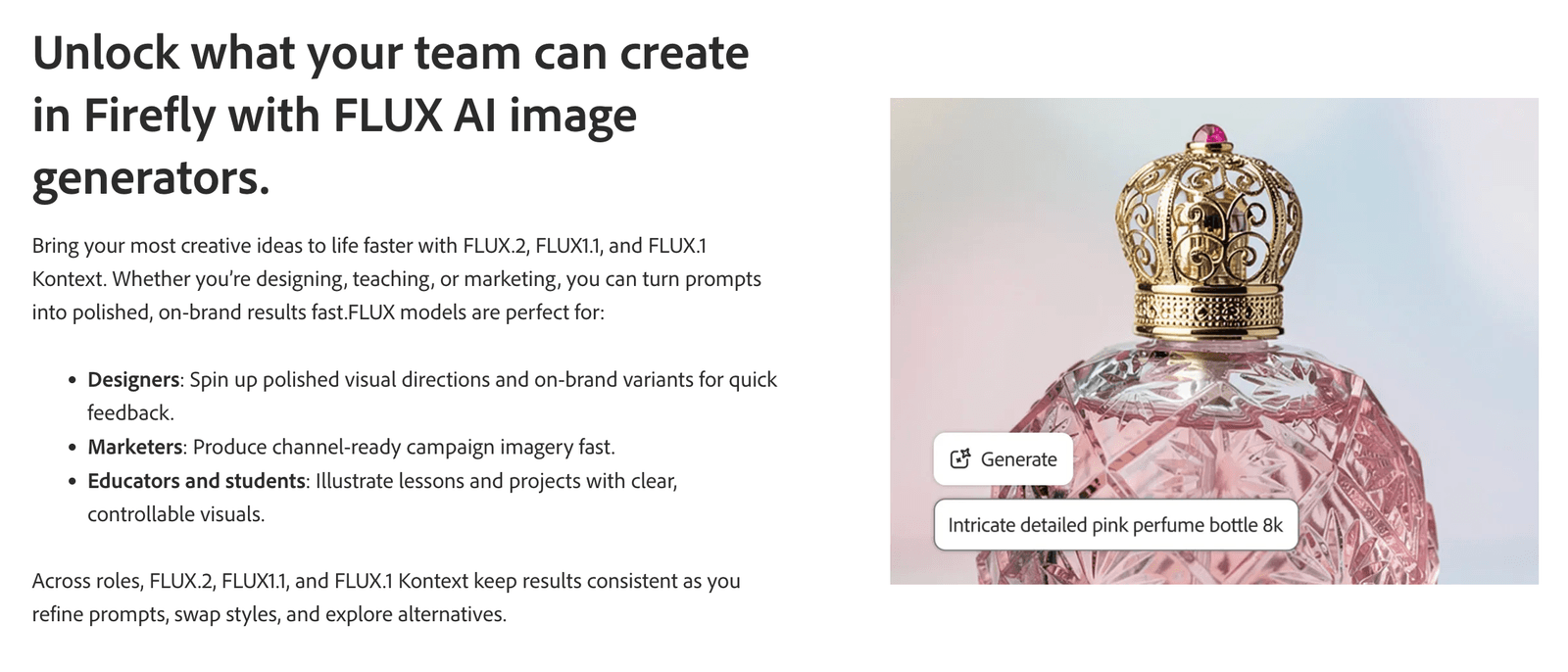
FLUX (by Black Forest Labs) has completely cornered the market on “texture.” Skin has pores. Concrete has grit. Light behaves like physics says it should. It doesn’t look like plastic AI art; it looks like photography.
- The “Ultra Raw” Secret: If you are a Photoshop or Lightroom user (which, if you’re reading this, you probably are), always use the Ultra Raw version. It generates an image with a flat color profile. It gives you the control to color grade it later.
- Use Case: Hero images for websites, realistic portraits for slide decks, and editorial content.
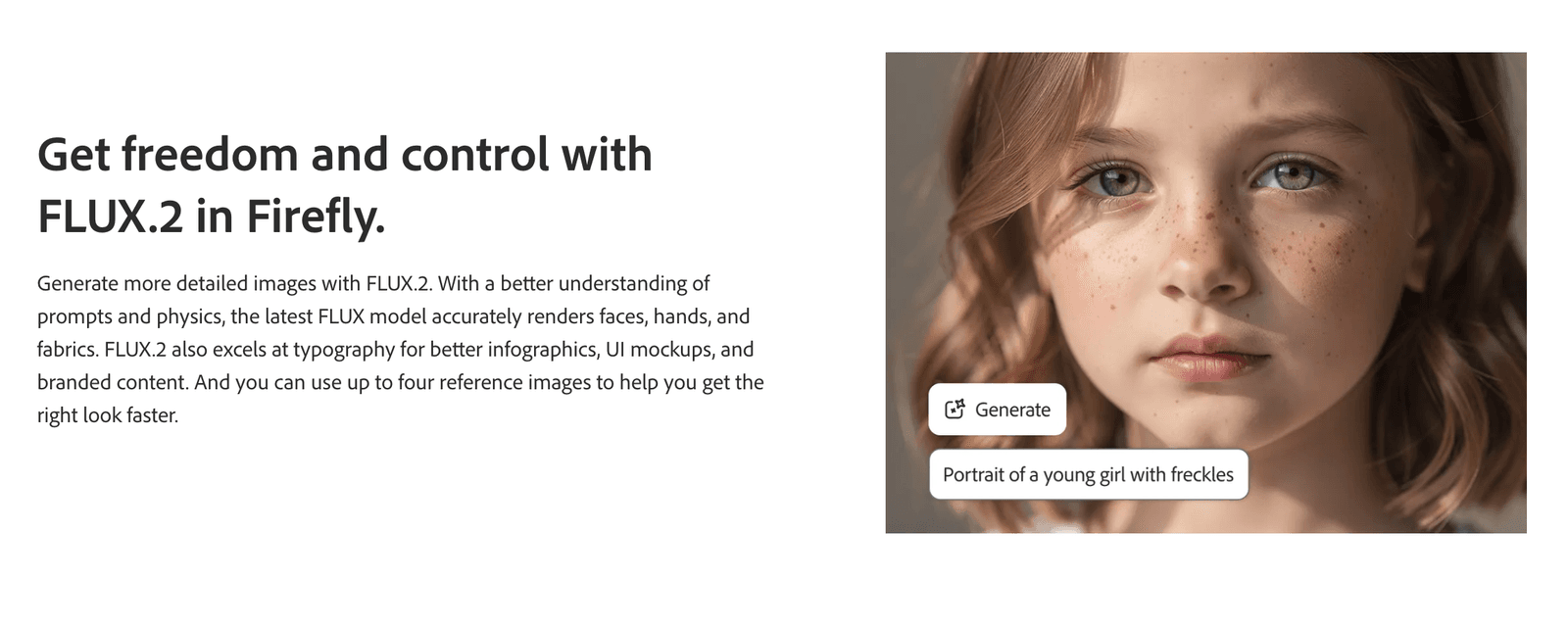
Models Available:
- FLUX.2 [pro]
- FLUX.1 [pro] Ultra Raw
- FLUX.1 Kontext
The Verdict
If you want an image that looks like it was shot by a professional photographer on a Sony A7S III, this is it.
2. The “Instruction Follower”: Google Gemini
We all know the struggle: You ask AI for “A blue cat sitting ON a red box NEXT TO a green apple,” and it gives you a cat holding an apple on a purple box.
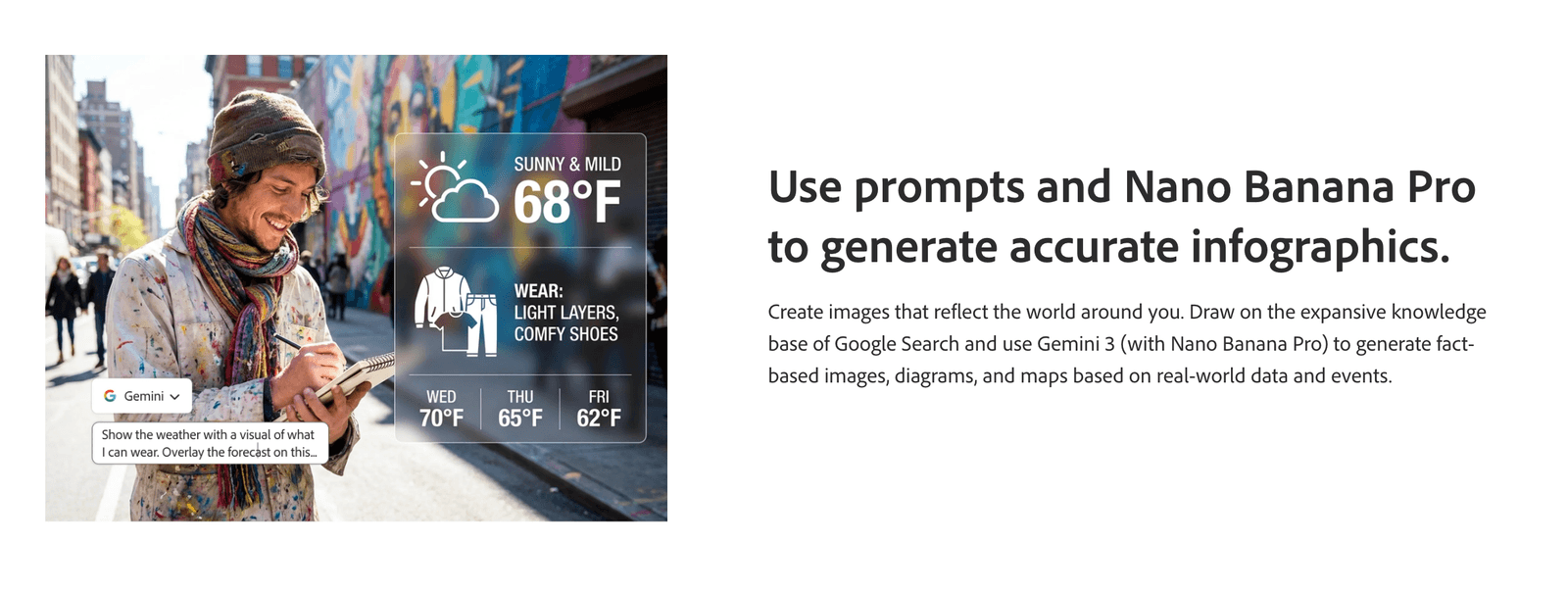
Gemini is structurally rigorous. It understands the relationship between objects better than almost anything else I’ve tested.
- Use Case: Complex compositions, scenes with multiple distinct subjects, and brainstorming layouts where specific positioning matters.
Models Available:
- Gemini 3 (w/ Nano Banana Pro)
- Gemini 2.5 (w/ Nano Banana)
- Imagen 4
The Verdict
“Nano Banana” is a funny name. But the capability is serious. Google’s models excel at logic and spatial reasoning.
3. The “Typography” King: Ideogram
For years, AI was illiterate. You’d ask for a “Coffee Shop” sign and get “Cefffe Shop.”
Ideogram fixed this. If your image requires legible text, logos, or signage, do not waste your time (or credits) with the other models. Go straight to Ideogram.
Models Available:
- Ideogram 3.0
- Use Case: YouTube thumbnails, T-shirt designs, logo mockups, and marketing posters.
4. The “Cinematic” Storyteller: Runway
Runway is famous for AI video, and their image model reflects that DNA. The outputs feel cinematic. They have a “movie still” quality, great depth of field, dramatic lighting, and moody atmospheres.
Models Available:
- Runway Gen-4 Image
- Use Case: Storyboarding for video projects, mood boards for client pitches, and sci-fi/fantasy concepts.
5. The “Creative Artist”: OpenAI
This is the engine behind ChatGPT. While FLUX goes for gritty realism, OpenAI models tend to lean towards creative, conceptual, and illustrative styles. They are fantastic at understanding abstract concepts like “digital transformation” or “synergy.”
Models Available:
- GPT Image 1
- GPT Image 1.5
- Use Case: Blog post headers, metaphorical illustrations, and surreal art.
Feiworld’s Firefly Partner Models “Cheat Sheet” for Busy Creators
I don’t like decision fatigue. I keep this sticky note on my desktop so I can execute immediately.
When I have an idea, I follow this logic:
- Need Text? → Ideogram 3.0
- Need a High-End Photo? → FLUX.2 [pro]
- Need a Complex Layout? → Gemini 3 (Nano Banana)
- Need a Movie Vibe? → Runway Gen-4
- Need Commercial Safety? → Firefly Image 3 (Native)
A Note on Commercial Safety (The B2B Reality)
This is crucial if you, like me, work with larger B2B clients.
Adobe Firefly (The Native Model) is still the only one that is fully indemnified by Adobe for commercial use because it was trained 100% on Adobe Stock.
The Partner Models are generally safe for commercial use, but they operate under their own training data policies. If you are doing a global campaign for a Fortune 500 company that is strict about copyright, stick to the native Firefly model. For your own content, social media, and newsletters? The Partner Models are fair game.
Feisworld’s Take
The “Model War” is over. We don’t have to choose a side anymore.
Adobe has realized that the future of creativity isn’t about owning the only tool, it’s about building the best toolbox.
My advice? Pick one partner model this week, maybe try Ideogram for your next thumbnail or FLUX for a social post, and force yourself to use it. You will be shocked at how much time you save.
Have you tested the new partner models yet? I’m curious if FLUX is replacing Midjourney for you like it is for me. Let me know in the comments!
Frequently Asked Questions
What is “Nano Banana” in Adobe Firefly?
“Nano Banana” is a specific model designation from Google Gemini. It refers to a highly efficient, lightweight version of their model architecture that is optimized for speed and complex instruction following.
Do Partner Models cost more credits?
It depends. Using Partner Models burns your “Generative Credits” just like standard Firefly models. However, some “Pro” or “Ultra” models (like FLUX [pro]) may consume credits at a higher rate due to the computing power required. Always check your credit balance.
How do I turn on Partner Models?
In the Firefly Web App, go to “Text to Image.” On the right-hand settings panel, find the “Model” dropdown menu. Scroll down past the Firefly models to the section labeled “Partner Models.”

Written by
Fei WuFei Wu is the founder and CEO of Feisworld Media, a Massachusetts-based digital media company helping brands get discovered by people and by AI. An Adobe Global Ambassador and brand partner to ElevenLabs, Synthesia, and 50+ other tech and AI companies, she hosts the Feisworld Podcast (400+ episodes, 500K+ downloads — guests have included Seth Godin, Steve Wozniak, Chris Voss, and Arianna Huffington) and co-created the documentary Feisworld: Live Your Art on Amazon Prime. Fei writes for CNET, Lifehacker, and PCMag, and her work has been featured in Forbes, Harvard Business Review, and WIRED. She has been publishing on the internet since 2014 — long before AI discoverability had a name.
View all posts by Fei Wu→Stay updated
Weekly insights on content, AI, and digital media.
Keep Reading


