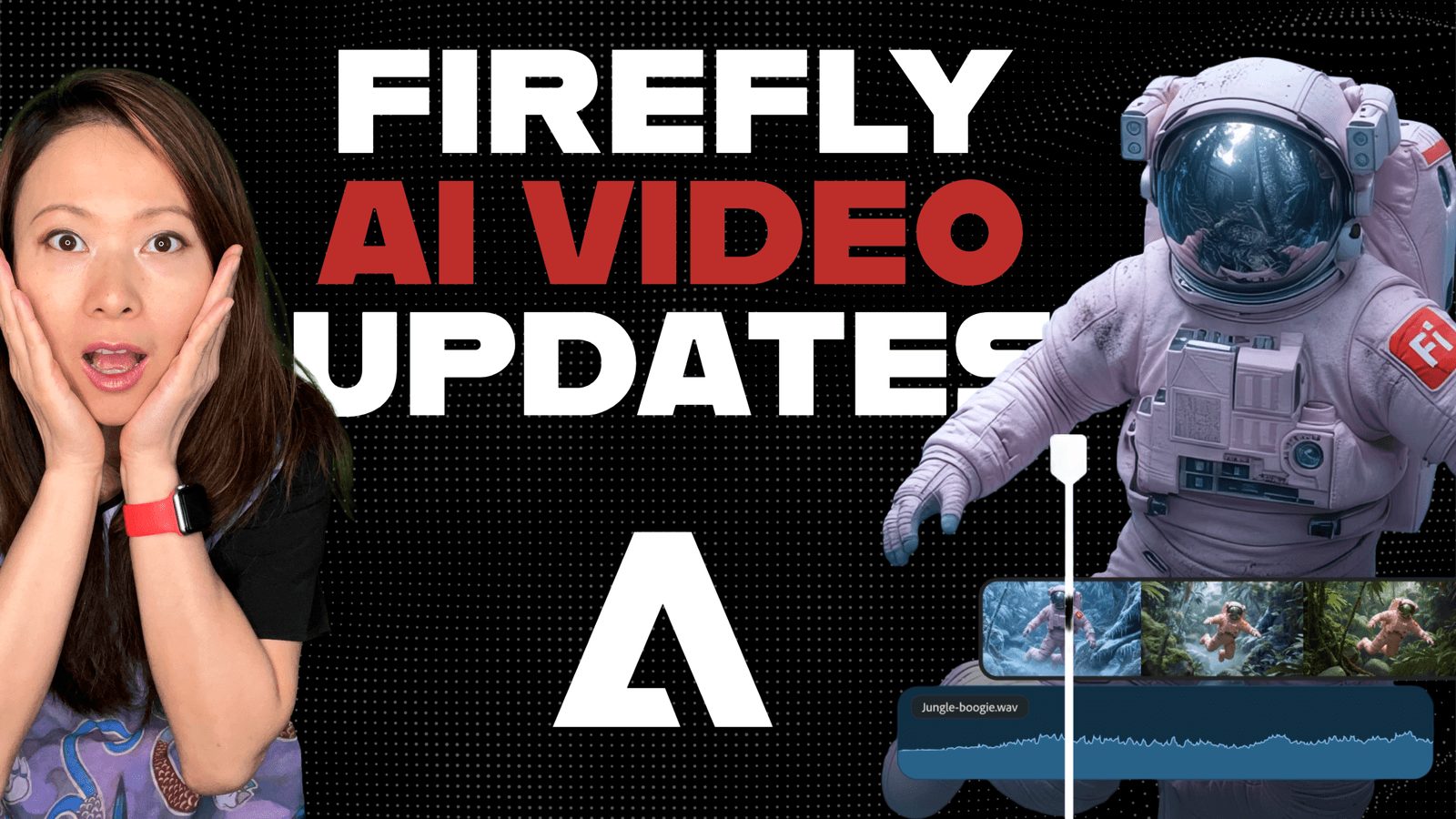
If you have tried generating video with AI in the last year, you know the frustration. You type a prompt. You wait. You get a clip that looks 90% amazing… but there is a random coffee cup floating in mid-air, or the camera pans left when you wanted it to pan right.
So, what do you do? You re-roll the dice. You generate it again. And you lose the 90% that was good, just to try and fix the 10% that was bad.
This is the “Slot Machine” problem of AI video.
Yesterday (December 16), Adobe announced a massive update to Firefly that finally ends this cycle. They are introducing “Prompt to Edit” and deep integration with partner models like Topaz Astra and Runway.
For creators, this is the shift from “hoping” for a good shot to actually “directing” one. Here is what is new and how it changes your workflow.
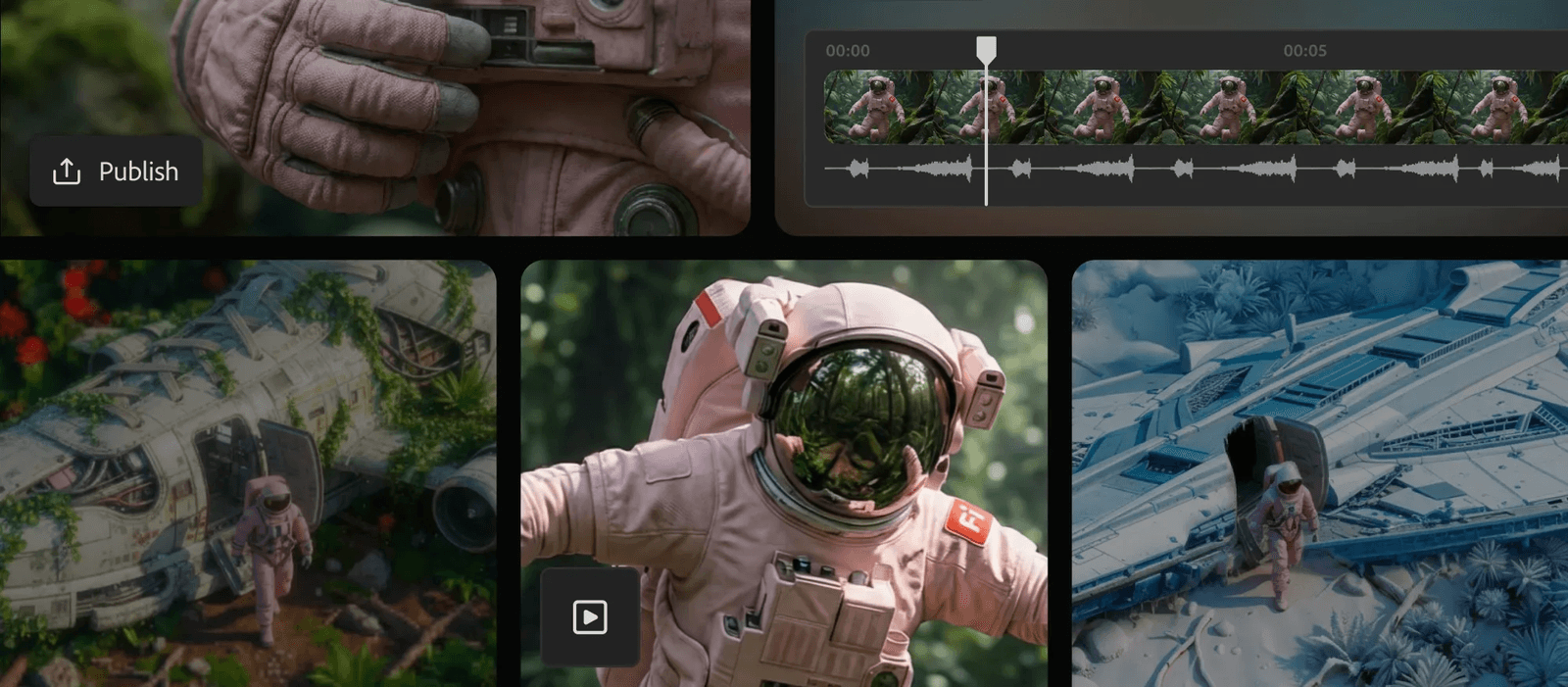
The Problem: Chaos. The Solution: “Prompt to Edit”
This is the headline feature. Previously, if you wanted to change one thing in an AI video, you had to regenerate the whole thing.
Now, Adobe has introduced Prompt to Edit (powered by Runway’s Aleph model). It lets you keep the good parts and surgically remove the bad.
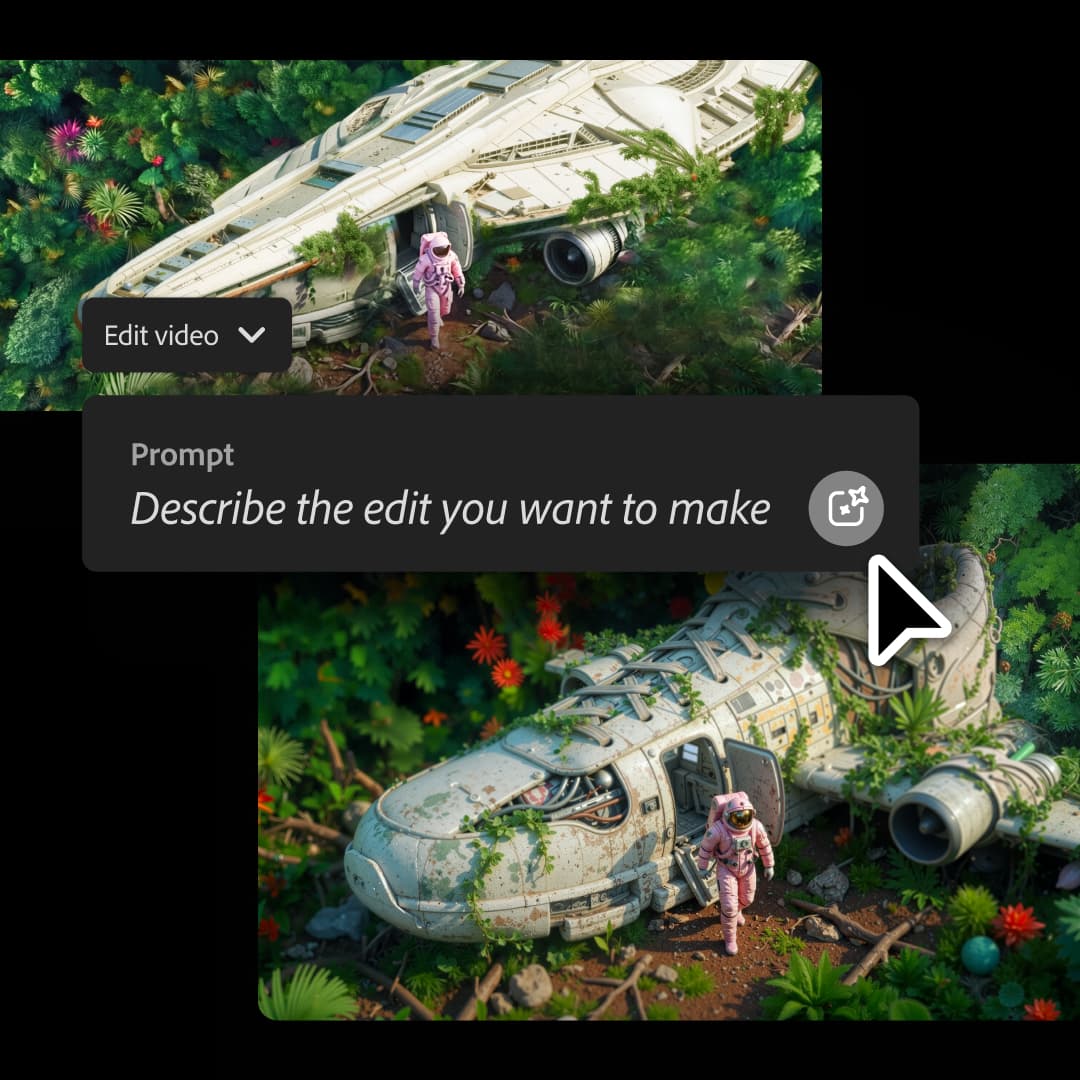
How it works
Imagine you generate a perfect clip of a studio interview, but the background is messy. Instead of starting over, you highlight the background and type: “Replace with a clean studio backdrop.”
The AI fixes just that part. It preserves the lighting, the subject, and the motion.
Why this matters for creators
We can finally iterate. You can polish a video clip the same way you polish a paragraph of text. You are no longer at the mercy of the random number generator.
Professional Upscaling with Topaz Astra
If you are a YouTuber or a filmmaker, you know that “AI resolution” usually looks soft or muddy.
Adobe is fixing this by integrating Topaz Astra directly into Firefly Boards.
Topaz is the industry standard for upscaling. Now, you can take a low-res AI generation and push it to 1080p or 4K without leaving the Adobe ecosystem.
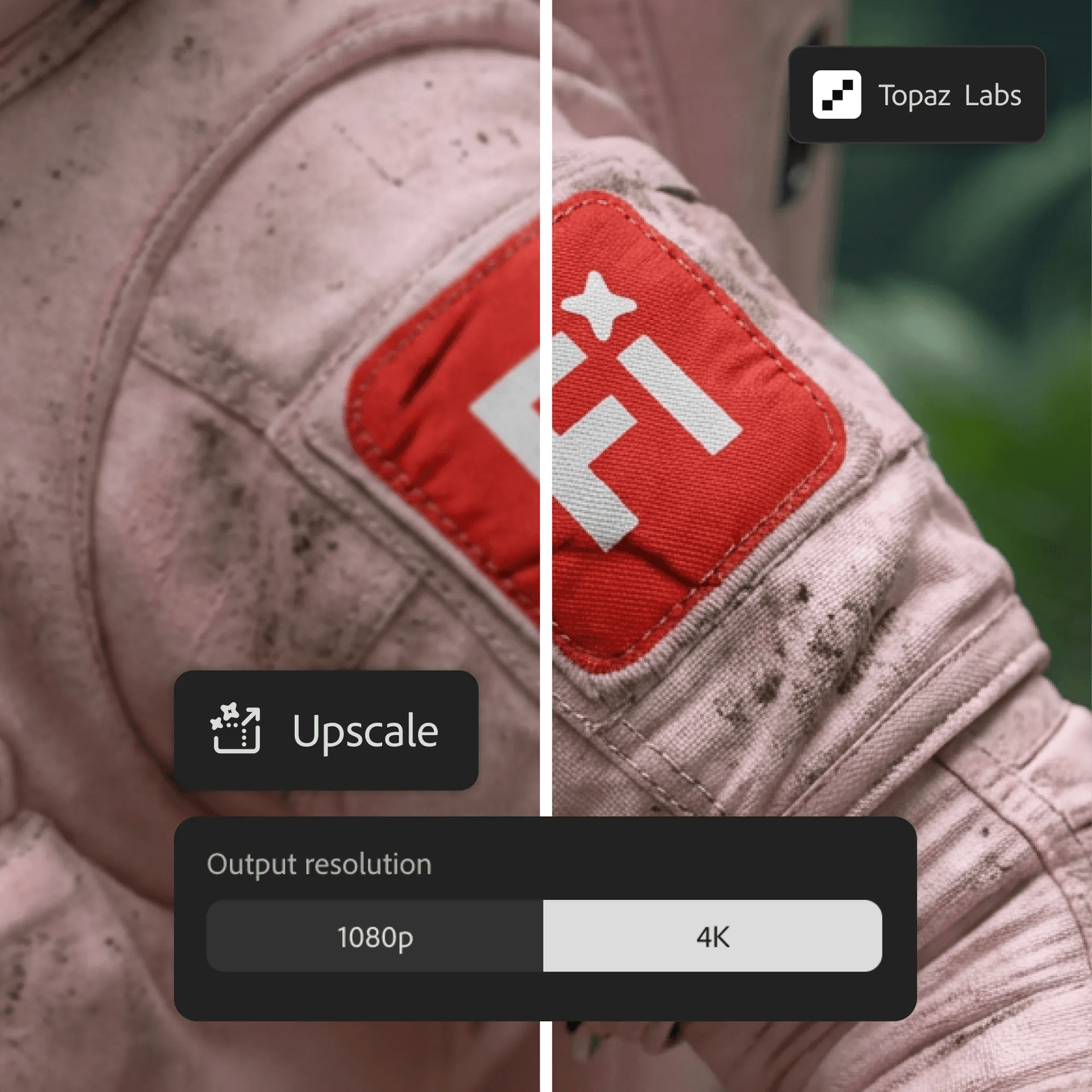
The Workflow:
- Generate your B-roll in Firefly.
- Upscale it with Topaz (right there in the dashboard).
- Drop it into your Premiere Pro timeline.
No more switching between three different apps to get one usable clip.
Controlling the Camera (Finally)
Another huge frustration has been camera movement. You ask for a “cinematic zoom,” and the AI gives you a shaky handheld look.
Firefly now allows for Camera Motion Control. You can upload a reference video or an image to tell the AI exactly how the camera should move.
If you want a slow dolly-in, you get a slow dolly-in. You anchor the movement exactly where you need it.
The “One-Stop Shop” Strategy
I mentioned in my last post about the “Hybrid Workflow” that Adobe’s superpower is integration.
The PR team at Adobe sent me a note that summed it up perfectly: “Creators don’t want to bounce between AI tools.”
They are right. I don’t want to pay for Midjourney for images, Runway for video, and Topaz for upscaling, and then drag it all into Premiere.
Adobe is bringing FLUX.2 (a leading image model) and these video tools under one roof. They are building the “Terminal” for creativity.
A New Playground: Firefly Video Editor (Beta)
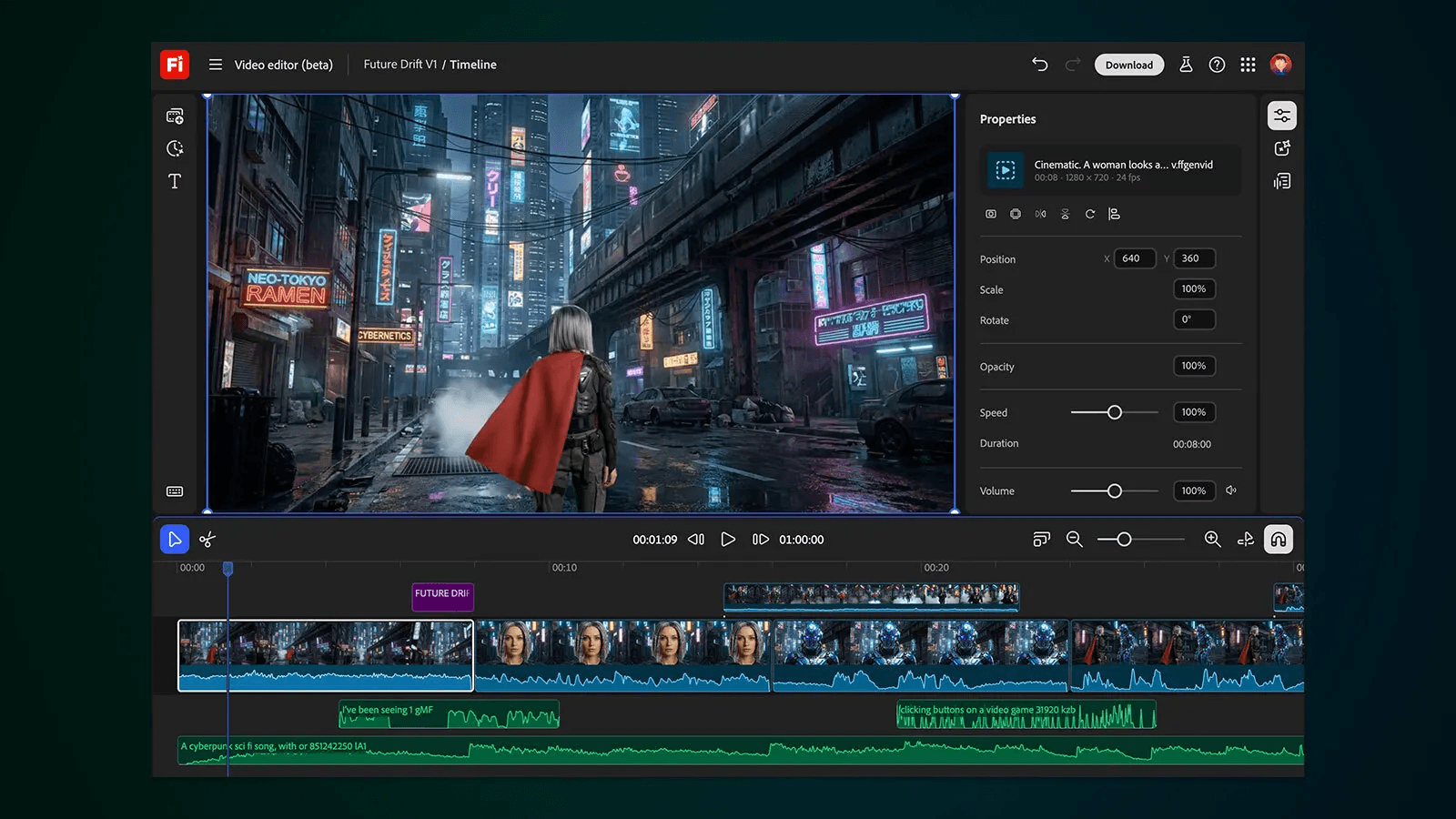
They also launched the public beta of the Firefly Video Editor.
This is a browser-based editor: think of it as a lightweight Premiere Pro. It lets you assemble your AI clips, add audio, and even edit via text (trimming video by deleting words in the transcript).
It is perfect for quick social cuts or storyboarding ideas before you move to the heavy desktop apps.
Adobe Firefly AI Video Features: Do This Now
Here is the best part. To get people to test these tools, Adobe is offering Unlimited Generations until January 15, 2026. This applies to everyone on Firefly Pro, Premium, and credit-based plans.
My advice? Go break it (as we already did with the unlimited Firefly credits after Adobe MAX). Spend the next month testing the limits of these models while it’s unlimited.
- Try the “Prompt to Edit” on complex scenes.
- Test the Topaz upscaling against your current footage.
- See if you can replicate your brand style using the new controls.
The era of the AI Slot Machine is over. The era of the AI Director has started.
You might also enjoy…
Topics

Written by
Fei WuFei Wu is the founder and CEO of Feisworld Media, a Massachusetts-based digital media company helping brands get discovered by people and by AI. An Adobe Global Ambassador and brand partner to ElevenLabs, Synthesia, and 50+ other tech and AI companies, she hosts the Feisworld Podcast (400+ episodes, 500K+ downloads — guests have included Seth Godin, Steve Wozniak, Chris Voss, and Arianna Huffington) and co-created the documentary Feisworld: Live Your Art on Amazon Prime. Fei writes for CNET, Lifehacker, and PCMag, and her work has been featured in Forbes, Harvard Business Review, and WIRED. She has been publishing on the internet since 2014 — long before AI discoverability had a name.
View all posts by Fei Wu→Stay updated
Weekly insights on content, AI, and digital media.
Keep Reading



