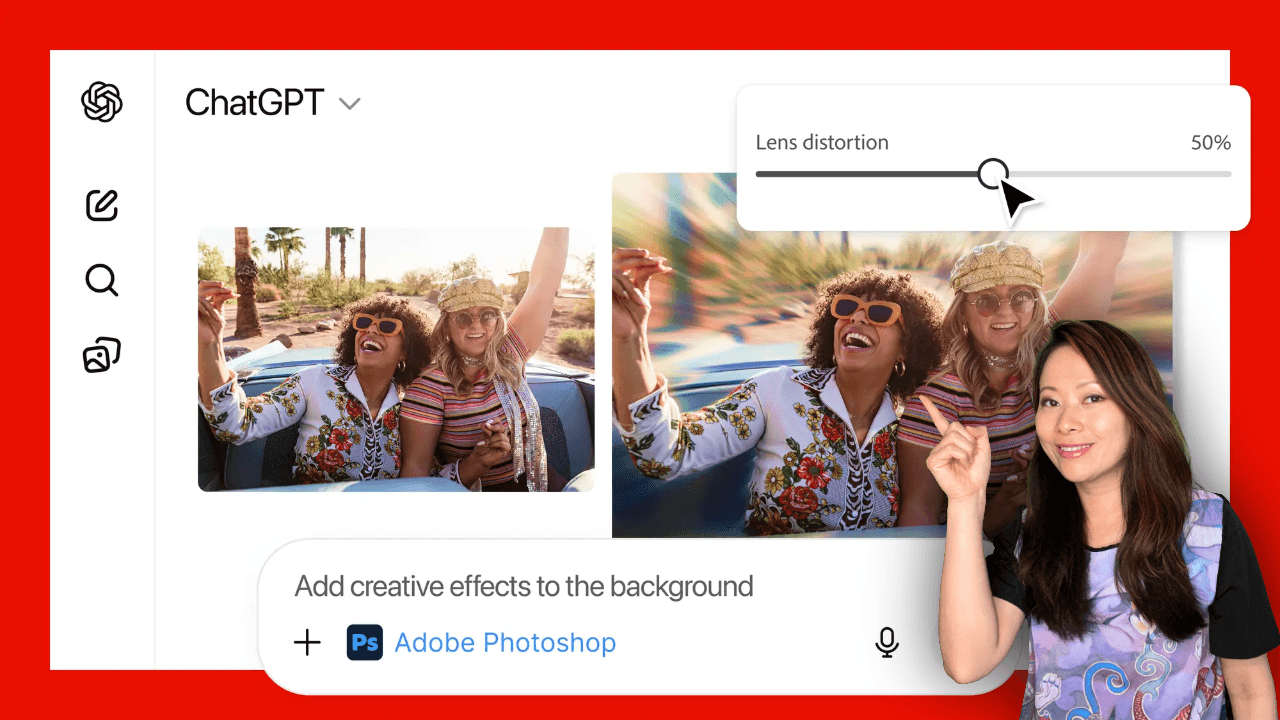
By now, you have heard the news: Adobe Photoshop, Express, and Acrobat are now free inside ChatGPT. It is an incredible update. But it begs a massive question for creators, freelancers, and business owners:
“If I can edit photos and fix PDFs for free in ChatGPT, why do I still need my Adobe Creative Cloud subscription?”
This is the wrong question.
The real opportunity here isn’t replacing your professional tools with a chatbot. It is about a new way of working that combines the speed of AI with the precision of professional software.
I call this the “Hybrid Workflow.”
If you want to stop generating generic AI content and start creating professional assets at 10x speed, this is how you do it.
The Problem with “AI-Only” Creativity
We have all seen it. The “AI look.”
You ask an AI for a social media post, and it gives you something that looks… okay. But the hands are weird, the font is wrong, and it doesn’t match your brand colors.
This is the “Last Mile” problem.
AI is amazing at the first 80% of the work (ideation, layout, rough drafts). It is terrible at the last 20% (brand consistency, precise masking, specific typography).
That last 20% is what separates a professional from an amateur. And that is exactly where this new Adobe integration shines.
The New Workflow: Draft in Chat, Finish in Cloud (Adobe in ChatGPT)
Adobe has brilliantly solved the “Last Mile” problem. They haven’t just put tools in ChatGPT; they have built a bridge out of it.
Here is how the Hybrid Workflow looks for a modern creator:
1. The “Sprint” (Inside ChatGPT)
You start in ChatGPT. This is for speed. You are using your words to get 80% of the way there.
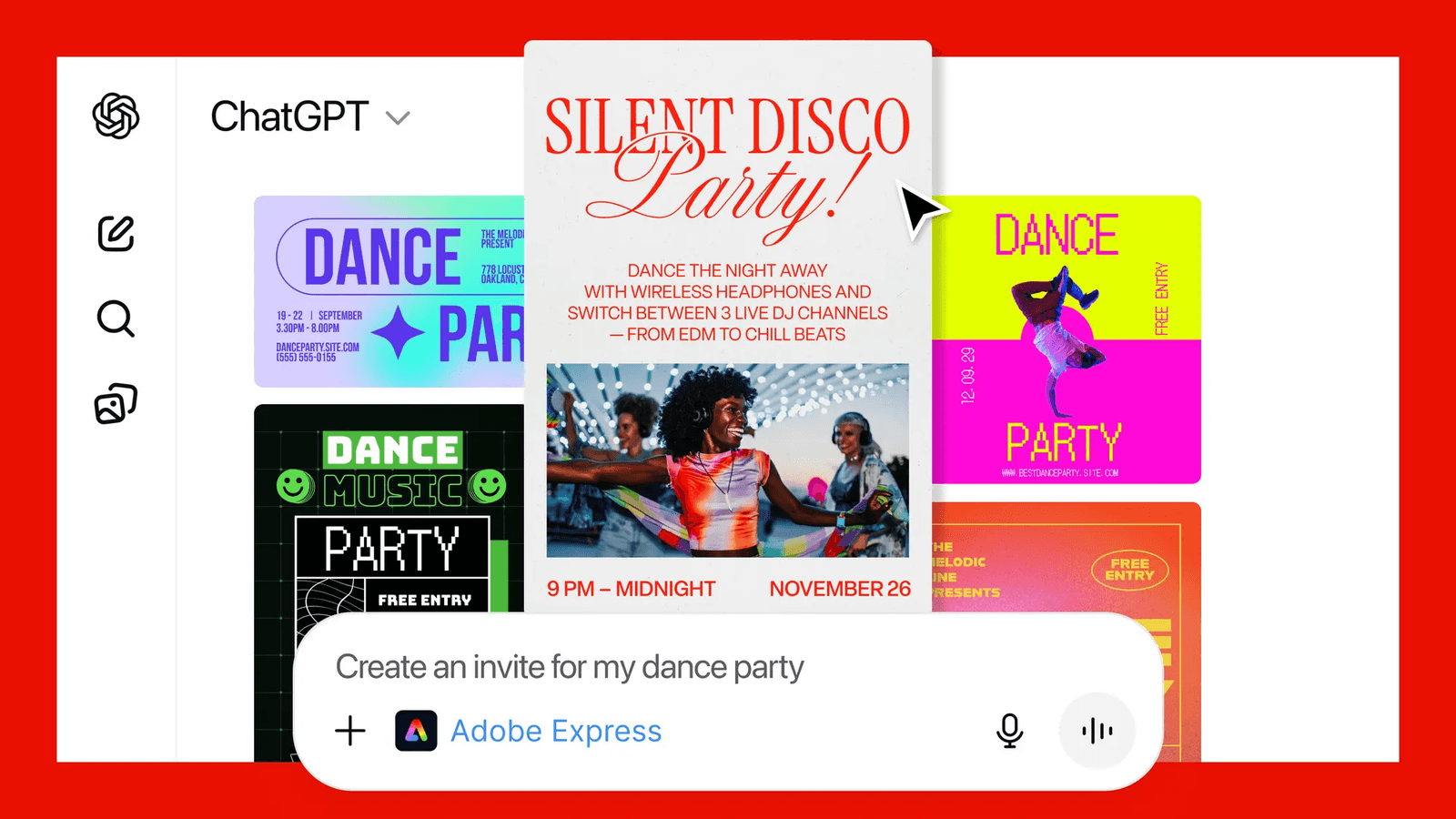
- The Prompt: “Adobe Express, make me an Instagram Story for my podcast episode about ‘Agentic AI’. Use a dark theme.”
- The Result: ChatGPT generates 4 solid options in seconds. It handles the layout and the basic assets.
- The Tweak: You use the conversational UI to say, “Swap the background image for a tech studio.”
Time elapsed: 45 seconds.
2. The “Handoff” (The Magic Button)
This is the feature most people are ignoring, but it is the most important one.
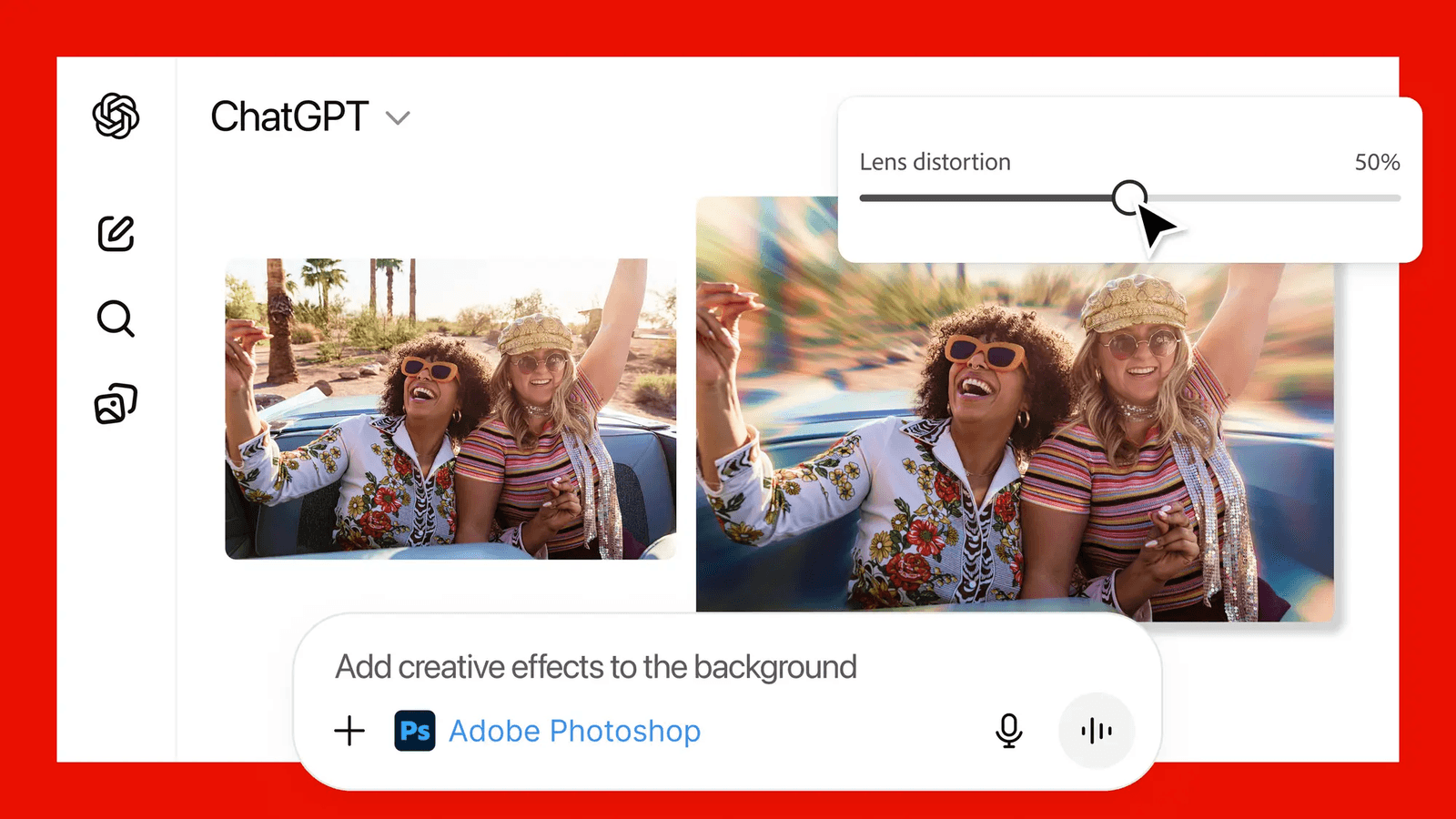
Once you have a solid draft in ChatGPT, you don’t download a flat JPEG. You click “Edit in Photoshop” or “Edit in Express.”
This sends the actual project file, layers, vectors, and smart objects intact, to your full Creative Cloud app.
3. The “Polish” (Inside Creative Cloud)
Now you are in the native app. This is where you earn your money.
- Brand Control: You swap the generic font for your specific brand typography.
- Precision: You fix the masking on your headshot so it’s perfect.
- Optimization: You export in the exact high-res format your client needs.
Time elapsed: 2 minutes.
Why This Drives Conversions (And Value)
For my audience, freelancers, agency owners, and serious creators, this workflow is the answer to “AI fatigue.”
Clients are starting to realize they can prompt ChatGPT themselves. But they cannot finish the job.
This is your competitive advantage:
- You use the free ChatGPT tools to iterate ideas instantly with clients during meetings. (“You mean like this?” generates draft)
- You use the Creative Cloud to deliver the final, polished, professional asset that they cannot make themselves.
The “Agentic” Future for Creators
I have written about Agentic AI before. It is the idea that AI agents (like ChatGPT) will act as the “conductor” of the orchestra, while specialized apps (like Photoshop) play the instruments.
This integration is the first real example of that future.
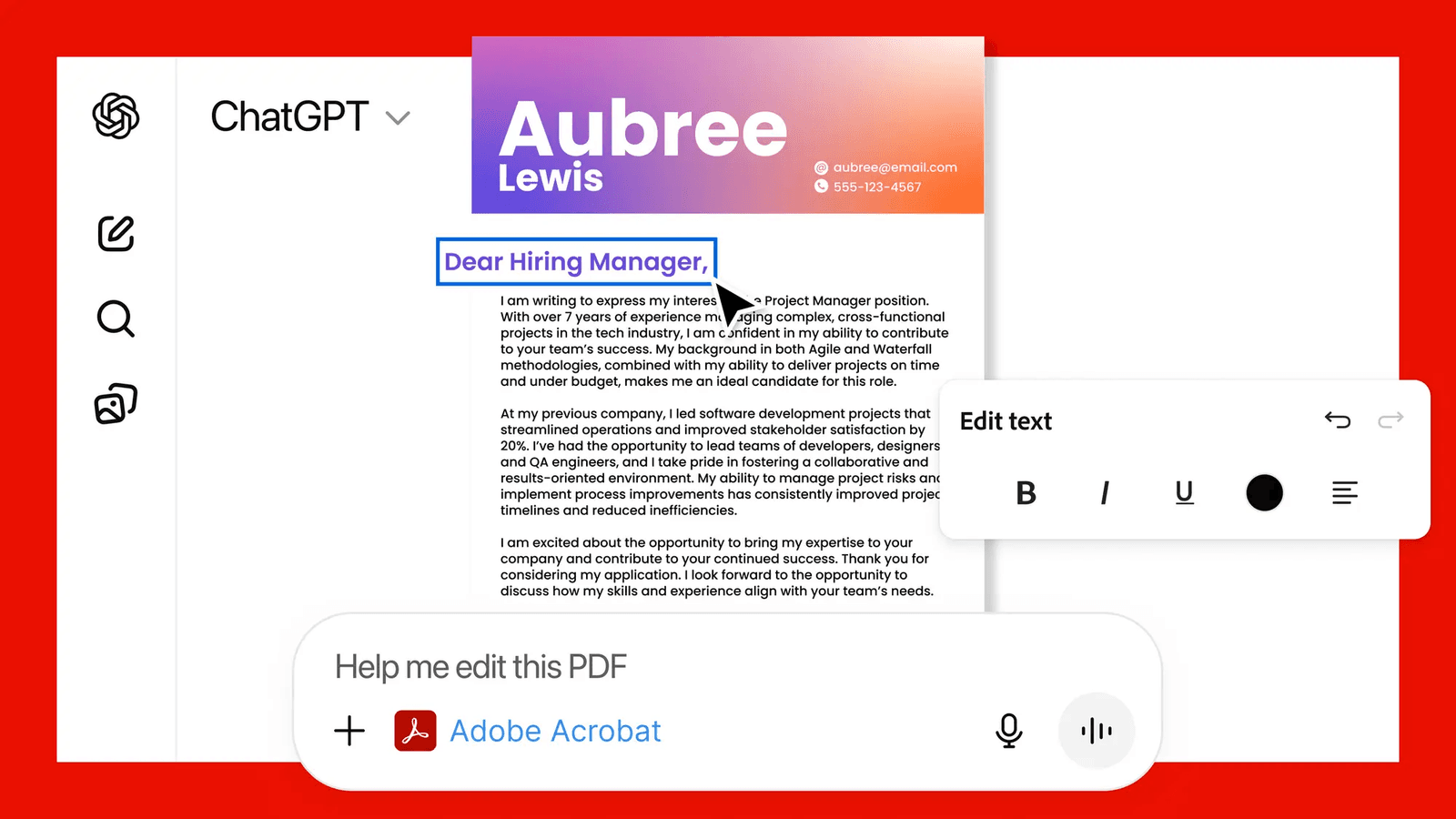
- ChatGPT is the Project Manager. It organizes the files, merges the PDFs, and starts the drafts.
- Adobe CC is the Specialist. It handles the heavy lifting of pixel-perfect design.
The Bottom Line
Don’t look at the free Adobe integration as a replacement for your tools. Look at it as the ultimate “Sketchpad.”
Use ChatGPT to get the bad ideas out of the way quickly. Use it to do the boring work (like merging PDFs or removing backgrounds).
Then, step into the Creative Cloud to do the work that only you can do.
You might also enjoy…

Written by
Fei WuFei Wu is the founder and CEO of Feisworld Media, a Massachusetts-based digital media company helping brands get discovered by people and by AI. An Adobe Global Ambassador and brand partner to ElevenLabs, Synthesia, and 50+ other tech and AI companies, she hosts the Feisworld Podcast (400+ episodes, 500K+ downloads — guests have included Seth Godin, Steve Wozniak, Chris Voss, and Arianna Huffington) and co-created the documentary Feisworld: Live Your Art on Amazon Prime. Fei writes for CNET, Lifehacker, and PCMag, and her work has been featured in Forbes, Harvard Business Review, and WIRED. She has been publishing on the internet since 2014 — long before AI discoverability had a name.
View all posts by Fei Wu→Stay updated
Weekly insights on content, AI, and digital media.
Keep Reading


