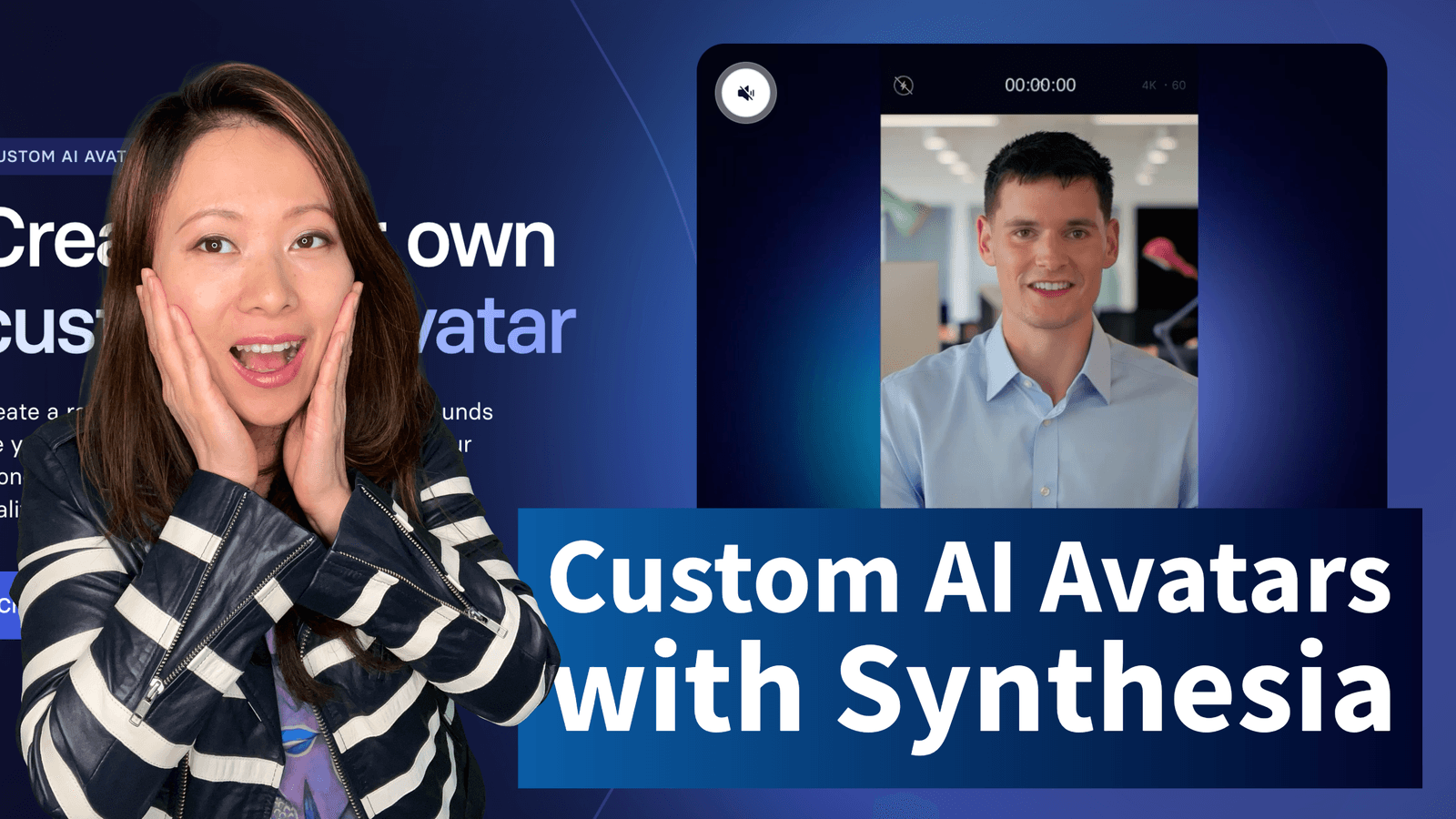
Back in 2024, we first explored the surreal world of AI video creation with Synthesia. Since then, so much has changed, and AI avatars have become even more powerful and accessible. Today, in 2026, creating a digital version of yourself is not just possible, it actually changing the way businesses and creators go about videos.
Here at Feisworld, we’ve been deep in the trenches, not only creating our own avatars, but also helping countless clients do the same. We’ve seen Synthesia evolve firsthand, and we’re excited to share our latest, most experienced insights with you. That’s why we are rewriting this guide from scratch to make it up to date to 2026. It’s also packed with years of hands-on knowledge, designed to make creating your custom avatar with Synthesia simple and effective.
And of course, I’ve recorded a full video tutorial walking you through every step. You can find it on our YouTube channel. Let’s start!
What Exactly Are Custom AI Avatars in 2026?
Simply put, a custom AI avatar is your digital double. It’s a realistic, animated version of you (or a character you design) that can say anything you type, in many languages. Think of it as your personal AI presenter. This is incredibly useful for everything from training and e-learning to marketing and internal communications, all without needing a camera or a studio.

Why Use a Custom Avatar for Your Business?
Custom avatars essentially help you scale and produce things faster, given the really fast-paced world we live in to day, and the constant need for content. You can use custom avatars for:
- Personalize at Scale: Make your sales pitches, training modules, or customer support videos feel more human and relatable, even when delivered in dozens of languages.
- Ensure Consistency: Deliver your message exactly the same way, every single time, across all your content. No more variations between different presenters.
- Boost Brand Identity: Create a consistent visual presence for your brand, whether it’s a digital mascot or a representative of your team.
- Save Time and Money: Drastically reduce the need for expensive studio shoots, travel, and complex video production workflows.
Choosing Your Avatar Path: Webcam, Studio, or Synthetic?
Synthesia offers several ways to create a custom avatar. Let’s break them down so you can pick the best fit for your needs in 2026.
1. Personal Avatar (The Quick & Easy Way)
This is your digital twin. You record a short video of yourself using your webcam or phone. Synthesia then uses this footage to create your avatar. It’s fast, accessible, and perfect for getting started. This is what we’ll focus on today.
2. Studio Avatar (The Professional Standard)
For the highest quality and realism, this option involves filming in a professional studio environment. You’ll need to follow strict guidelines for camera, lighting, and performance. The result is an incredibly lifelike avatar with natural gestures and expressions.
3. Synthetic Avatar (The AI-Generated Creation)
This is a cutting-edge option where the avatar is created entirely by AI based on a detailed brief you provide. You start from a base avatar (currently they have six, but expanding significantly soon) and you can customize the outfit and environment (including adding brand assets). You can prompt to create an avatar from scratch

Avatar Builder (Simple Customization)
This is the fastest way to add a branded touch to existing Synthesia stock avatars. You can change their outfit color and add your company logo.
- Cost: Customizable avatars are available to everyone (including freemium). The new Personal Avatar experience are included with paid plans or available as an add-on. Studio and Synthetic Avatars typically involve a higher per-avatar cost.
- Quality: Studio > Synthetic > Personal (generally, for realism and expressiveness).
- Creation Time: Personal and Synthetic only take a few minutes < Studio (days to weeks, involving filming).
- Best For: Personal (individuals, small teams), Studio (corporate branding, high-production value), Synthetic (unique brand representatives, rapid ideation).
How to Create Your Personal AI Avatar in 2026: Step-by-Step
Let’s dive into creating your Personal Avatar. This is where we put our experience to work for you.
Log In and Navigate to Avatars
First things first, log in to your Synthesia account. On the left-hand menu, find and click on “Avatars”. You’ll then see a button to “+ Create avatar”.
From the options that pop up, select “Personal Avatar”.
Record or Upload Your Footage
Synthesia offers two simple ways to provide the video of yourself:
- Record yourself (In-App): Use your webcam or phone camera directly within the Synthesia platform. This is often the easiest route as it includes real-time guidance.
- Upload pre-recorded footage: If you’ve already filmed yourself, you can upload that video file. Just make sure it meets Synthesia’s guidelines.
In my 2024 experience, recording directly in the app was super straightforward. It guides you through everything. If you have high-quality footage already, uploading is just as simple.
Master the Recording Guidelines for a Great Avatar
Getting a fantastic avatar depends on good input. Synthesia’s AI is smart, but clear footage makes a huge difference. Here’s what to focus on:
- Camera & Framing:
- Frame yourself from the chest up.
- Look directly into the camera lens. Think of it as talking to someone eye-to-eye.
- Keep your camera stable. A tripod or even a stack of books can help immensely.
- Lighting:
- Use soft, natural light whenever possible. Facing a window is great.
- Avoid harsh shadows on your face or behind you.
- Ensure consistent lighting throughout your recording.
- Audio:
- Record in a quiet environment. Minimize background noise like traffic, fans, or other people.
- Speak clearly. Use a good external microphone if you have one, but your laptop’s mic will work if the room is quiet.
- Background:
- Choose a simple, uncluttered background. Avoid busy patterns or anything that might distract from you.
- Try to have a bit of contrast between yourself and the background.
- Performance:
- You’ll be asked to read a script. Speak naturally, as if you’re having a conversation.
- Be expressive! Smile, use natural hand gestures (but don’t cover your face), and vary your tone. The more natural you are, the more natural your avatar will be.
- Pause naturally between sentences and thoughts. The video should be 1-5 minutes long.
From my past experience, I found that choosing a simple, solid-colored top works best, as the avatar’s clothing is fixed once created. Also, practice reading the script aloud a couple of times before hitting record to sound more natural.
The Crucial Consent Video
This step is non-negotiable and vital for ethical AI use. Synthesia requires you to record a short, live consent video.
This is where you explicitly confirm that it is you in the footage and that you give Synthesia permission to create your AI avatar. You must record this live; you cannot upload a pre-recorded consent clip. This is a key part of Synthesia’s commitment to responsible AI.
Submit and Wait for Your Digital Twin
Once you’ve uploaded your main footage and recorded your consent video, hit submit! Synthesia’s AI will go to work.
Your Personal Avatar is typically ready within 2 minutes. You’ll receive an email notification as soon as it’s ready to use.
Pro Tip
The 24-hour turnaround for Personal Avatars is fantastic for quick projects. For Studio Avatars, expect around 10 business days, and Synthetic Avatars depend on the complexity of your brief.
What About Voice Cloning?
When creating your avatar, you have the option to clone your voice. This means your avatar will not only look like you but will also sound exactly like you.
- How it works: Your avatar’s voice is created using the audio from your recording.
- Is it mandatory? No, voice cloning is optional. You can choose to use one of Synthesia’s many high-quality AI voices.
- Benefits: Having your cloned voice adds a layer of authenticity. However, you can also use Synthesia’s AI voices to make your avatar speak in over 160 languages, which is incredibly powerful for global reach.
- Availability: Voice cloning is available on self serve plans with your personal avatar.
Conclusion: Is a Custom Synthesia Avatar Right for You in 2026?
If you’re creating any kind of video content for business, education, or even personal branding, the answer is almost certainly yes.
- For individuals and small teams: The Personal Avatar is incredibly accessible. It’s fast, affordable (often included with paid plans), and gives you professional-looking results with minimal effort. It’s the perfect starting point.
- For larger organizations or premium content: If you need the absolute highest visual fidelity, natural expressiveness, and brand polish, the Studio Avatar is your best bet. The investment in filming and processing yields a top-tier asset.
- For unique brand needs: The Synthetic Avatar offers a completely new way to represent your brand with AI-generated characters, ideal for unique concepts.
Synthesia has made custom avatar creation easier and more powerful than ever. By following these steps and paying attention to the guidelines, you’ll be creating compelling, personalized videos in no time.
We’ve seen firsthand how custom avatars transform content creation. They save time, boost engagement, and allow you to connect with your audience on a deeper level.
Ready to bring your digital self to life?
You might also enjoy…

Written by
Fei WuFei Wu is the founder and CEO of Feisworld Media, a Massachusetts-based digital media company helping brands get discovered by people and by AI. An Adobe Global Ambassador and brand partner to ElevenLabs, Synthesia, and 50+ other tech and AI companies, she hosts the Feisworld Podcast (400+ episodes, 500K+ downloads — guests have included Seth Godin, Steve Wozniak, Chris Voss, and Arianna Huffington) and co-created the documentary Feisworld: Live Your Art on Amazon Prime. Fei writes for CNET, Lifehacker, and PCMag, and her work has been featured in Forbes, Harvard Business Review, and WIRED. She has been publishing on the internet since 2014 — long before AI discoverability had a name.
View all posts by Fei Wu→Stay updated
Weekly insights on content, AI, and digital media.
Keep Reading


