Focal Alpha 50 Evo Review: My 2026 Pick for Creator Studio Monitors
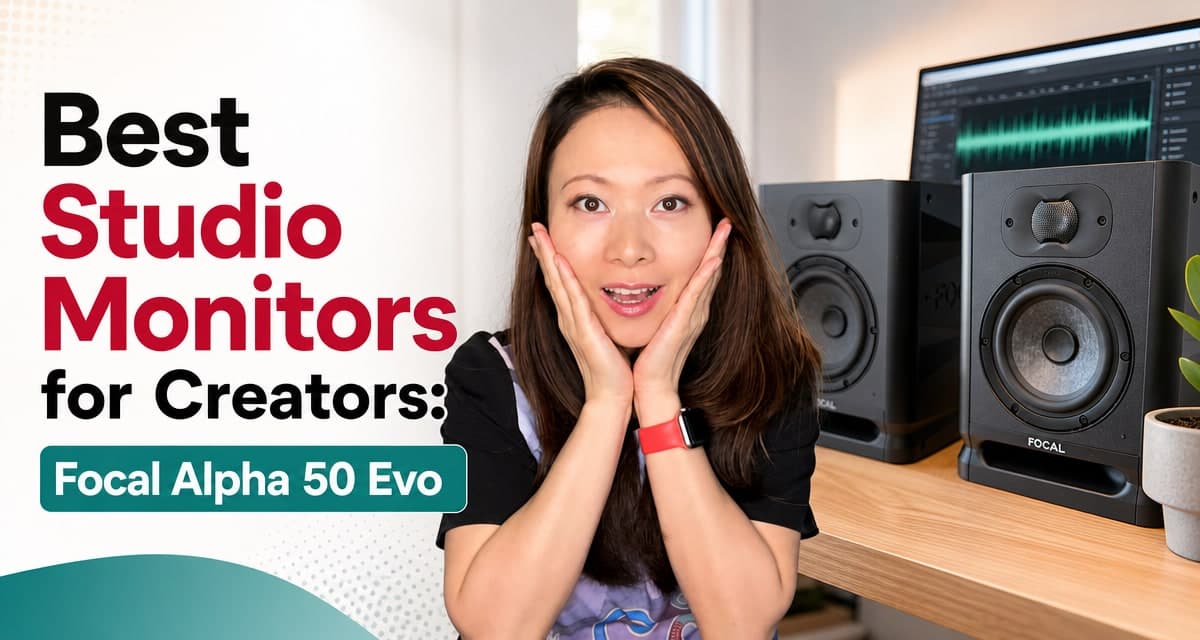
I wanted to answer one practical question with the Focal Alpha 50 Evo: can a compact 5-inch studio monitor make a real creator desk sound professional without turning the room into a studio project?
That matters because our setup is not a mastering room. It is a working Feisworld creator room: windows, camera gear, lights, a desk that has to serve video and audio, an audio interface, podcast edits, YouTube timelines, voice, music, and the normal compromises that come with actually making things.
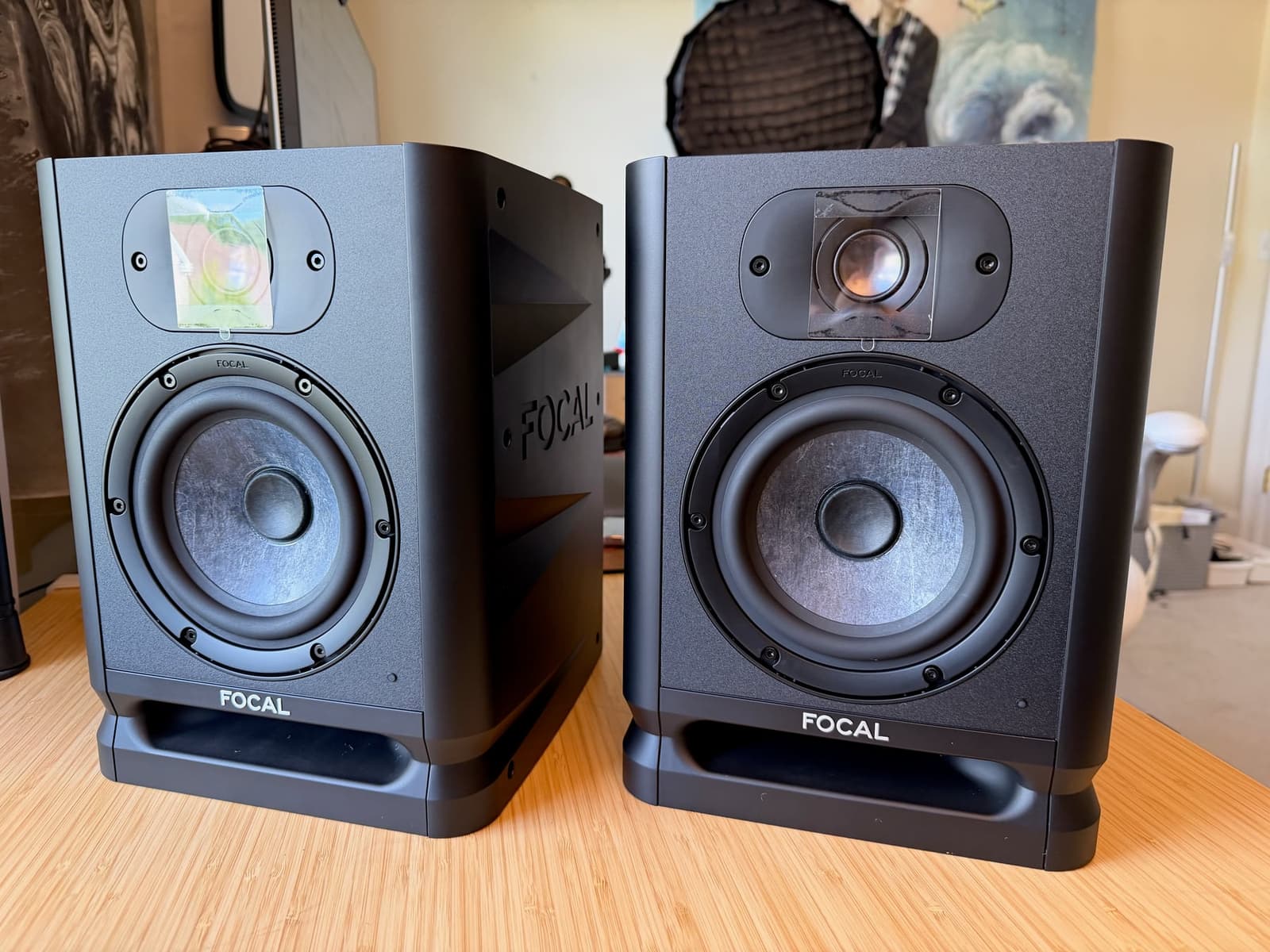
After testing the Alpha 50 Evo in that room, my answer is a mindblowing yes. These are not the smallest monitors you can buy. They do not have USB-C or Bluetooth. And our first placement was not ideal. But for creators who care about sound quality, low fatigue, and a compact pro setup, this is the monitor pair I would choose in 2026.
I am reviewing them from the perspective of someone who has worked on 100+ songs through ginTONIC Records, edited and produced 400+ episodes of the Feisworld Podcast, worked on the Feisworld Documentary, and touched more than 1,000 YouTube videos. I am not pretending every creator needs a perfect control room. I am asking whether these monitors help us make better decisions in the room we actually use.
TL;DR: Quick Summary
- Best for: creators who edit voice, music, effects, interviews, podcasts, courses, or YouTube videos on a real desk with an audio interface.
- Not best for: anyone who needs the tiniest possible speaker, USB-C direct connection, Bluetooth convenience, or sub-bass without adding a subwoofer.
- Why I would choose them: I did not feel the usual urge to start fixing the sound before editing. Voices were clear, music beds were easy to place, the low end was useful, and the top end stayed comfortable during long sessions.
- Price context: as of July 2026, major US retailers list them in the low-to-mid $300s per monitor. Prices move, so check current pricing before buying.
What We Actually Did
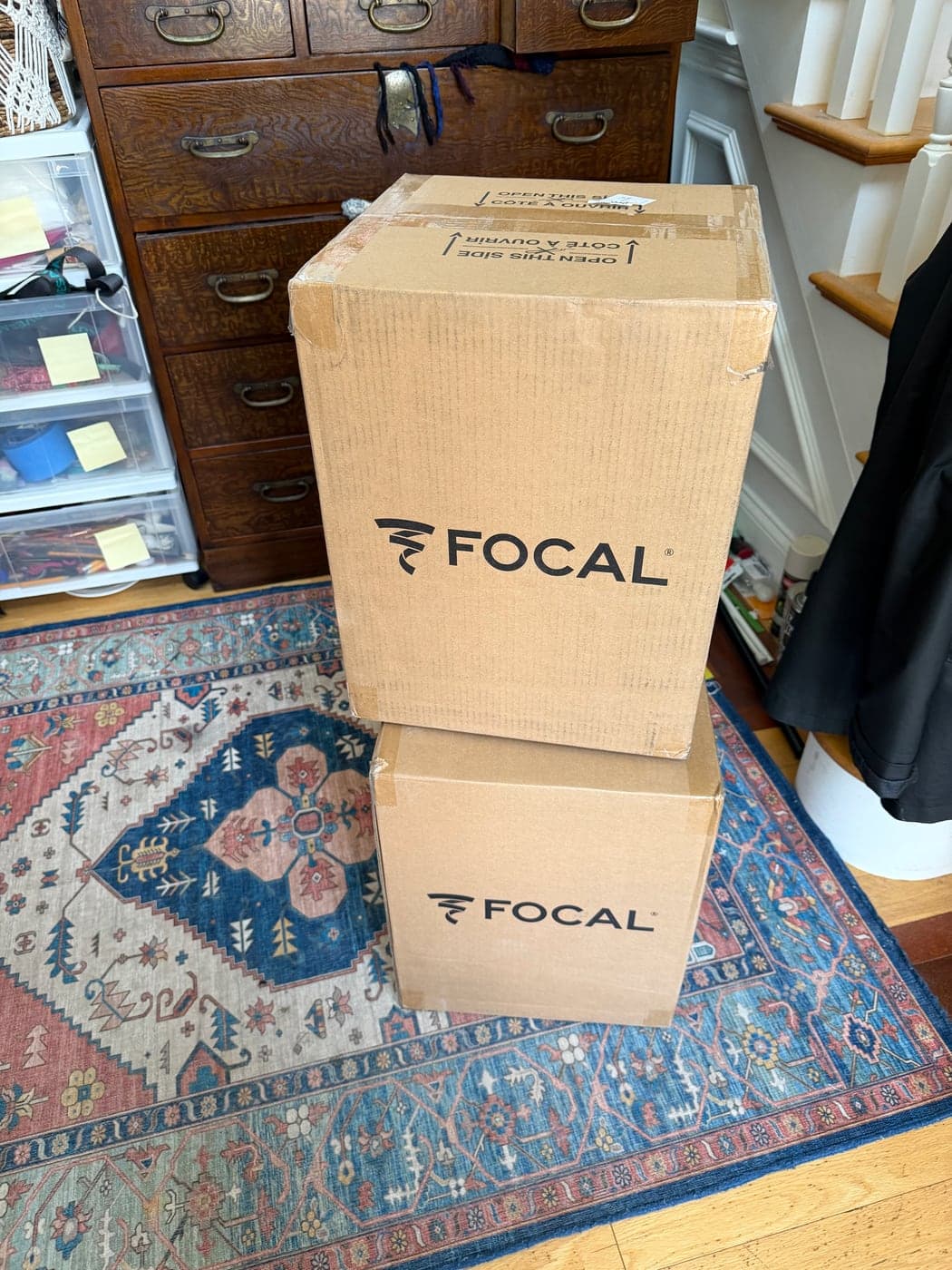
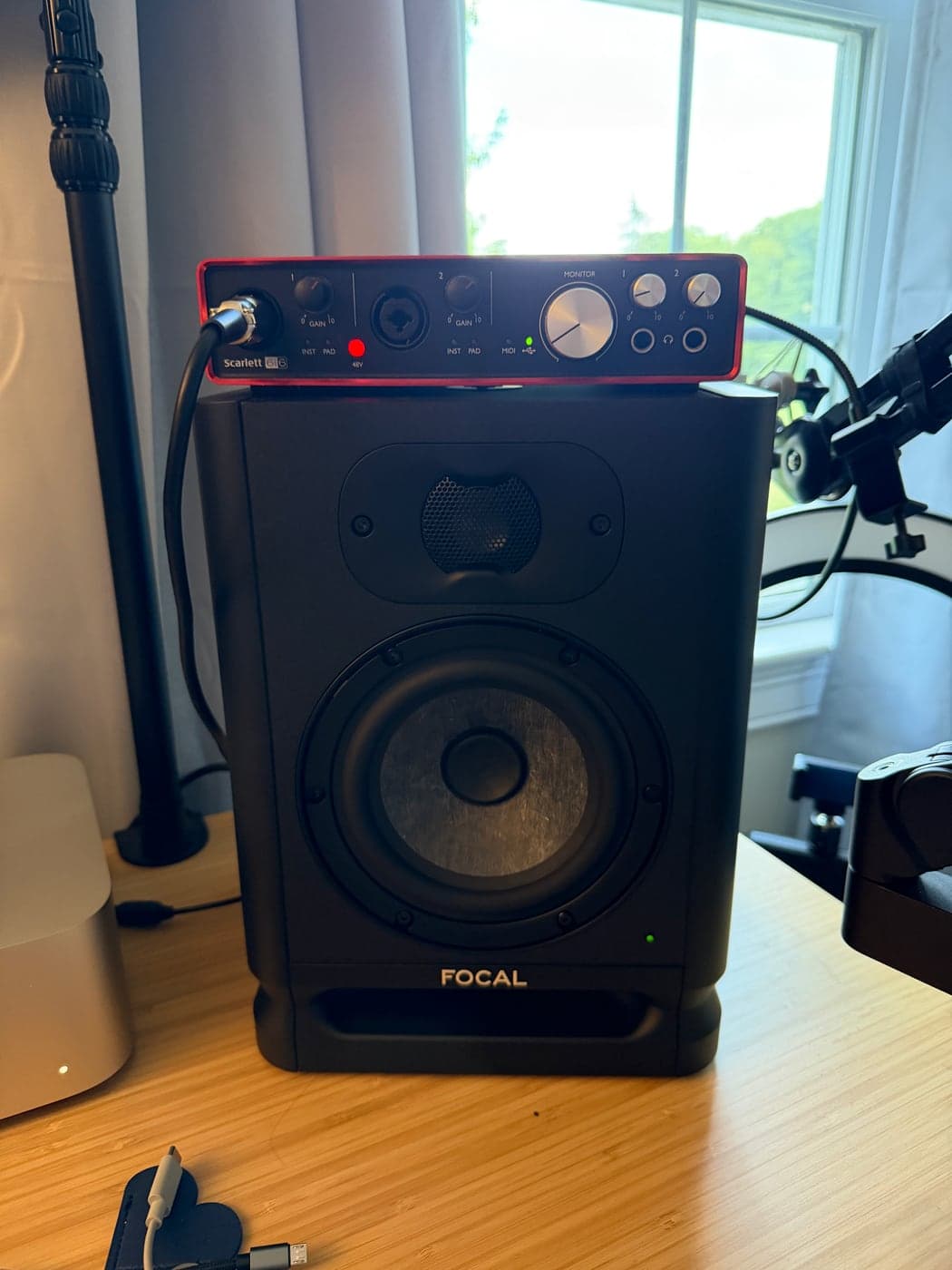
The setup was almost boring, which is a compliment. We unboxed the pair, placed them on the desk, connected them to a Focusrite Scarlett audio interface, left the rear controls flat, and started working.
- The boxes arrived.
- We opened them and put the monitors on the desk.
- We connected them to a Focusrite Scarlett audio interface.
- We listened at low-to-moderate volume, the way we actually edit.
- We checked voice, music, sound effects, and normal YouTube/podcast editing decisions instead of treating this like a sterile lab test.
The first thing I noticed was not just a dramatic “wow” moment. There was that as well, but even more useful than that: I could place voice over music without constantly reaching for headphones, and I could keep the monitors at a comfortable level while still hearing edits that needed attention.
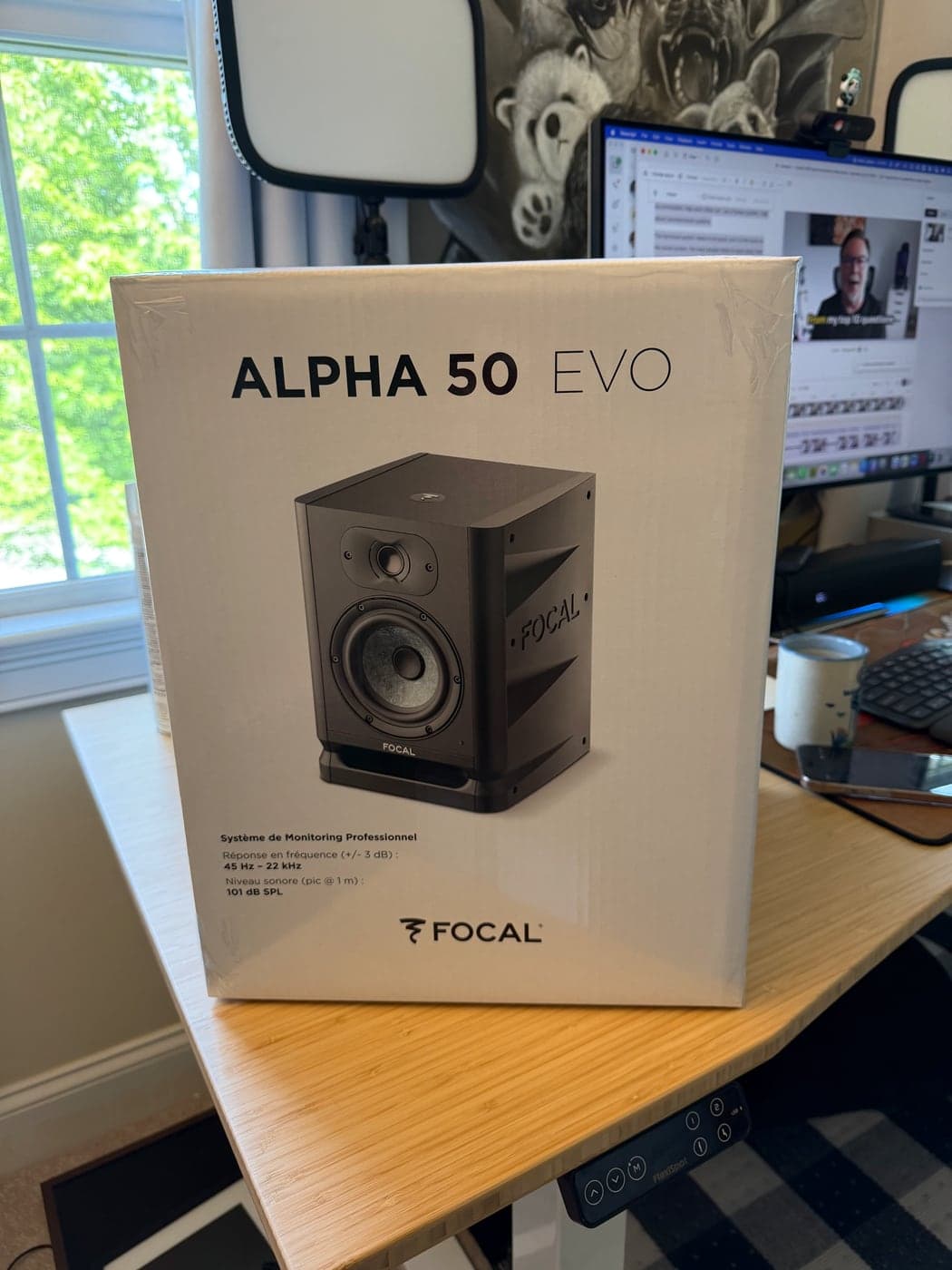
There was no drama. No special software. No required calibration app. No proprietary ecosystem. The Alpha 50 Evo behaves like a proper studio monitor: give it clean audio from an interface, place it reasonably, start at flat settings, and listen.
Our Room Setup Was Real, Not Ideal
Our first placement was not perfect. That matters because most creator studios are not perfect either.
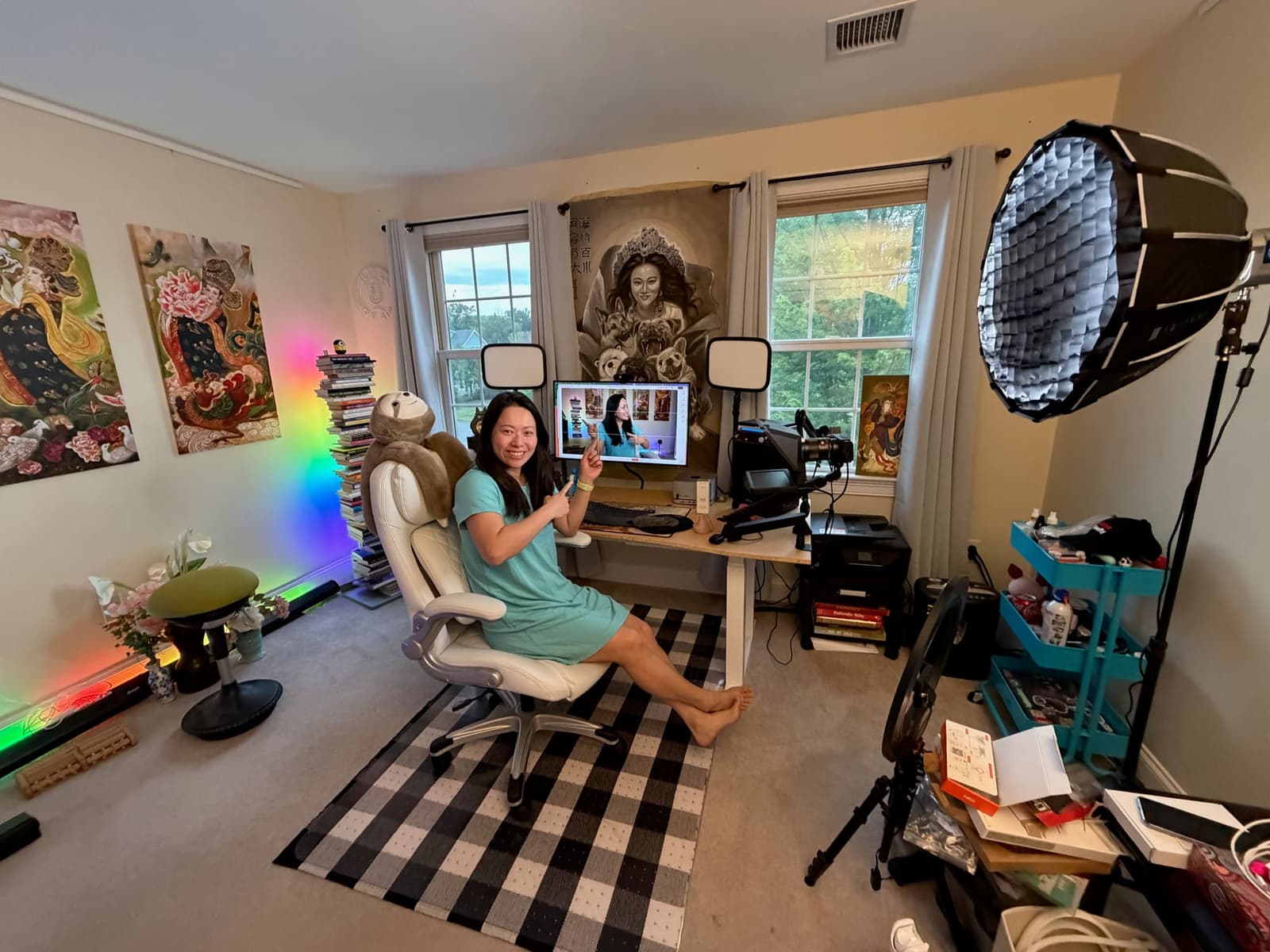
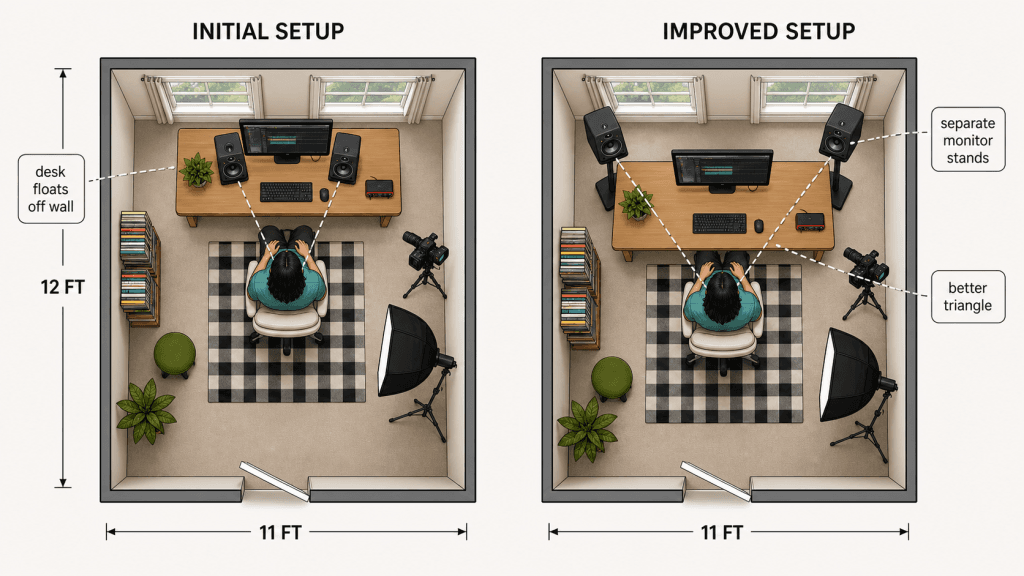
The room is approximately 11 by 12 feet. The desk faces the window wall, but it is not attached to the wall or jammed into the corners. It floats a bit into the room because the space has to work for video, lighting, editing, and audio at the same time.
That is the point of this review. We tested these monitors in a real Feisworld creator room: camera, lights, desk, editing monitor, books, gear, art, rug, cables, and normal creative-room compromises. It is not an acoustically treated mastering room.
The first setup had the monitors closer together than ideal because of the desk, screen, lights, and camera gear. They still sounded good enough to work immediately, but stereo imaging improves when the speakers are farther apart and aimed toward the listening position.
The improved setup is not complicated: move the desk slightly forward into the room and use separate monitor stands behind and outside the desk line. That gives the Alpha 50 Evo more separation, better ear-height alignment, and a more accurate listening triangle.
This is one reason I like the Alpha 50 Evo for creators: it rewards better placement, but it does not punish you on day one. You can start working, then improve the setup as the room evolves.
The Main Reason These Work For Creators: Low Fatigue
Creators do not listen for ten seconds. We sit in front of edits for hours.
That changes the whole monitor conversation. A speaker can impress you in the first minute and still be wrong for daily creator work if the top end gets sharp, the bass is hyped, or the sound makes you keep turning the volume down because your ears are tired.
The Alpha 50 Evo did not push me into that cycle. At low gain, it still sounded complete. Voice stayed clear. Music beds were easy to place under dialogue. Effects were obvious without jumping out in an artificial way. I could keep editing instead of constantly second-guessing the speakers.
That is the creator use case. I am not usually mastering a commercial record in this room. I am trying to make a video, podcast, course, or interview sound good across YouTube, headphones, laptop speakers, TVs, and phones. The monitor needs to help me make those decisions without wearing me down.
This is where the Alpha 50 Evo feels different from many small monitors I have used. It sounds professional without making the room feel like a lab.
Sound Quality Out Of The Box
The first impression is balance. Not boring. Balanced.
- Voice: speech sits forward enough to edit confidently. Sibilance and mouth noise are easy to catch without becoming exaggerated.
- Music: tracks have body. I did not immediately think, “I need a sub to understand what is happening.”
- Effects: impacts, transitions, clicks, whooshes, and room sounds are easy to place.
- Long sessions: this is the big one. I can keep them at a reasonable level and keep working.
They are not “consumer exciting” in the way some speakers boost bass and treble to feel bigger than they are. They sound like monitors, but they are not painfully clinical. That balance is why they work so well on a creator desk.
Full Focal Alpha 50 Evo Specs
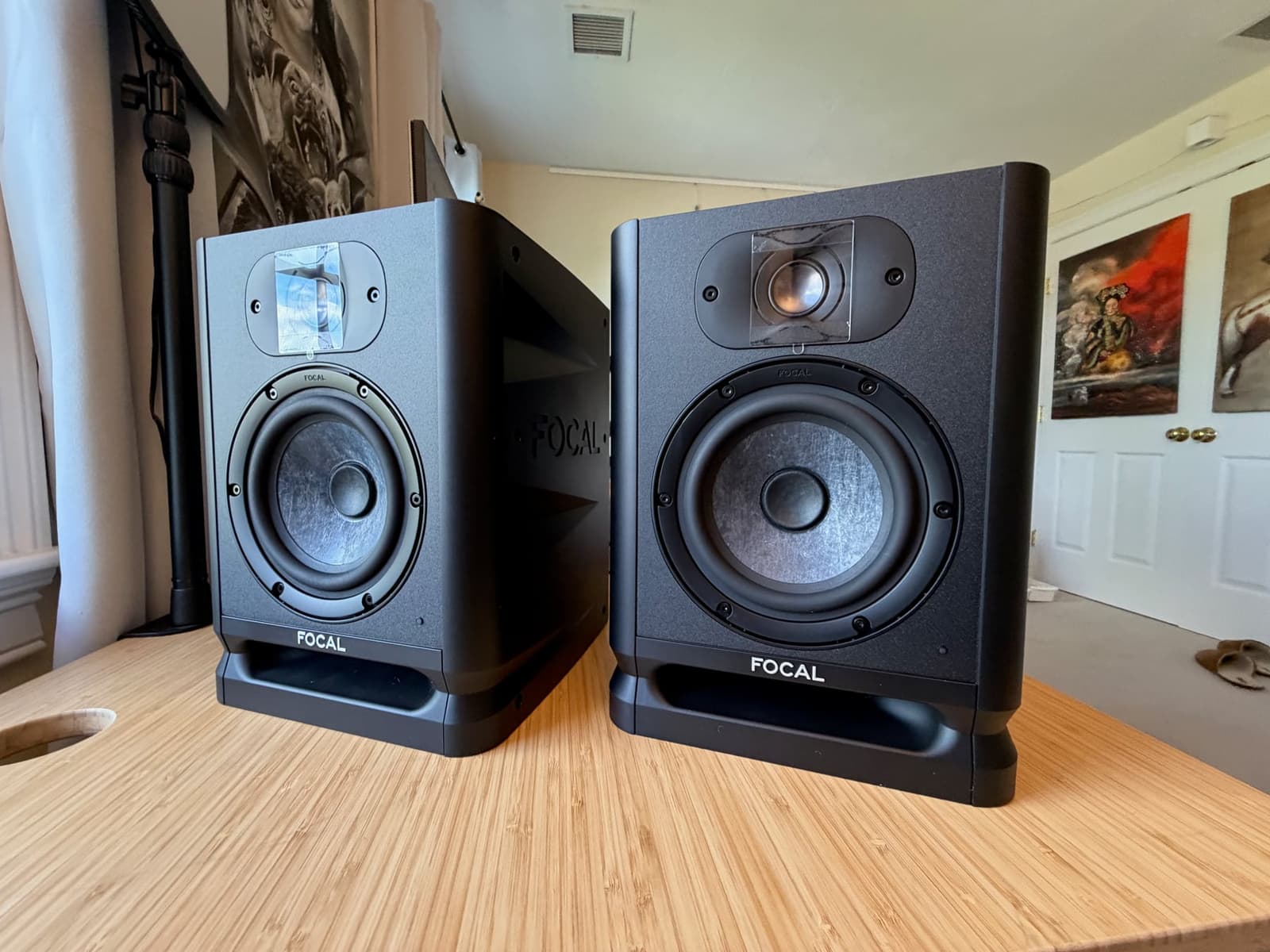
| Type | Active 2-way nearfield studio monitor |
|---|---|
| Woofer | 5-inch / 13 cm Slatefiber cone |
| Tweeter | 1-inch / 25 mm aluminum inverted dome tweeter |
| Frequency response | 45 Hz to 22 kHz (+/-3 dB) |
| Maximum SPL | 101 dB peak at 1 m |
| Inputs | Balanced XLR, balanced 1/4-inch TRS, unbalanced RCA |
| Input sensitivity | 0 dB or +6 dB |
| Low/mid shelf | 0 to 300 Hz, adjustable +/-6 dB |
| High shelf | 4.5 kHz to 22 kHz, adjustable +/-3 dB |
| Standby | Automatic standby after about 15 minutes with no signal; can be disabled |
| Dimensions with feet | 12.2 x 9 x 9.41 inches / 310 x 228 x 239 mm |
| Weight | 13.1 lb / 5.95 kg each |
| Cabinet | 0.6-inch / 15 mm MDF |
One small note: The more important practical specs are the 5-inch driver, the 45 Hz to 22 kHz response, the 101 dB peak SPL, the compact cabinet, and the rear-panel controls.
Rear Panel Controls: Simple, Useful, Done
The rear panel is exactly what I want from a creator monitor: enough control to adapt to a room, not enough complexity to waste an afternoon.
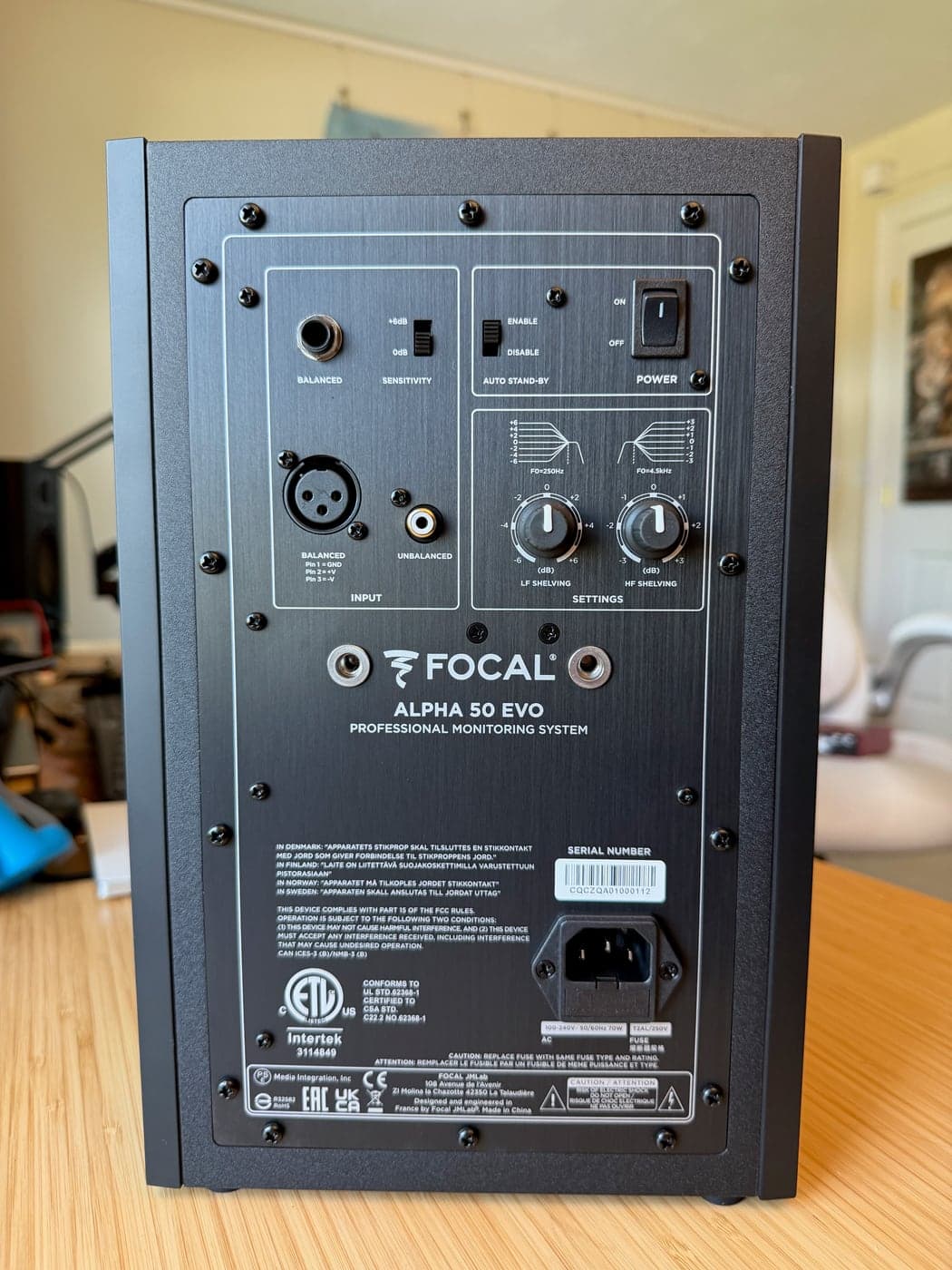
- Use XLR or TRS from an audio interface like the Scarlett 2i2.
- Use RCA if you need an unbalanced consumer source.
- Start with low and high shelves flat.
- If the desk or wall makes the bass too heavy, reduce the low shelf slightly.
- If your room is bright or you feel fatigue, reduce the high shelf slightly.
- If the auto-standby behavior bothers you, disable it.
I would not over-tune them before listening. Put them flat, live with them for a bit, then adjust only if the room is clearly creating a problem.
Optional Advanced Setup: Cheap Room Measurement
I have not completed this step yet in our room, so I am not going to pretend I have. But this is the next logical move if you want to get more precise without spending a lot.
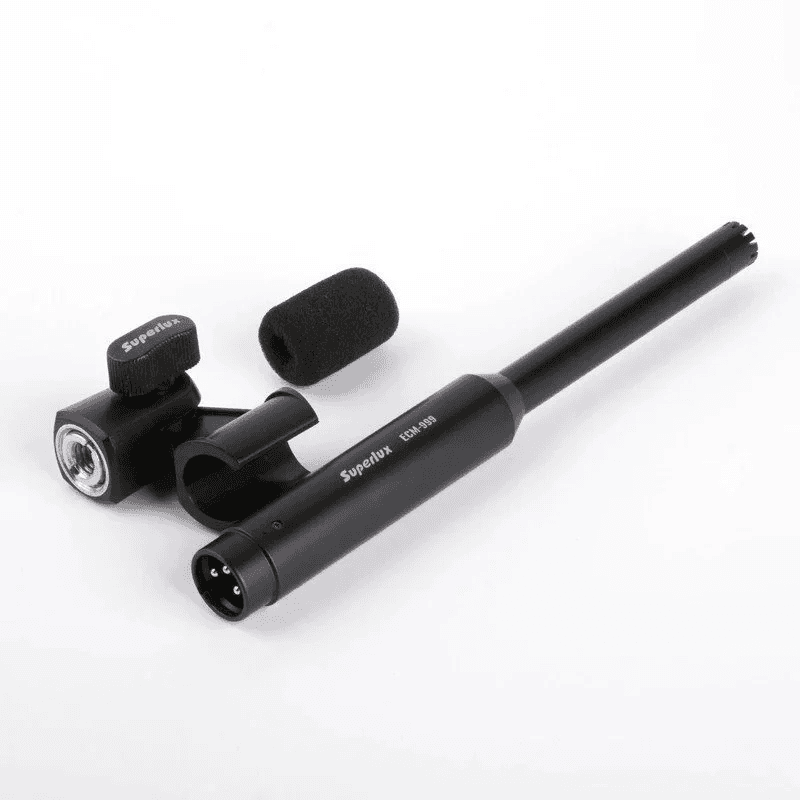
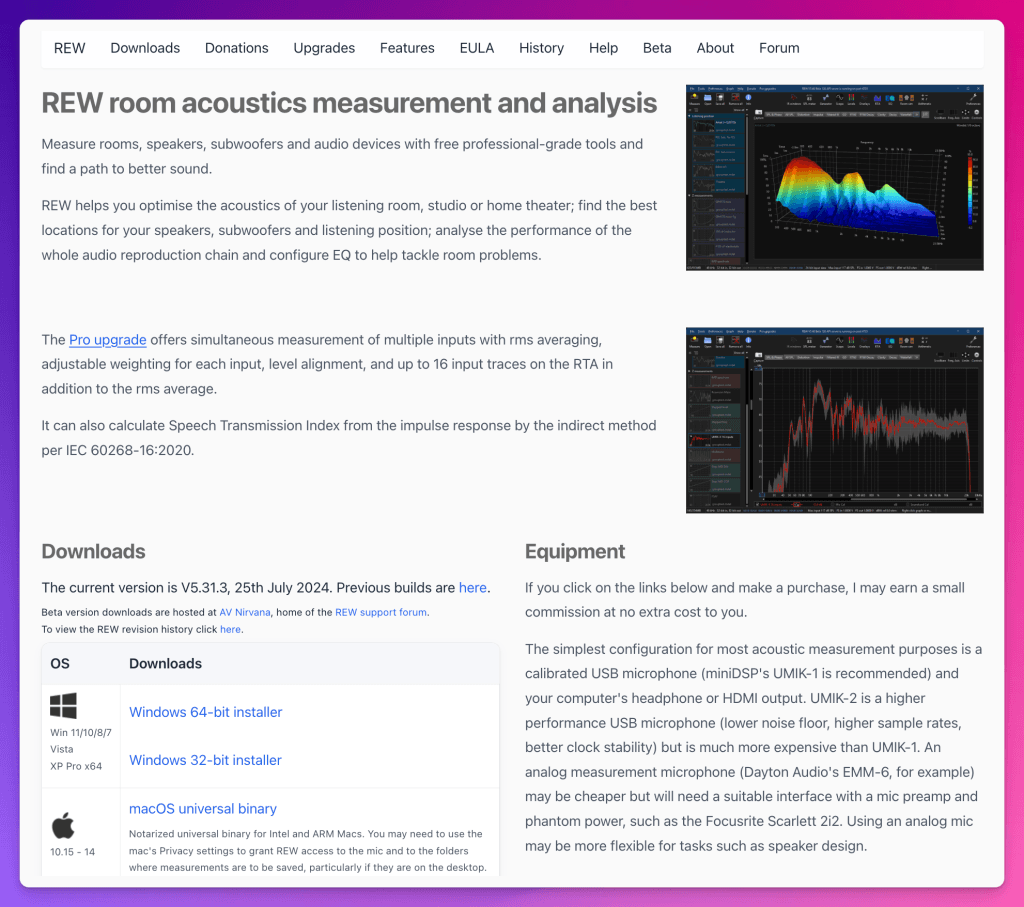
You can buy an inexpensive measurement microphone, such as a Superlux ECM999, and use free software like Room EQ Wizard. A USB measurement mic such as a miniDSP UMIK-1 is easier because it usually comes with a calibration file, but an XLR measurement mic can work if your interface supplies phantom power.
- Install Room EQ Wizard.
- Connect the measurement mic and your audio interface.
- Put the mic at your listening position, around ear height.
- Measure the left and right speaker separately.
- Look first at bass problems below 300 Hz. That is where small rooms usually misbehave.
- Move the monitors and stands before applying EQ. Placement is usually the cheapest fix.
- Use the Alpha 50 Evo rear low and high shelves for broad correction.
- If you use software EQ, keep it modest. Do not try to make a small room mathematically perfect.
For creators, the goal is not perfection. The goal is translation: voice that sounds right, music that sits correctly, bass that is not lying to you, and a setup you can trust for long editing sessions.
Focal Alpha 50 Evo vs Yamaha HS5
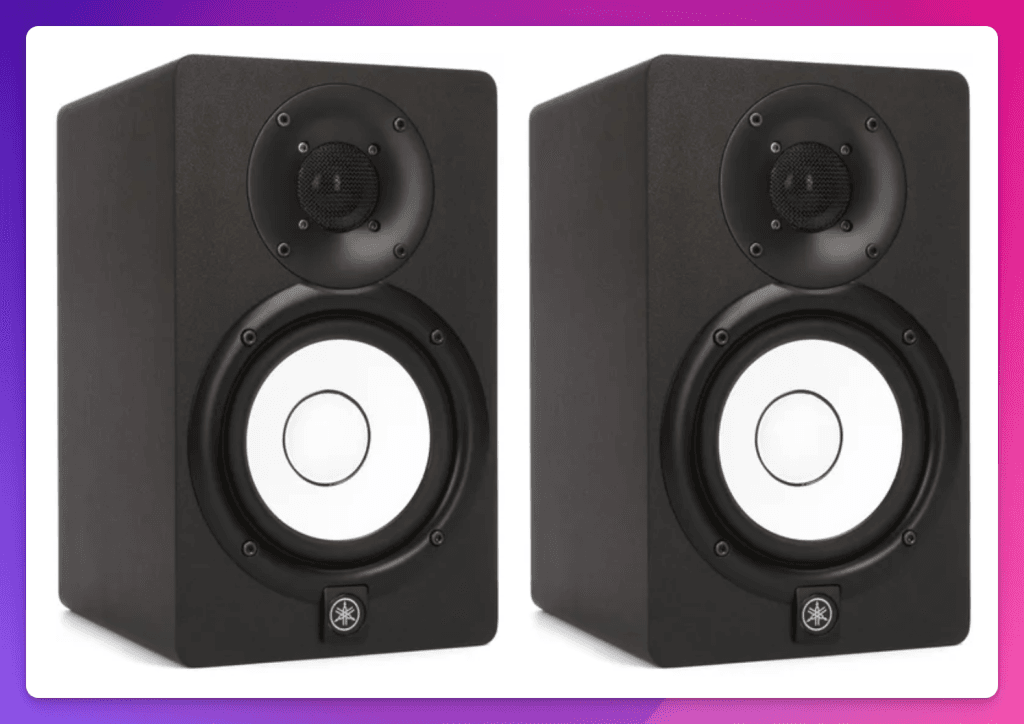
The Yamaha HS5 is a classic for a reason. I respect it. It is familiar, honest, and easy to recommend if someone wants a known reference point.
For our creator workflow, I would still choose the Focal. The HS5 can feel too flat, and also lean in the low end, and that matters when you are placing music under dialogue all day. I do not want to spend a full edit compensating for what I am not hearing.
The Alpha 50 Evo reaches lower on paper and feels fuller in practice without turning into a bass-hyped speaker. It also gives you XLR, TRS, and RCA, while the HS5 gives you XLR and TRS. If you only use a pro interface, both are fine. If your desk has multiple sources, Focal is more flexible.
My take: Yamaha HS5 is a safe reference monitor. Focal Alpha 50 Evo is the monitor I would rather edit on for long sessions at modest volume.
Focal Alpha 50 Evo vs Genelec 8010A
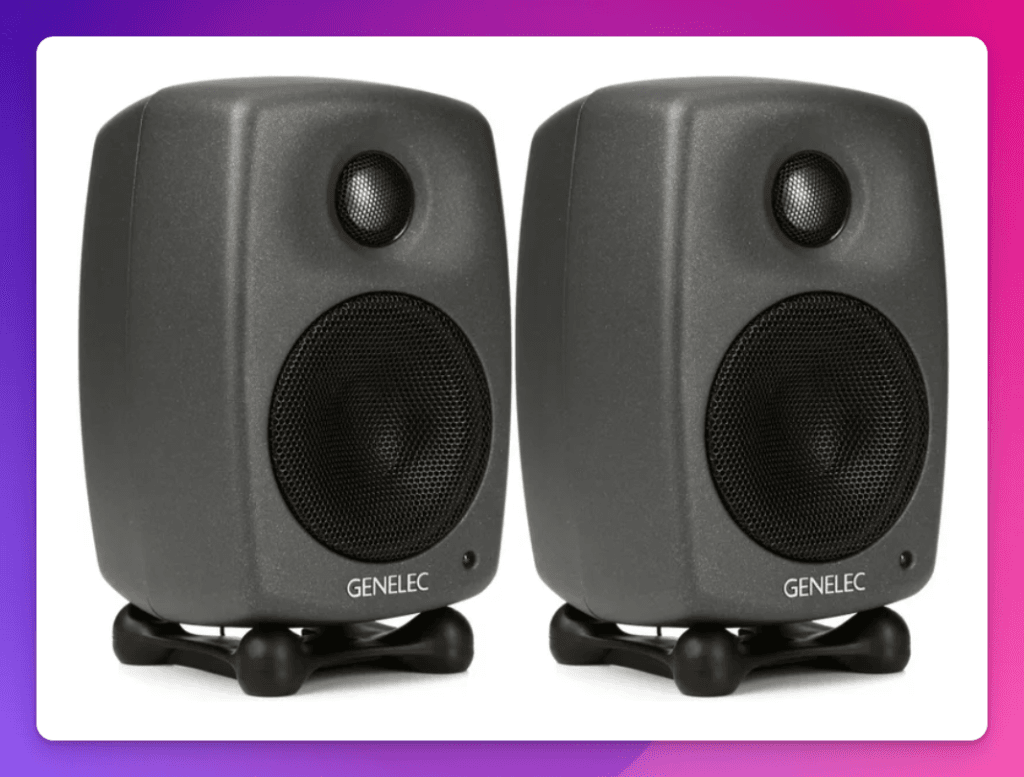
The Genelec 8010A is much smaller. If you need the smallest serious monitor possible, Genelec has a real argument.
But small is not free. The 8010A uses a 3-inch woofer. It is excellent for its size, but physics still matters. For a creator desk where you are not constantly moving your monitors, I would rather have the Alpha 50 Evo’s 5-inch driver and fuller presentation.
Genelec wins for ultra-compact portability and build pedigree. Focal wins for price-to-fullness, input flexibility, and the feeling that you can edit a full YouTube project without immediately wondering if you need a subwoofer.
Focal Alpha 50 Evo vs ADAM Audio D3V and T5V
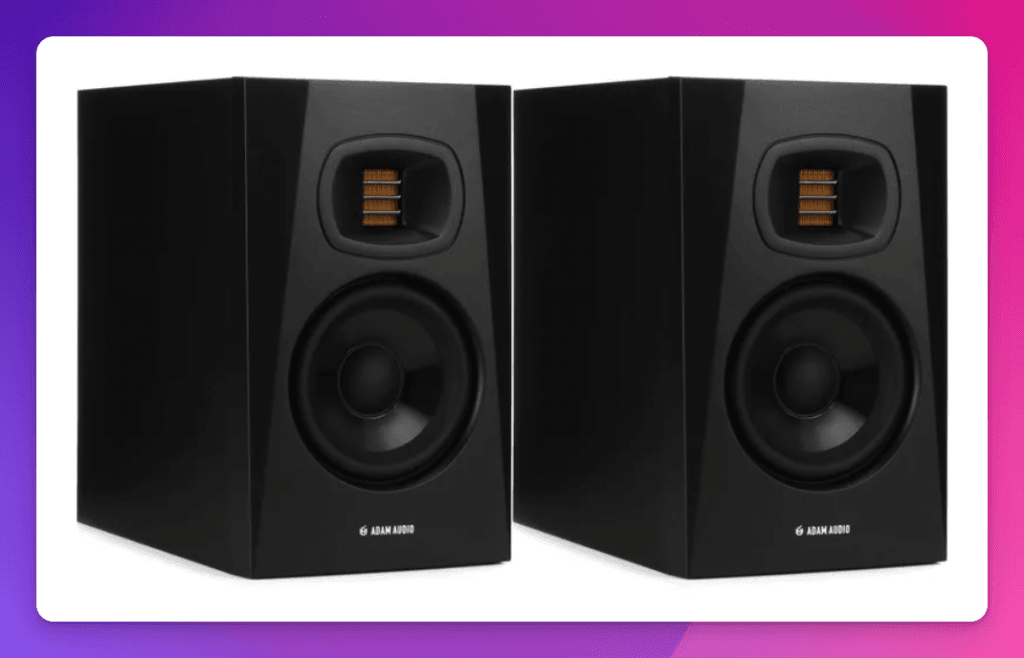
ADAM deserves two comparisons because the D3V and T5V solve different problems.
The ADAM D3V is extremely creator-friendly. USB-C, small footprint, desktop-first design, built-in tuning options. If you want something tiny and simple for a desk, it makes sense.
The ADAM T5V is closer to the Focal in monitor category. It is a strong budget 5-inch monitor, with a clear top end and good output.
Still, I prefer the Focal Alpha 50 Evo for our workflow. The Focal feels more compact front-to-back than the T5V, has the front port that helps with real desk placement, gives XLR/TRS/RCA input flexibility, and has a top end I find easier for long creator sessions. ADAM has a strong identity. Focal is the one I would rather edit on all day.
Comparison Table
| Monitor | Best reason to buy | Main tradeoff vs Focal Alpha 50 Evo |
|---|---|---|
| Focal Alpha 50 Evo | Best balance of compact size, real 5-inch sound, low fatigue, and input flexibility | Not the smallest, no USB-C or Bluetooth |
| Yamaha HS5 | Classic reference monitor, widely known, honest midrange | Leaner low end, less satisfying for long low-volume creator work |
| Genelec 8010A | Tiny, professional, portable, excellent build | 3-inch woofer cannot deliver the same fullness as a 5-inch monitor |
| ADAM Audio D3V | Great desktop-first USB-C creator monitor | Smaller speaker system, less traditional pro-monitor feel |
| ADAM Audio T5V | Strong value 5-inch monitor with airy top end | Deeper cabinet, rear port, top end may be less relaxed for long sessions |
Why These Are So Good For YouTubers And Creators
Most creator audio problems are not exotic. They are basic, repeated, and expensive if you miss them:
- voice too low under music
- music too loud in the intro
- effects too sharp
- dialogue too boomy
- noise reduction artifacts
- bad room tone cuts
- podcast voice that sounds fine in headphones but strange on speakers
The Alpha 50 Evo helps with all of that because it gives you clarity without turning listening into punishment. I can hear the details I need, then keep working. That is the whole point.
Price vs Quality
The Alpha 50 Evo is not impulse-buy cheap, and I would not describe it as a budget speaker. That is part of why the value is strong: it feels like a professional upgrade creators can actually justify.
You can buy smaller monitors. You can buy cheaper monitors. You can buy more famous monitors. What is harder to find is this combination: compact size, real 5-inch body, low-fatigue listening, useful rear controls, and enough input flexibility for a creator desk.
That is the value argument. Not cheap. Worth it.
Who Should Buy The Focal Alpha 50 Evo?
- Creators who already use an audio interface.
- YouTubers balancing voice, music, effects, and interviews.
- Podcasters who want to stop making every audio decision in headphones.
- Musicians who also create video content.
- Editors working in small rooms who still want real monitor sound.
- Anyone upgrading from consumer speakers or entry-level monitors and wanting a meaningful jump.
Who Should Not Buy Them?
- If you need the smallest possible professional monitor, look at Genelec 8010A.
- If you need USB-C direct from a laptop, look at ADAM D3V or a similar desktop-first monitor.
- If you need deep sub-bass for film LFE or bass-heavy production, add a subwoofer or buy a larger monitor.
- If your desk cannot fit a 9-inch-wide monitor plus proper spacing, measure first.
Feisworld’s Final Take
The Focal Alpha 50 Evo is my compact studio monitor pick for our creator workflow in 2026.
It is strong out of the box, compact without sounding small, easy to run from any external audio interface, and simple to tune with the rear controls. It also gives you room to grow: better stands, better spacing, and optional measurement can all improve the setup later.
Most importantly, it lets me work for a long time at low volume and still trust what I am hearing. For YouTube, podcasts, interviews, music beds, course videos, and long editing days, that matters more than spec-sheet drama.
FAQ
Are the Focal Alpha 50 Evo monitors good for YouTube editing?
Yes, especially if your edits depend on voice, music beds, and sound effects living together. That is where they made the biggest difference for us.
Are they good for podcast editing?
Yes. The practical benefit is hearing voice outside of headphones: sibilance, boominess, room tone, noise reduction artifacts, and intro music levels are easier to judge.
Do you need a subwoofer?
Not for most creator work. For YouTube, podcasts, and general media editing, the Alpha 50 Evo gives enough low-end information to work confidently. If you produce bass-heavy music or film LFE, a subwoofer or larger monitor may make sense.
How far apart should they be?
Start with a simple triangle: the distance between the monitors should be roughly the same as the distance from each monitor to your head. In a small room, get close first, then adjust spacing, height, and toe-in.
Are they better than Yamaha HS5?
For our work, yes. I respect the HS5, but I prefer the Alpha 50 Evo for fuller low-volume editing and less fatigue over long sessions.
Are they better than Genelec 8010A?
If you need the smallest serious monitor, the Genelec 8010A makes sense. If you want a fuller 5-inch monitor for a desk that stays in one room, I would choose the Focal.
What are the Focal Alpha 50 Evo dimensions?
With feet, each monitor is approximately 12.2 x 9 x 9.41 inches, or 310 x 228 x 239 mm.
What inputs do they have?
Each monitor has balanced XLR, balanced 1/4-inch TRS, and unbalanced RCA inputs.
Can you calibrate them with a cheap measurement mic?
Yes. An inexpensive measurement mic and Room EQ Wizard can help you understand the room. I would treat that as an optional advanced step: fix placement first, use the rear controls second, and only then consider software EQ.
Sources Checked
- Focal Alpha 50 Evo official product page
- Focal Alpha 50 Evo official product sheet
- Yamaha HS series official specifications
- Genelec 8010A official specifications
- ADAM Audio D3V official specifications
- ADAM Audio T5V official specifications
- Room EQ Wizard and REW getting started documentation
- B&H product listing and Sweetwater product listing checked for price context in July 2026.
Disclosure: Focal sent Feisworld Media a pair of Alpha 50 Evo monitors for review. They did not pay for this article, review it, or control what we wrote.

Written by
Germán CeballosGermán Ceballos has worked with Feisworld Media since 2016 and serves as Editorial Director. He co-created and edited the documentary Feisworld: Live Your Art, has overseen the editorial direction of the podcast across 300+ episodes, and shapes Feisworld's coverage of AI tools, creator workflows, video production, and content strategy.
View all posts by Germán Ceballos→Stay updated
Weekly insights on content, AI, and digital media.
Keep Reading
Related Articles

Joanne Lipman on Mentors, Untapped Talent and Why Women Should Stop Waiting to Be Perfect

Marc Randolph on Curiosity, Messy Starts and Why “Nobody Knows Anything”