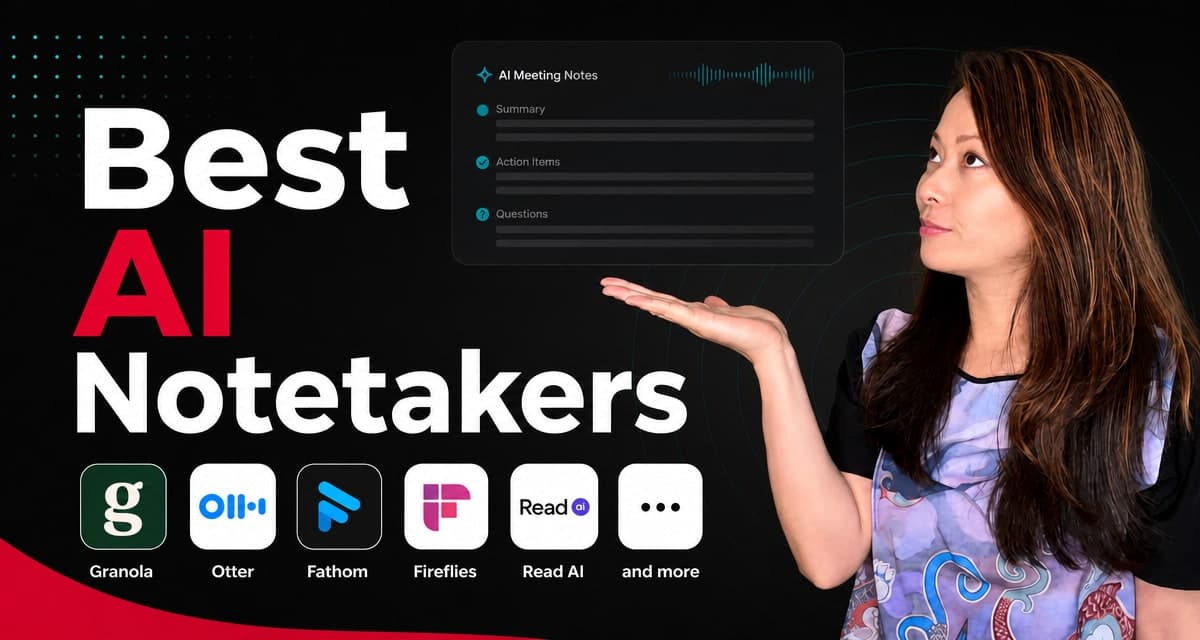
The best AI notetaker is not the one that writes the longest transcript. It is the one that lets you stay present.
I learned this the slow way. Before Feisworld became my full-time work, I spent years as a project manager in Boston. I was the person with the notebook, the Word doc, the messy Excel tracker, the follow-up email already half-written before the meeting ended. I was proud of that skill. I was also tired.
Then Feisworld happened. Podcast interviews. Client calls. Brand partnership calls. YouTube prep. Internal editorial planning. A quick 20-minute call that somehow contains four decisions, two deadlines, and one sentence you know you will want to quote later.
I still love a good conversation. I do not love leaving a call and thinking, “Wait, did I write that down?”
That is why I started testing AI notetakers years ago. We have covered Fathom, Krisp AI Meeting Assistant, Zoom AI Companion, Otter, and many others across our blog and YouTube channel. More recently, I wrote a full Granola AI review, and that review changed the way I think about the whole category.
So this is the follow-up. If you are looking for the best AI notetaker in 2026, I would not start with a feature checklist. I would start with a human question:
What kind of meeting are you trying to protect?
A sales call is not a podcast interview. A weekly team meeting is not a sensitive client conversation. A lecture is not a creative brainstorm. A founder call is not a therapy session, and yes, I have seen tools marketed like they belong in every room. They do not.
The Short Answer
If you want my honest shortlist, here it is.
| Tool | Best for | Main caveat |
|---|---|---|
| Granola | Creators, consultants, interviews, client calls, and people who want notes without a visible meeting bot. | Not a video recorder or sales CRM machine. |
| Fathom | Zoom-heavy teams and people who want simple AI summaries, clips, and follow-ups. | Can feel more meeting-recorder than personal thinking tool. |
| Otter.ai | Searchable transcript archives, recurring meetings, education, media notes, and team knowledge. | Privacy and consent settings deserve real attention. |
| Fireflies.ai | Teams that want transcripts, summaries, search, uploads, and many integrations. | Can become a large conversation database, which is useful and also something to govern. |
| Read AI | Organizations that want meeting, email, and message intelligence in one place. | More of a work-intelligence layer than a simple personal notepad. |
| tl;dv | Sales and customer teams that want meeting insights, CRM updates, and follow-up workflows. | May be more than a solo creator needs. |
| Notion AI Meeting Notes | Teams already living in Notion who want notes inside their workspace. | Best if Notion is already your operating system. |
| Krisp | People who care about audio cleanup, noise cancellation, and meeting notes together. | Choose it for the audio-plus-notes bundle, not just the notetaker. |
| Plaud | In-person meetings, hybrid work, voice memos, and people who want a dedicated device. | Hardware adds cost and another object to carry. |
My personal pick for Feisworld right now is Granola. Not because it has every feature. It does not. I pick it because it changes the feeling of the meeting the least, and that matters more than I expected.
How I Chose the Best AI Notetakers
I do not judge these tools only by transcription accuracy anymore.
Accuracy matters, of course. If the transcript is wrong, everything downstream becomes shaky. But in 2026, a lot of AI notetakers can produce a decent transcript in clean audio. The real differences show up around the edges.
Here is what I care about now:
- Meeting presence: does the tool help me listen, or does it make everyone feel watched?
- Capture style: does a bot join the call, or does the tool capture audio from my device?
- After-meeting usefulness: can I turn the notes into a follow-up email, article outline, quote list, or project brief?
- Search and memory: can I find a decision from three months ago?
- Consent and privacy: can I clearly tell people what is happening, and can my team govern it?
- Workflow fit: does it connect with the tools I already use, or does it create one more inbox?
- Human control: can I correct, edit, steer, and decide what gets shared?
That last one is underrated.
AI meeting summaries can sound confident even when they flatten the nuance of what happened. They can turn a soft idea into a fake decision. They can miss the emotional point of an interview. They can invent action items that sound reasonable but were never agreed on.
So my rule is simple: let AI help with memory, but do not let it replace judgment.
1. Granola, Best Overall for Creators, Interviews, and Human Calls
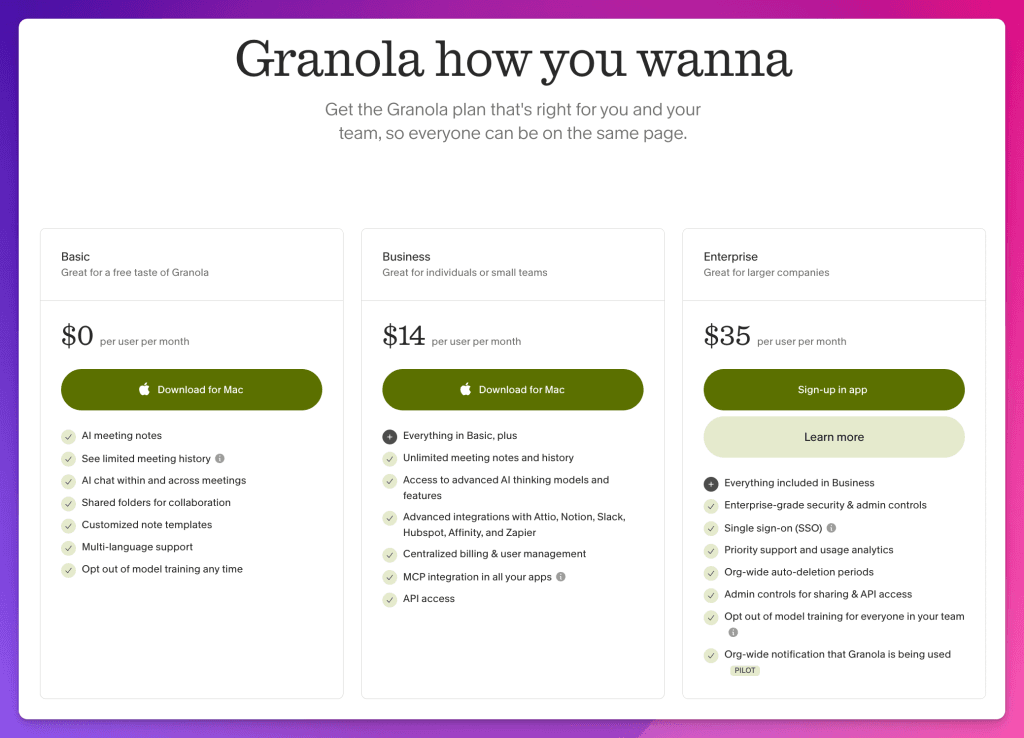
Granola is the first tool I recommend to most creators, consultants, and small teams who ask me about AI meeting notes.
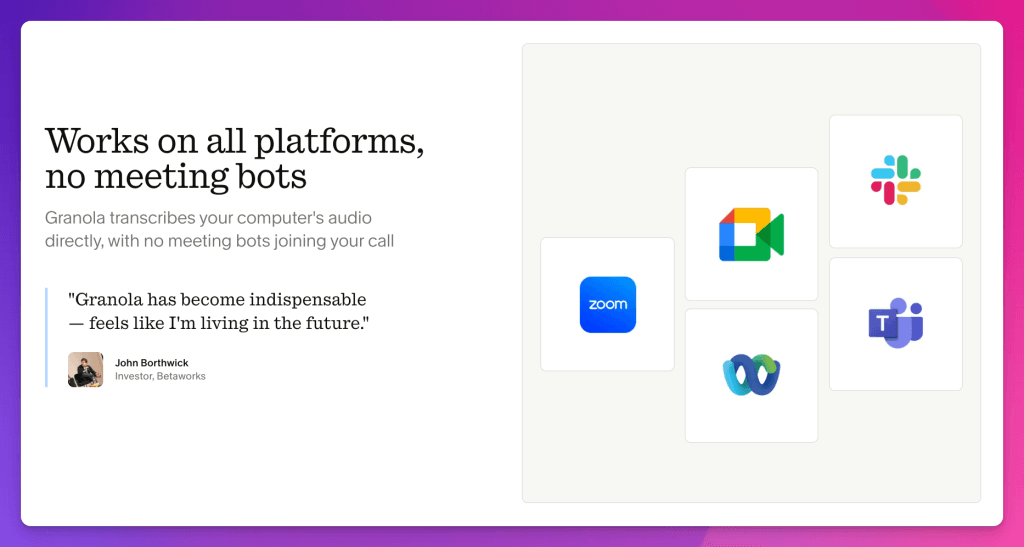
The official Granola site calls it “the AI notepad for people in back-to-back meetings.” That sounds modest, but the design choice behind it is not small. Granola uses your computer audio, so it does not invite a bot into your meeting. It also says notes are private by default and easy to share only if you choose. That is the differentiator.
Most AI meeting tools behave like another attendee. They join your Zoom, Google Meet, or Teams call. Everyone sees the bot. Sometimes there are two or three bots in the same meeting. Suddenly the conversation feels less like a conversation and more like a room with extra silent witnesses.
I know some teams are fine with that. In sales, recruiting, training, and compliance-heavy environments, visible capture can even be useful. But for interviews and creative conversations, the vibe matters.
When I interview someone for Feisworld, I do not want the technology to become the first emotional signal in the room. I want the guest to feel like they are talking to me.
Granola feels closer to a notebook than a recorder. I can type my own rough notes during the call, and Granola can enhance them afterward using the transcript. That is important because my typed notes are not just words. They are signals. They show what I noticed, what surprised me, what I want to return to later.
For our workflow, that makes Granola especially good for:
- Podcast interviews where I want to stay present.
- Brand partnership calls where I need deliverables, dates, and next steps.
- Client calls where I need a clean recap without making the call feel heavy.
- Creative brainstorms where the exact transcript matters less than the shape of the idea.
- Follow-up content, including LinkedIn posts, email notes, show notes, and article outlines.
Where Granola is not the best fit: if you need video recording, advanced revenue intelligence, CRM pipeline automation, or a company-wide transcript archive with lots of admin controls, look at other tools on this list.
But if you want an AI notetaker that respects the human feeling of a meeting, Granola is my current favorite.
You can read my full review here: I Spent 10 Years Taking Bad Notes. This AI Changed Everything.
2. Fathom, Best for Zoom Notes and Fast Recaps
Fathom was one of the first AI notetakers I covered on Feisworld, and I still understand why people love it.
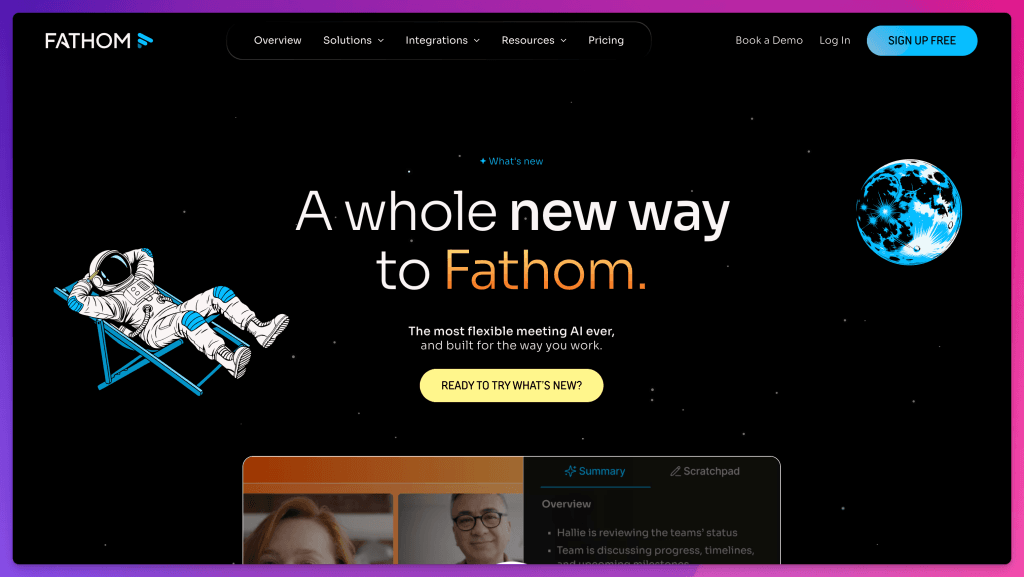
It is practical. It captures the meeting, gives you a summary, and helps you follow up. The official Fathom site now says it supports “bot or no bot” capture and positions itself as AI notetaking that lets you focus on the conversation.
If you live inside Zoom and want something that feels easy, Fathom is still worth considering.
Where I see Fathom fitting best:
- Zoom-heavy teams.
- Sales calls where clips and follow-ups matter.
- People who want a straightforward meeting summary without building a whole knowledge system.
- Teams already using HubSpot, Salesforce, Zapier, or similar tools.
The tradeoff is that Fathom can feel more like a meeting recorder than a personal thinking space. That is not a criticism, it is a fit question.
When I am reviewing a sales call or teaching someone how to run better Zoom meetings, Fathom makes sense. When I am trying to protect a sensitive conversation, an interview, or a creative moment, I lean Granola.
Our older Fathom post is here: Fathom, Best Notetaker for Zoom?
3. Otter.ai, Best for Searchable Transcripts and Meeting Memory
Otter is one of the best-known names in AI transcription and meeting notes. It has been around long enough that many people use “Otter” almost as shorthand for meeting transcription.
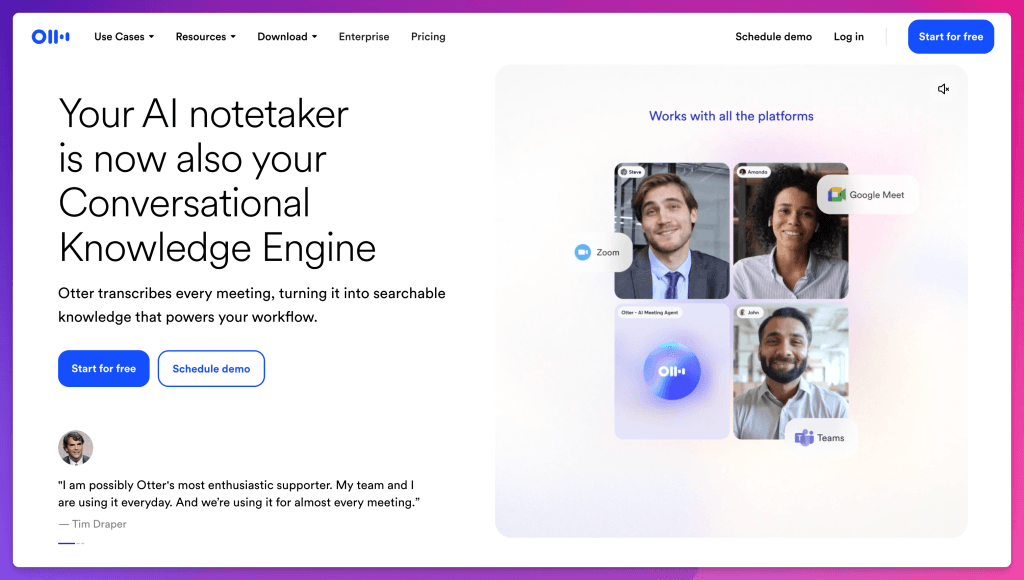
The current Otter site describes it as an AI notetaker and “Conversational Knowledge Engine.” It can transcribe meetings, turn them into searchable knowledge, and connect to tools like Zoom, Google Meet, Teams, Slack, Google Drive, and Salesforce. Otter also now mentions a desktop app for bot-free meetings.
Otter is a strong option if your main problem is memory.
You want to ask:
- What did the client say about the budget last quarter?
- When did we decide to change the timeline?
- What did this guest say in the second half of the interview?
- Can I search across a lot of meetings, not just one?
That is where Otter can be useful.
My caveat is privacy and consent. This is true for every AI notetaker, but especially for tools that build large meeting archives. Make sure your guests, clients, students, or teammates know when they are being recorded or transcribed. Make sure your company policies allow it. Make sure you understand what is shared, stored, and searchable.
I am not a lawyer, and this is not legal advice. It is just basic respect.
4. Fireflies.ai, Best for Teams That Want Capture Everywhere
Fireflies is built for teams that want to capture a lot of conversations in a lot of ways.
The official Fireflies site says it can transcribe, summarize, search, and analyze team conversations. It supports capture through a meeting bot, Chrome extension, mobile app, desktop app, dialers, API, and uploaded audio or video files. It also emphasizes summaries, action items, speaker recognition, meeting search, and AskFred. That is a lot!
Fireflies makes sense if your team wants one searchable place for conversations and already has a workflow for what happens next. For example, support teams, sales teams, customer success teams, and operations teams may care more about scale and integrations than a quiet personal notepad.
Where I would be careful: more capture is not always better. If every conversation becomes searchable company memory, someone needs to decide what should be recorded, who can access it, how long it is retained, and when it should be deleted.
That is not a Fireflies problem. That is a modern work problem.
5. Read AI, Best for Company-Wide Work Intelligence
Read AI is not just trying to be a meeting notetaker. It is trying to become a wider work intelligence layer.
Its site describes Read as an AI copilot that turns meetings, emails, and messages into summaries, insights, and answers across devices. It also emphasizes search across conversations, docs, and notes, with citations to where information was discussed.
This can be powerful for teams that are drowning in scattered communication.
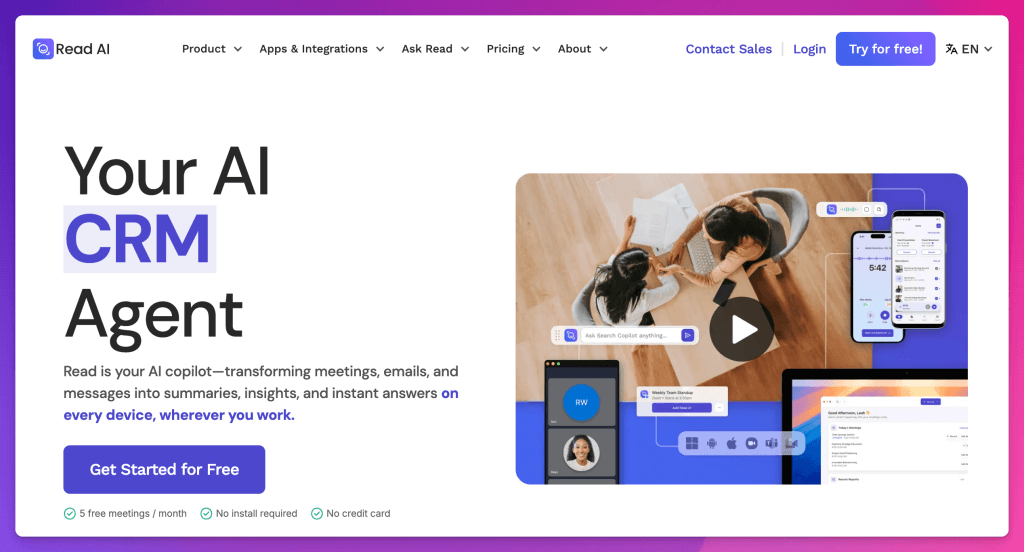
Think about the common workplace problem: the answer exists, but nobody knows where. It might be in a meeting, an email, a chat thread, a project note, or someone’s memory. Read AI is trying to make that searchable.
I would consider Read AI if:
- Your team has a lot of recurring meetings.
- You need cross-meeting search and company memory.
- You want summaries and insights beyond one call at a time.
- You have the admin discipline to manage permissions and data access.
For a solo creator, it may feel like too much. For an organization, it may be exactly the point.
6. tl;dv, Best for Sales and Customer-Facing Teams
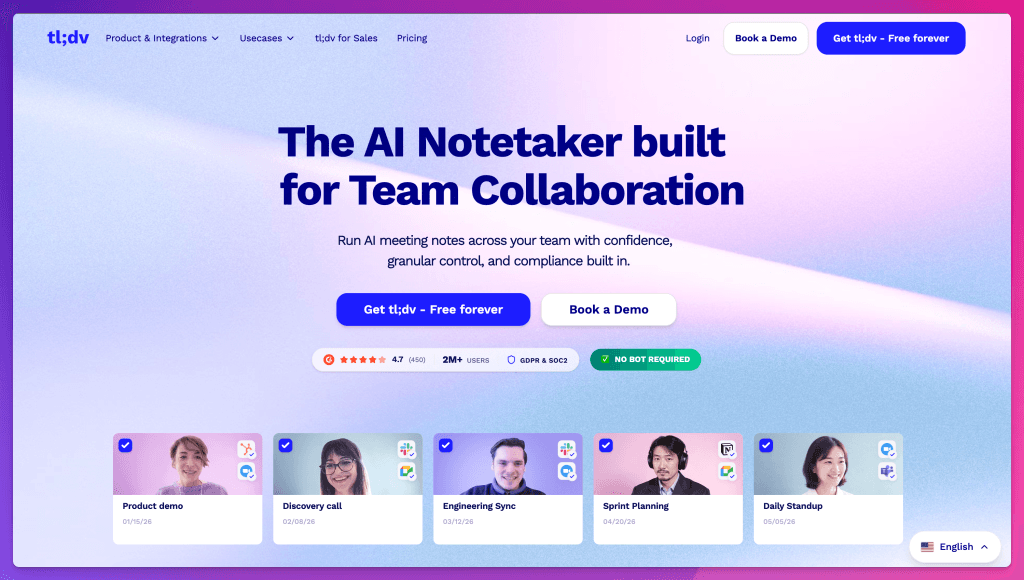
tl;dv is a good example of where AI notetakers are heading. The tool is not only about notes. Its site says AI meeting notes were just the beginning, and it positions itself around insights across the company, CRM updates, follow-up emails, and sales workflows. It also says “no bot required” on the homepage, which tells you where the category is moving.
I would look at tl;dv if your meetings are mostly tied to revenue, customers, product feedback, onboarding, demos, and follow-up work.
For Feisworld, I would not choose tl;dv as my personal interview notepad. But for a sales team trying to reduce CRM busywork and extract patterns from customer calls, it belongs in the conversation.
7. Notion AI Meeting Notes, Best if Notion Is Already Your Home Base
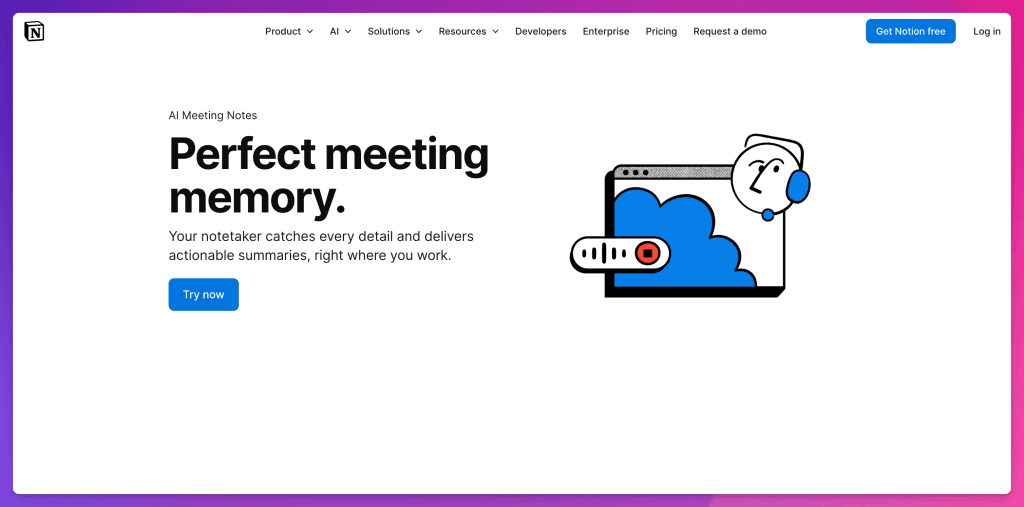
Notion AI Meeting Notes is interesting because it is not asking you to create another place for notes if your team already works in Notion.
The official Notion page says AI Meeting Notes captures conversations, works with any video tool by transcribing system audio and mic, uses no bots, supports face-to-face capture, syncs with your calendar, and creates notes where you already work. That last part is the key.
The best AI notes are the ones you actually use later. If your team already runs projects, docs, wikis, and planning in Notion, then having meeting notes land there can reduce friction.
Where I would be careful: if you are not already a Notion person, do not choose it only for AI meeting notes. Choose it if you want Notion as a workspace.
8. Krisp, Best for Audio Quality Plus Notes
We covered Krisp years ago because noise cancellation mattered before everyone was talking about AI meetings. It still matters.
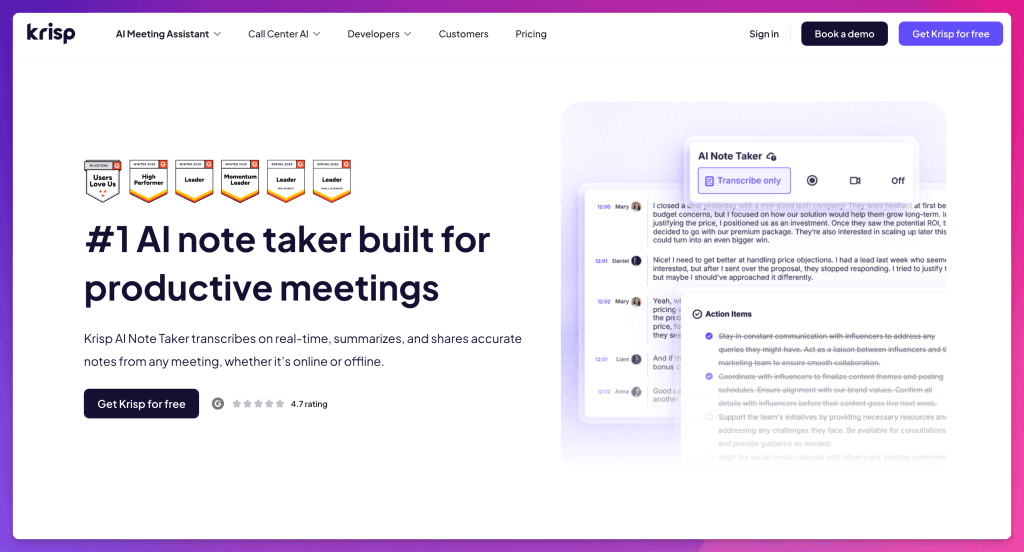
Krisp now positions its AI Meeting Assistant around recording, transcribing, and summarizing online and in-person meetings, with its noise cancellation as a major differentiator. Its official page also mentions bot-free, non-intrusive transcription, on-device secure transcriptions, meeting summaries, action items, and working with any conferencing app.
This is a good fit if your problem is not only notes. It is also audio.
If you record interviews, teach online, run client meetings from noisy spaces, or care about how your voice comes through, Krisp may be a better bundle than a pure notetaker.
Our Krisp post is here: Krisp AI Meeting Assistant: Summarize Your Meetings With AI.
9. Plaud, Best Hardware AI Notetaker
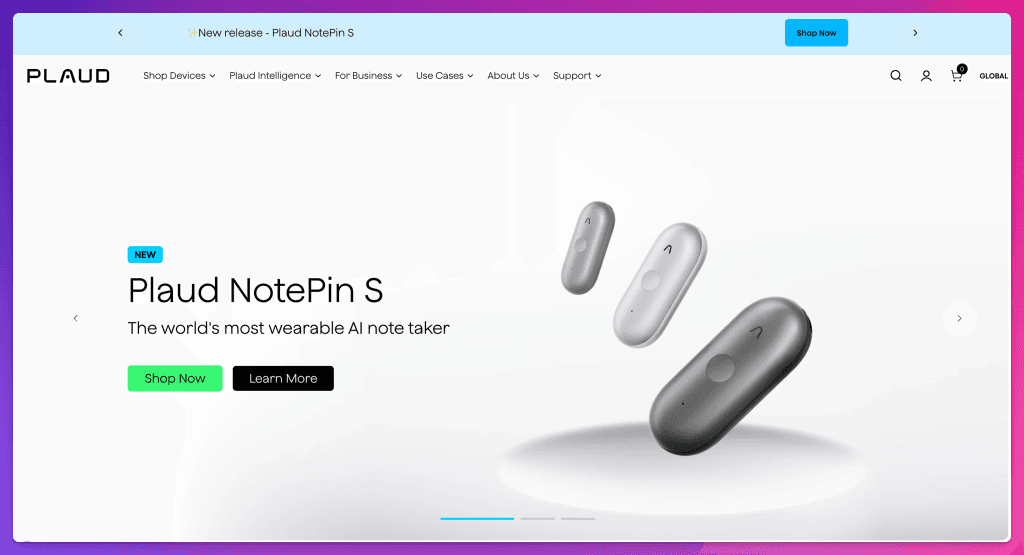
Plaud is different because it starts with a device. The company calls itself an AI note-taking brand, and its site lists devices like Plaud Note, Plaud Note Pro, Plaud NotePin, and NotePin S. It positions Plaud around turning conversations into summaries and action items, being present, never losing a decision, and ending follow-up chaos.
This is not the same as a browser extension or meeting bot.
A hardware notetaker can make sense if you spend a lot of time in-person, walking, interviewing, attending events, or switching between phone calls and physical meetings. I can see why journalists, founders, coaches, and consultants would be curious.
The caveat is obvious: hardware is a commitment. You need to buy it, carry it, charge it, and explain it when appropriate. You also need to be extra thoughtful about consent because a small device can feel less obvious than a meeting bot on a video call.
10. Avoma, Best for Revenue Teams
Avoma is more than an AI notetaker. It is closer to a revenue and conversation intelligence platform.
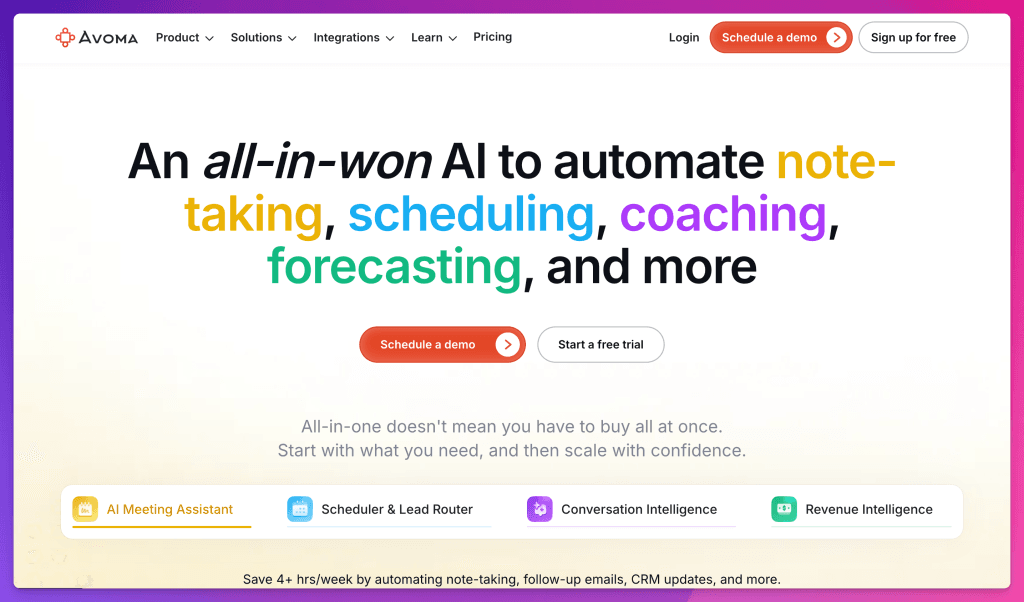
The official site describes Avoma as an AI platform for note-taking, scheduling, coaching, forecasting, and CRM workflows. It includes meeting transcription, AI-generated notes, follow-up emails, CRM data entry, call scoring, talk-pattern insights, and revenue intelligence.
If you are a creator or solo consultant, that may be too much.
If you run a sales team, customer success team, or revenue operation, it may be the reason to choose Avoma over simpler tools. The value is not just the notes. It is what the notes do for coaching, pipeline health, follow-up, and team behavior.
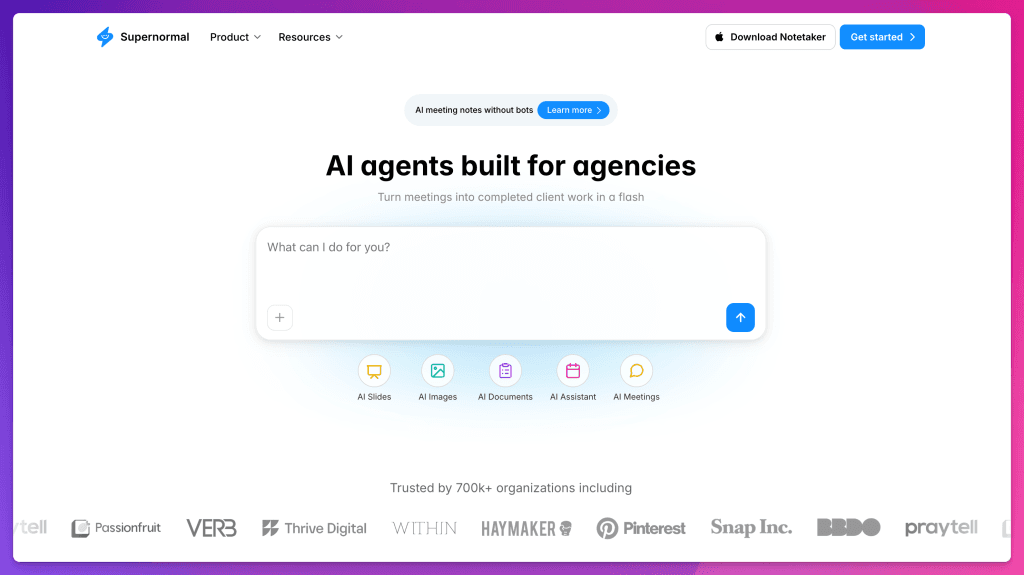
11. Supernormal, Best for Agencies Turning Meetings Into Deliverables
Supernormal is worth watching because it is no longer only saying, “We take notes.”
Its site is now angled toward agencies and client work. It says meetings can become completed client work, including emails, slides, visuals, documents, proposals, and insights. That is a real workflow.
In agencies, the meeting is rarely the final product. It is the raw material. A kickoff becomes a brief. A brainstorm becomes a deck. A discovery call becomes a proposal. A client review becomes a revision plan.
If Supernormal can do that well, it is competing less with note apps and more with the busywork after client meetings.
I would still want to test output quality carefully. Client deliverables require taste, context, and responsibility. But the direction makes sense.
What About Zoom, Google Meet, and Microsoft Teams?
This is the question more people should ask before buying another subscription.
If your company already pays for Zoom, Google Workspace, or Microsoft 365, you may already have meeting AI built into your platform.
Zoom now positions ZoomMate and My Notes around capturing meeting content, summaries, action items, and turning conversations into follow-up work. Google Meet has “take notes for me,” which can automatically capture meeting notes in Google Docs, create a recap, and attach notes to the Calendar event for eligible Workspace users. Microsoft Teams has its own AI and recap features through Teams Premium and Microsoft 365 Copilot plans, depending on your setup.
The advantage is simplicity. You do not need another tool asking for calendar access, meeting access, and transcript storage.
The downside is that platform-native notes may not be the best choice if you use several meeting tools, need creator-specific workflows, want a personal notepad style, or do not want your notes locked inside one enterprise environment.
My rule: if your meetings are mostly internal and your company already has the platform, try the built-in option first. If your meetings cross platforms, involve guests, or feed content production, compare it against Granola, Fathom, Fireflies, or the other tools here.
A Quick Note on Limitless
I would normally include Limitless in a broader AI notetaker landscape because it helped popularize the always-on AI memory device conversation.
But as of this update, Limitless is not a normal new-buyer recommendation. The official Limitless site says the company has been acquired by Meta, that existing Pendant customers will continue to be supported through 2026, and that the Pendant is no longer being sold to new customers as of December 5, 2025.
That is exactly why current research matters in these roundup posts. A tool can be exciting in January and no longer buyable by December.
Granola vs Otter vs Fathom vs Fireflies
This is probably the comparison people will ask me about most.
| Question | My answer |
|---|---|
| I want the least awkward meeting experience. | Start with Granola. |
| I want a simple Zoom notetaker with summaries. | Try Fathom. |
| I want searchable transcripts and a meeting archive. | Look at Otter. |
| I want team capture, uploads, search, and lots of integrations. | Look at Fireflies. |
| I want company-wide meeting, email, and message intelligence. | Look at Read AI. |
| I want sales call coaching and CRM workflows. | Look at Avoma or tl;dv. |
| I want notes inside Notion. | Use Notion AI Meeting Notes. |
| I want in-person capture with hardware. | Look at Plaud. |
The mistake is thinking all AI notetakers are competing for the same job.
They are not.
Some are built for personal presence. Some are built for team knowledge. Some are built for sales. Some are built for hardware capture. Some are becoming agentic work platforms. The word “notetaker” is starting to feel too small.
What I Would Choose by Workflow
- If you are a creator, podcaster, interviewer, coach, consultant, or founder who cares about the human feeling of the call, I would start with Granola.
- If you are in Zoom all day and want fast summaries, try Fathom or Zoom’s own AI tools.
- If you need a transcript library you can search later, try Otter or Fireflies.
- If your team wants meeting intelligence across emails, chats, docs, and meetings, look at Read AI.
- If you are in sales, customer success, or revenue operations, compare tl;dv, Avoma, Fireflies, and Fathom.
- If you already run your company inside Notion, test Notion AI Meeting Notes before adding another app.
- If your work is mostly in-person, on the go, or phone-based, look at Plaud and compare it against a mobile-first software notetaker.
The Consent Part We Cannot Skip
AI notetakers are useful because meetings are full of important information. That is also why they can be sensitive.
Before you record, transcribe, summarize, or store a meeting, please slow down and ask a few boring but important questions:
- Does everyone know notes or transcripts are being generated?
- Does your state or country require all-party consent?
- Does your company or client allow this tool?
- Where is the transcript stored?
- Who can access it?
- Can you delete it?
- Is it being used to train models?
I know this part is not as fun as testing a new app.
But if the goal is trust, this is part of the workflow.
My Final Pick
For Feisworld, Granola is still the tool I reach for first.
It helps me write better follow-ups. It helps me remember what actually happened. It lets me ask better questions after the call. It does not make the meeting feel crowded.
That last part matters.
The older I get, the less impressed I am by tools that do everything loudly. I want tools that understand their place. I want AI that supports the work without taking over the room.
Granola is not perfect, and it will not be the best answer for every team. But for creators, interviewers, consultants, and small teams who want to stay human in the meeting and still remember what happened, it is my favorite AI notetaker in 2026.
And if your workflow is different, that is okay. The right answer is not “which AI notetaker is the most powerful?”
The right answer is: which one helps you do the work you actually do?
FAQ: Best AI Notetakers in 2026
What is the best AI notetaker in 2026?
For creators, consultants, interviews, and client calls, my pick is Granola. For sales and CRM workflows, look at Fathom, tl;dv, Avoma, or Fireflies. For searchable meeting archives, look at Otter or Fireflies. For Notion-heavy teams, try Notion AI Meeting Notes.
Is Granola better than Otter?
Granola is better if you want a quiet personal notepad that does not join as a visible meeting bot. Otter is better if you want a larger searchable transcript archive and meeting knowledge system. They solve overlapping but different problems.
Is Granola better than Fathom?
Granola feels more like a personal thinking tool. Fathom feels more like a meeting recorder and recap tool, especially useful for Zoom-heavy workflows and follow-ups. I would use Granola for interviews and sensitive creative calls. I would use Fathom when recording, summaries, and sales-style follow-ups matter more.
What is the best AI notetaker for Zoom?
Fathom is still one of the strongest Zoom-focused options. Zoom’s own AI tools are also worth testing if you already pay for Zoom. If you want a bot-free notepad that works across meeting platforms, try Granola.
What is the best AI notetaker for Google Meet?
Google Meet’s “take notes for me” can be a good starting point for eligible Google Workspace users. Granola, Fireflies, Otter, Read AI, tl;dv, and Notion AI Meeting Notes can also work with Google Meet depending on your capture style and workflow.
Are AI notetakers legal?
It depends on where you live, where the other participants are, your company policy, and how the tool records or transcribes. I am not a lawyer. My practical rule is to tell people clearly when a meeting is being recorded, transcribed, or summarized, and to follow the strictest consent rule that applies to your situation.
Can AI notetakers replace human notes?
Not completely. AI is excellent at memory and structure. Humans are still better at judgment, nuance, context, and deciding what matters. My favorite workflow is human plus AI, not human replaced by AI.
You might also enjoy…

Written by
Fei WuFei Wu is the founder and CEO of Feisworld Media, a Massachusetts-based digital media company helping brands get discovered by people and by AI. An Adobe Global Ambassador and brand partner to ElevenLabs, Synthesia, and 50+ other tech and AI companies, she hosts the Feisworld Podcast (400+ episodes, 500K+ downloads — guests have included Seth Godin, Steve Wozniak, Chris Voss, and Arianna Huffington) and co-created the documentary Feisworld: Live Your Art on Amazon Prime. Fei writes for CNET, Lifehacker, and PCMag, and her work has been featured in Forbes, Harvard Business Review, and WIRED. She has been publishing on the internet since 2014 — long before AI discoverability had a name.
View all posts by Fei Wu→Stay updated
Weekly insights on content, AI, and digital media.
Keep Reading


