The best AI website builder is not the one that gives you the prettiest first screen. It is the one you can still live with after the site is online.
I wish I could give you one clean winner.
I know that would make this article easier to write, easier to read, and probably easier to rank. But after rebuilding Feisworld, I do not trust that answer.
I have moved Feisworld across platforms more than once. Years ago, we moved from Squarespace to WordPress. This time, we moved from traditional WordPress into a headless WordPress, Next.js, Turso, Vercel, and Ops-based publishing system. Along the way, we used AI heavily, including v0 by Vercel, to help us design, test, and build faster.
So when someone asks me for the best AI website builder in 2026, I think about something more specific than a tool list.
What kind of site are you responsible for?
A portfolio is not a SaaS app. A restaurant website is not a creator archive. A startup prototype is not a media company with 15 years of blog posts, podcast episodes, YouTube videos, affiliate links, redirects, and partner pages.
That is why this comparison is practical. I am not pretending every tool solves the same problem. I am asking which tool fits the job.
Quick note: some links in this article are affiliate links. If you use them, Feisworld may earn a commission at no extra cost to you. The recommendations below are based on fit, tradeoffs, and our research, not on which link exists.
June 2026 Update: OpenAI Codex Sites Changes the Question
Shortly after publishing this guide, OpenAI introduced Codex Sites, and I think it deserves a note near the top.
In the official Codex Sites documentation, OpenAI describes Sites as a way for Codex to create, save, deploy, and inspect hosted websites, web apps, and games. That sounds technical, but the emotional part is simple: the distance between “I have an idea” and “I can show people a working site” is getting much shorter.
A practical caveat: Codex Sites is still in preview and currently aimed at ChatGPT Business and Enterprise workspaces. So this is not a consumer website builder for everyone yet. But the direction is hard to miss.
For creators, entrepreneurs, educators, artists, consultants, and one-person businesses, this is a big deal. A lot of people never get stuck because their idea is weak. They get stuck because launching anything online used to come with too many little doors: hosting, domains, deployment, styling, edits, broken buttons, mobile layout, forms, security, analytics, and that awful feeling of not knowing what you do not know.
If tools like Codex Sites keep moving in this direction, basic website creation will become less special. The list below still matters, but not because a tool can make a first page from a prompt. Soon, almost every serious tool will do that.
The platforms that stay useful will need a clearer reason to exist after launch. Vercel still matters because it is a full platform around frontend work, hosting, CDN, edge infrastructure, observability, previews, and serious deployment workflows. Replit still matters because it gives people a browser workspace, connectors, and deployment paths that can go beyond a static website. WordPress, Squarespace, Wix, Webflow, and Framer still matter when they give people an operating system for editing, commerce, content, design, or business workflows.
My advice is to treat Codex Sites as a sign of where this whole category is going. The first launch gets easier. The responsibility after launch gets more important.
The Honest Shortlist
If you are in a rush, here is how I would think about the best AI website builders in 2026:
| Platform | Best fit | Main caveat |
|---|---|---|
| v0 by Vercel | Modern React and Next.js sites, high-fidelity interfaces, design systems, Vercel workflows. | Best with technical direction and review. |
| Lovable | Fast app prototypes, founder ideas, full-stack product exploration, nontechnical builders. | Speed still needs judgment before production. |
| Replit Agent | All-in-one browser coding, education, prototypes, full-stack experiments, collaborative workspaces. | Production work still needs guardrails and backups. |
| Bolt | Fast browser-based app and website generation, product prototypes, design-system-informed builds. | Context control matters because it moves quickly. |
| Framer | Beautiful marketing sites, landing pages, portfolios, visual editing, design-led publishing. | Not the same as owning a full application stack. |
| Wix Harmony and Wix AI | Business websites, ecommerce, bookings, all-in-one operations, no-code editing. | Less portable if you need a custom code architecture. |
| Webflow AI | Professional marketing sites, designer-friendly handoff, Webflow CMS, visual control. | AI site builder has platform-specific constraints. |
| Base44 | No-code apps and websites with backend, hosting, auth, integrations, and AI agents. | Evaluate portability and long-term maintenance. |
| Squarespace AI | Simple creator, portfolio, and small business sites with low setup friction. | Not ideal for a custom publishing system or deep content operations. |
This table is useful, but please do not choose from it like you are picking a dinner reservation.
A website becomes part of your business. It becomes part of how people find you, understand you, trust you, buy from you, cite you, and remember you. The tool matters, but the responsibility stays with you.
What People Mean by AI Website Builder
“AI website builder” has become a messy phrase.
Some platforms create a simple business website from a few prompts. Some create code. Some build apps. Some are better for landing pages. Some are better for dashboards. Some are best for people who never want to see code. Others are best for teams that very much want to own the code.
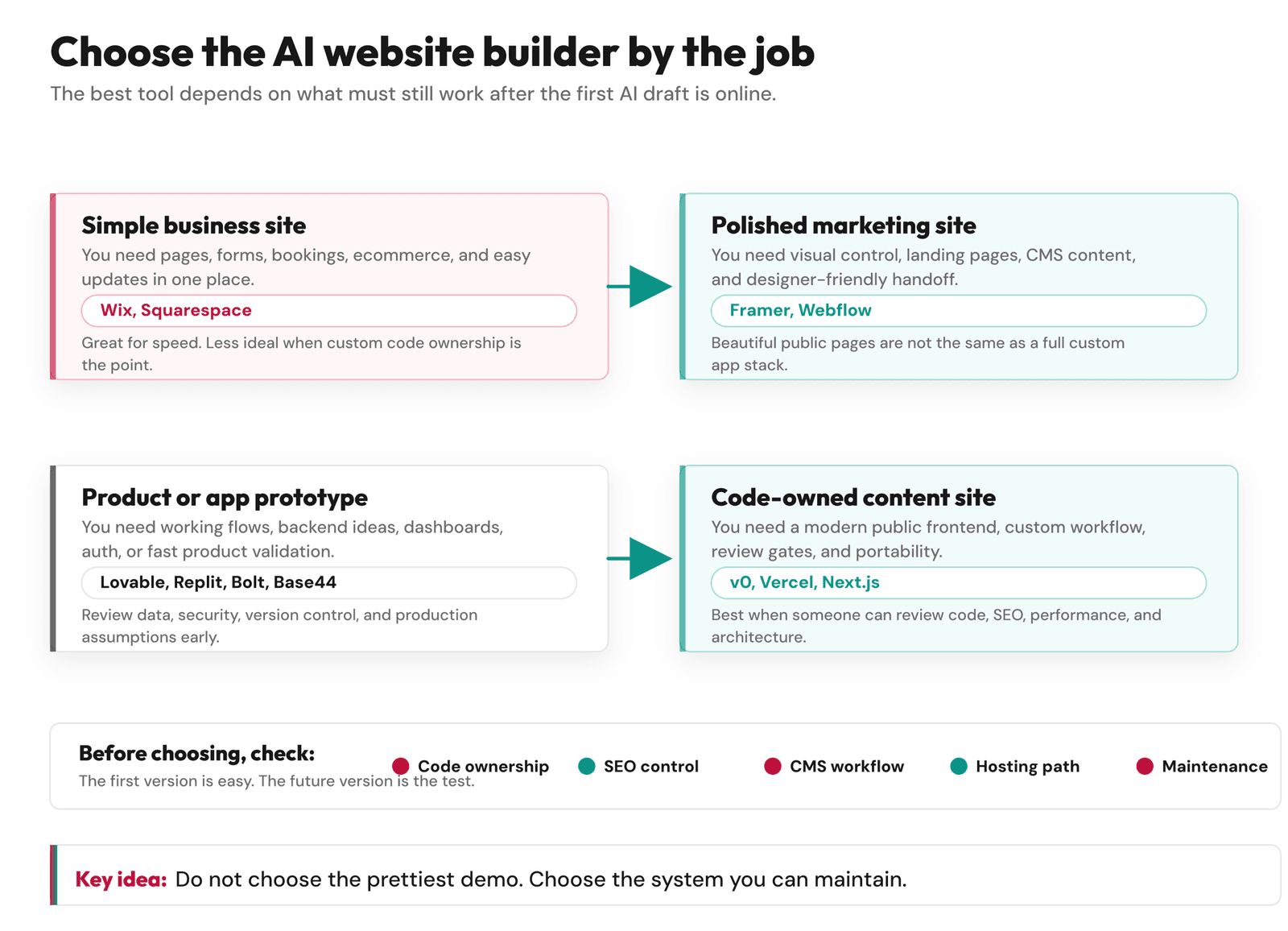
Before choosing, I would separate the tools into four groups.
1. AI builders for simple business sites
This is where Wix and Squarespace can make sense. You need a homepage, about page, services page, contact page, maybe ecommerce, maybe bookings, and you want to publish without managing a codebase.
That is a real need. It is not less serious just because it is simpler.
2. AI builders for polished marketing sites
Framer and Webflow sit closer to this category. They are strong when visual control, landing pages, CMS editing, and brand presentation matter.
3. AI app builders
Lovable, Replit Agent, Bolt, Base44, and v0 can all move into app-building territory, though they do it differently. This category matters when your website needs accounts, dashboards, data, workflows, or custom behavior.
4. AI-assisted development tools
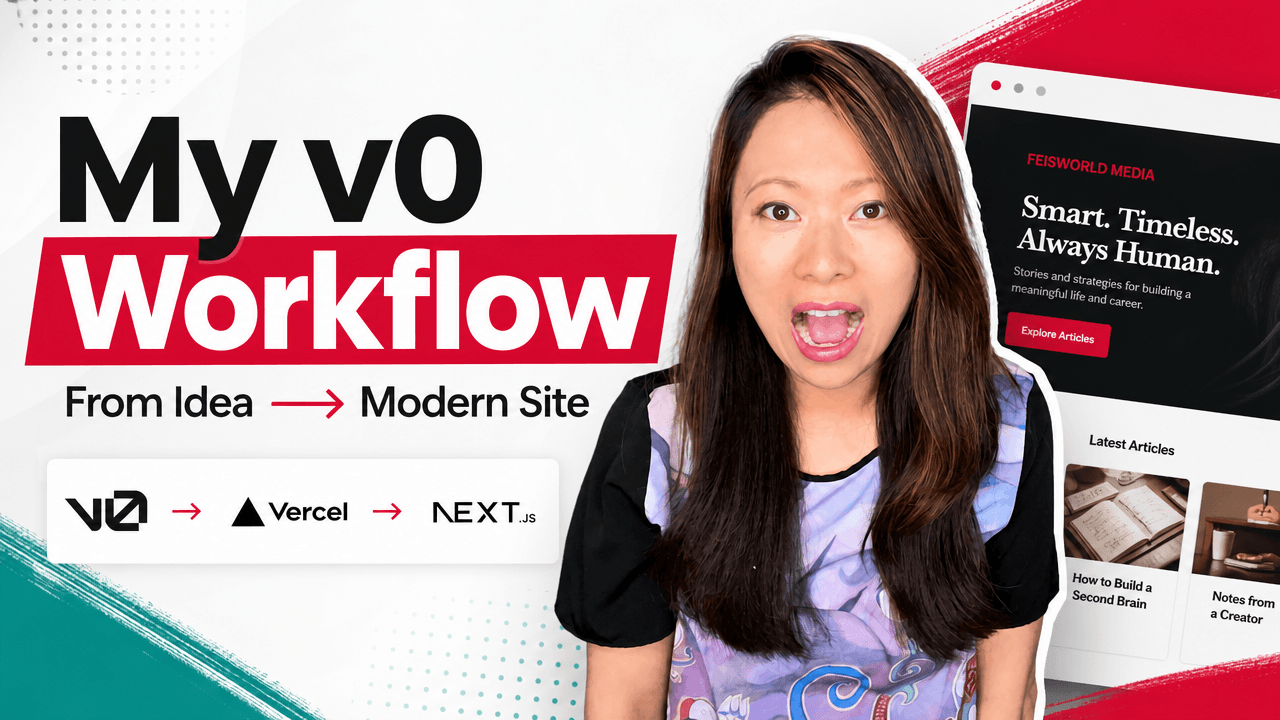
This is where our Feisworld migration mostly lived. We did not want a closed website builder to own the entire site. We wanted a modern codebase, human review, a custom Ops dashboard, and a public site that could keep evolving. v0 fit because it helped us design and build inside that kind of technical direction.
If you mix up these categories, you can choose a tool that feels amazing for one week and painful by month three.
What About WordPress?
This is the question I would have asked before our migration.
What if you already have a WordPress site?
Do you keep it, add AI tools, and redesign inside WordPress? Or do you leave the traditional WordPress frontend behind and use something like Next.js, like we did?
The honest answer is that WordPress is in a much better AI position than it was even a year ago, but it still may not solve the whole problem for a content-heavy site.
First, WordPress itself has moved. The official WordPress documentation says WordPress 7.0 “Armstrong” was released on May 20, 2026. The official announcement says WordPress 7.0 introduces an AI Client, a Connectors screen, and new AI-related abilities that make AI feel more native to the platform. You can read that announcement here: WordPress 7.0 “Armstrong”.
That matters because AI is no longer only happening outside WordPress. WordPress.com also introduced an AI Assistant that works inside the editor, helping with writing, structure, layout, and block notes. That is very different from opening a separate AI website builder and trying to paste the result back into a WordPress site.
That does not mean every self-hosted WordPress install has the exact same AI workflow by default. It does mean the WordPress ecosystem is moving AI closer to the editor, instead of leaving it only to outside site builders.
The theme and page-builder world is moving too. Elementor AI brings AI into the Elementor editor for layout, content, image, and code help. Divi AI can generate layouts, text, images, sections, code, and even full websites inside the Divi workflow. Kadence, now presented under Liquid Web, is positioning Kadence AI as a WordPress site-building feature, with AI-generated layouts, copy, and images. I would not describe Kadence as a brand-new acquisition, though. Kadence has history inside the Liquid Web and StellarWP ecosystem, since Kadence WP joined StellarWP in 2021.
So yes, if you have a current WordPress site, you have more options now.
You could keep WordPress and use AI inside the editor or inside a builder like Elementor, Divi, Kadence, or another block-based theme system. That may be the best path if your main pain is design speed, page layout, small business pages, ecommerce pages, or giving a nontechnical team a visual way to keep improving the site.
But this was the limiting factor for us: redesigning inside WordPress did not answer our biggest questions.
We did not only need a better homepage. We needed a cleaner public rendering system. We needed stronger control over schema, sitemaps, redirects, affiliate links, image behavior, performance, approved content, and old-post curation. We also wanted the design to be less dependent on one theme or plugin stack, so we could change the CMS or frontend later without rebuilding the entire company story again.
That is why our answer was headless WordPress plus Next.js, with WordPress still used for writing and the public site rendered separately. If you want the full story of that tradeoff, start with why we rebuilt Feisworld for AI brand visibility, then read how our headless WordPress and Next.js publishing system works.
My simple rule is this:
If your WordPress site mostly needs better pages, better layouts, and faster editing, try the new WordPress AI path first.
If your WordPress site needs a new public architecture, cleaner data ownership, serious content operations, and long-term portability, AI inside WordPress may help, but it may not be enough.
How I Judge These Tools Now
After the Feisworld migration, I care less about the first demo and more about what happens after it.
Here are the questions I would ask before choosing an AI website builder:
- Can I keep the code or content if I leave?
- Can I control SEO metadata, schema, redirects, and sitemaps?
- Can the site handle my real content workflow?
- Can I review changes before they go public?
- Can nontechnical teammates update the parts they need?
- Can I test performance, accessibility, and mobile behavior?
- Can I connect analytics, Search Console, affiliate links, email, and video platforms?
- Can I maintain what the AI creates?
These questions are not glamorous. They are also the questions that protect you from choosing based only on speed.
Speed is wonderful when it removes friction. It becomes dangerous when it removes thinking.
v0 by Vercel
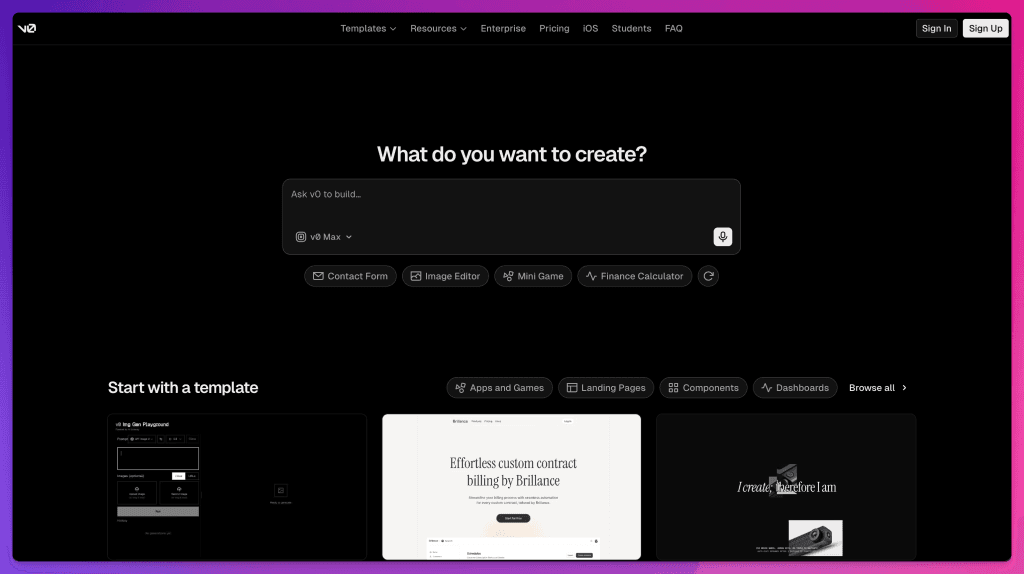
v0 is the AI website builder I know best from this migration.
The official v0 docs describe it as an AI agent for creating real code, full-stack apps, and live prototypes. In practice, I found it most useful when I needed to see a design idea quickly and then decide whether it belonged in the real codebase.
For Feisworld, v0 was strong for:
- Next.js and React-friendly interface work.
- Fast layout exploration.
- Responsive sections, buttons, cards, dashboards, and comparison interfaces.
- Working in a Vercel-centered development flow.
- Turning rough ideas into something visible enough to critique.
Where I would be careful: v0 is not a substitute for architecture. It does not know your content model, SEO rules, redirects, publishing policy, or brand history unless you define them.
Best for: teams that want modern code, strong UI, and a Vercel or Next.js-friendly workflow.
Not best for: people who want a completely no-code business site with all decisions handled inside one platform.
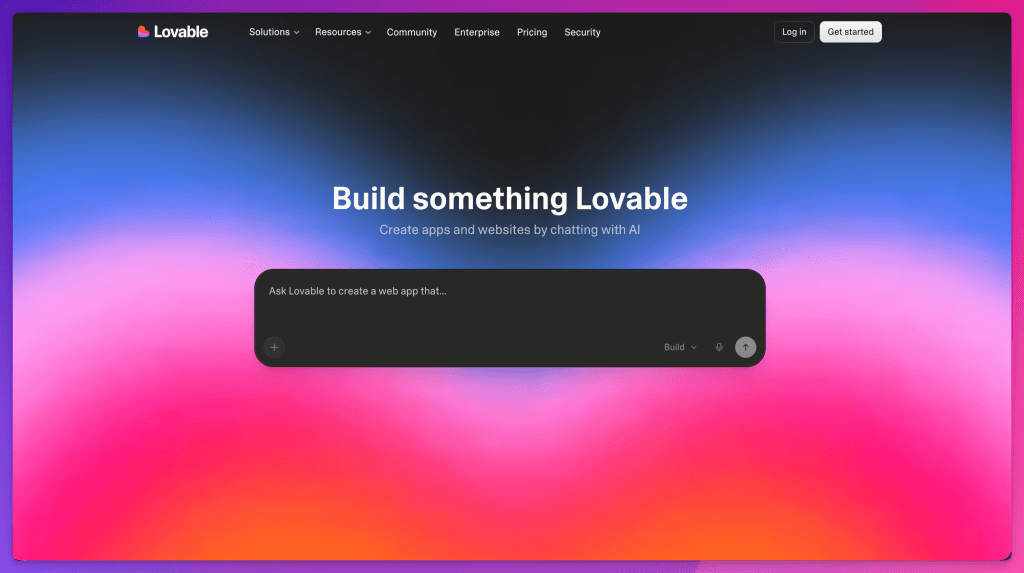
Lovable
Lovable has become one of the most searched AI app builders, and I understand why.
The Lovable docs describe it as a full-stack AI development platform for building, iterating, and deploying web applications with real code, governance, and collaboration. That makes it more than a simple website generator.
I would consider Lovable when a founder, small team, or product person needs to move from idea to working prototype quickly. It can be especially helpful when the goal is to test a product concept before investing in a traditional development cycle.
Where I would be careful: speed can make decisions feel final before they are ready. I would still review the database model, auth assumptions, integrations, security, and deployment path before treating the output as production software.
Best for: fast prototypes, founder ideas, early product validation, and app-first projects.
Not best for: a content-heavy publication system where editorial workflow, archive migration, and long-term information architecture are the hardest parts.
Replit Agent
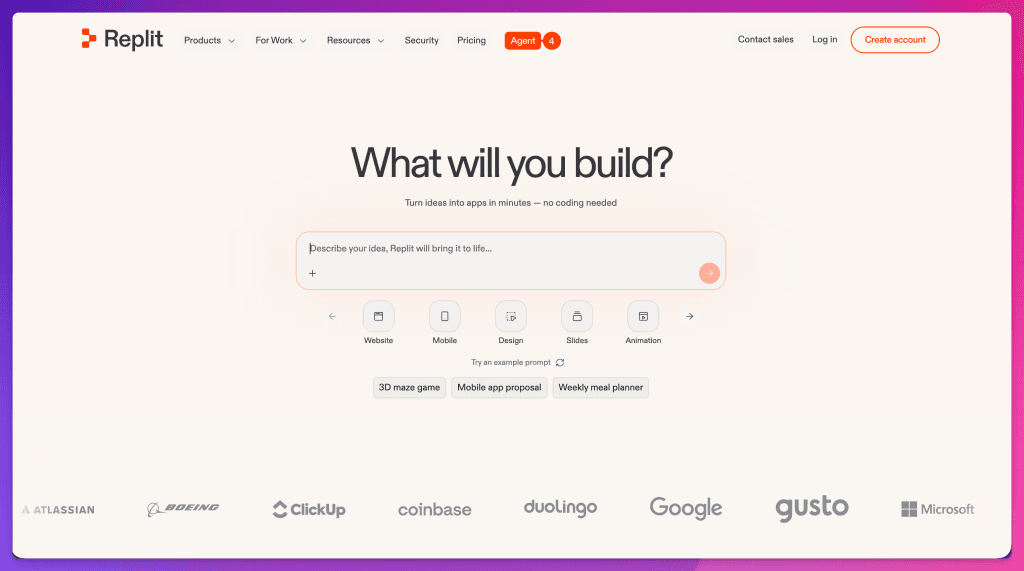
Replit Agent is interesting because it lives inside a broader browser-based coding environment.
The official Replit Agent docs say it can turn plain-language ideas into apps, designs, slides, data dashboards, and other artifacts, while setting up projects, writing code, checking work, and helping deploy.
I would consider Replit if I wanted an all-in-one workspace for building, learning, experimenting, or collaborating. It is especially appealing for students, educators, solo builders, and teams that like having the editor, project, and agent in one place.
Where I would be careful: if the project becomes important, I would make sure the code is versioned, exported, documented, and reviewed outside the chat flow.
Best for: browser-based coding, education, prototypes, full-stack experiments, and collaborative projects.
Not best for: teams that already have a mature local development, GitHub, CI, and deployment workflow they do not want to change.
Bolt
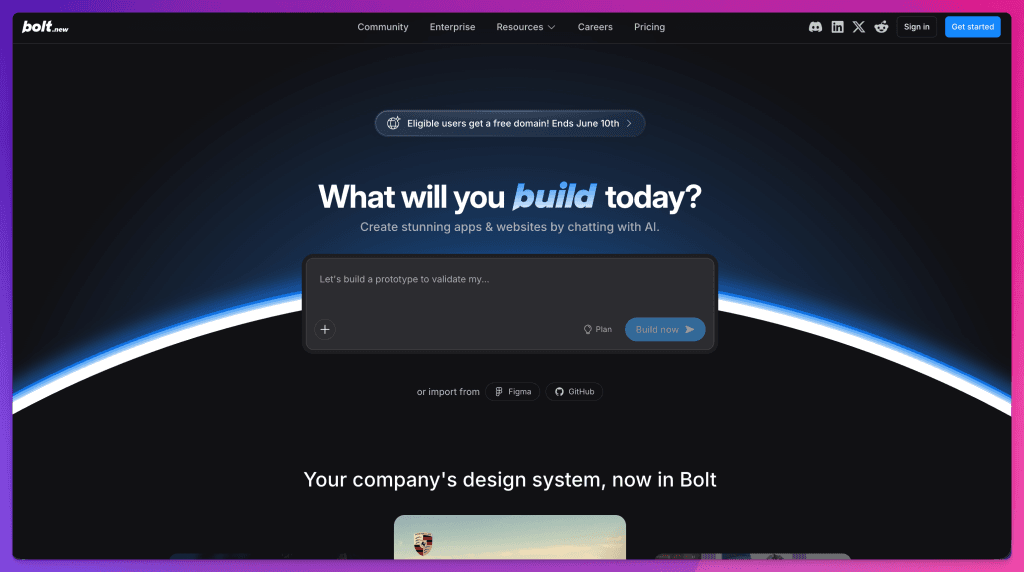
Bolt is built around fast AI-assisted app and website creation in the browser. The Bolt homepage describes creating apps and websites by chatting with AI, and its support docs describe Bolt as an AI-powered builder for websites, web apps, and mobile apps.
Bolt can be powerful when you want to move quickly from idea to a running experience. It can help a team test a product direction before the idea gets buried in planning.
Where I would be careful: fast builder environments can produce a lot of code and context quickly. That is useful when the direction is clear. It gets messy when you keep changing the goal.
Best for: fast product prototypes, web apps, landing pages, and teams that want a browser-first build environment.
Not best for: a migration where you need careful content audit, legacy URL policy, and editorial approval before public changes.
Framer
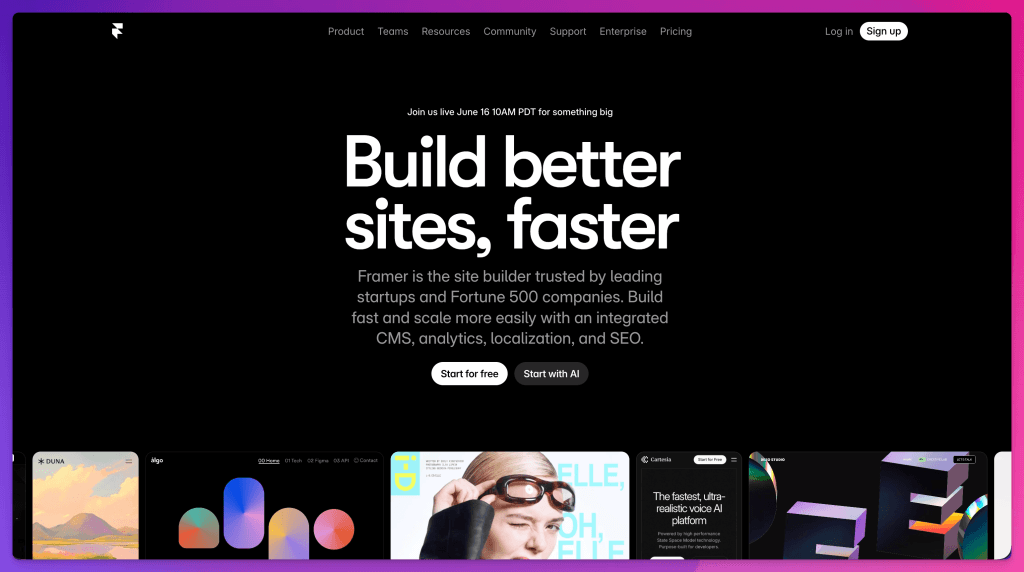
Framer is one of the strongest choices when the public website needs to feel visually polished quickly.
Framer’s AI page focuses on designing websites faster with AI tools, with entry points for personal pages, landing pages, about pages, resumes, portfolios, and AI-assisted design features.
I would consider Framer for marketing sites, portfolios, product launches, startup pages, and creator sites where visual design and fast publishing matter more than owning a custom application architecture.
Where I would be careful: visual polish is not the same as content operations. If your biggest problem is a 15-year archive, custom redirects, schema, podcast data, YouTube integration, and a human approval workflow, Framer may not be the center of the system.
Best for: landing pages, portfolios, marketing sites, and design-led publishing.
Not best for: custom app architecture or a deeply custom publishing system.
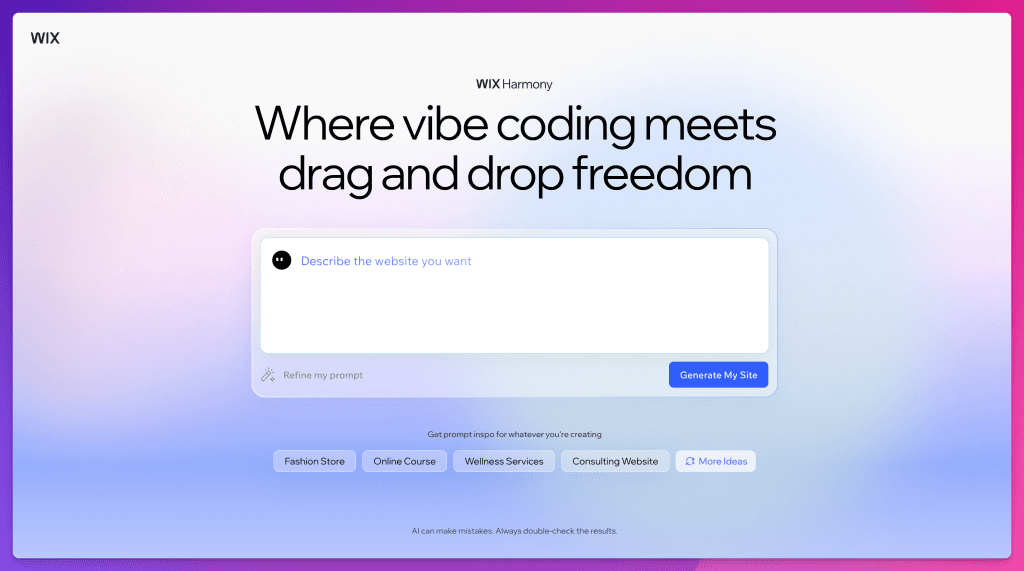
Wix Harmony and Wix AI
Wix is a strong option for people who want an all-in-one business website platform.
The Wix Harmony help article says the Harmony Editor was released in January 2026 and uses Aria, an AI agent, to guide users from an idea to a polished site. Wix also reminds users to review AI suggestions before finalizing a site, which is the right caveat.
I would consider Wix when a business needs a site, editing, forms, ecommerce, booking, marketing, and operations in one platform. The value is not only the AI. It is the ecosystem around the site.
Where I would be careful: portability. If you need a custom Next.js architecture, code ownership, custom database workflow, or a site that can change frontends later, Wix is probably not the best fit.
Best for: small business sites, ecommerce, bookings, no-code operations, and teams that want one hosted platform.
Not best for: teams that need deep code ownership or a custom public rendering system.
Webflow AI
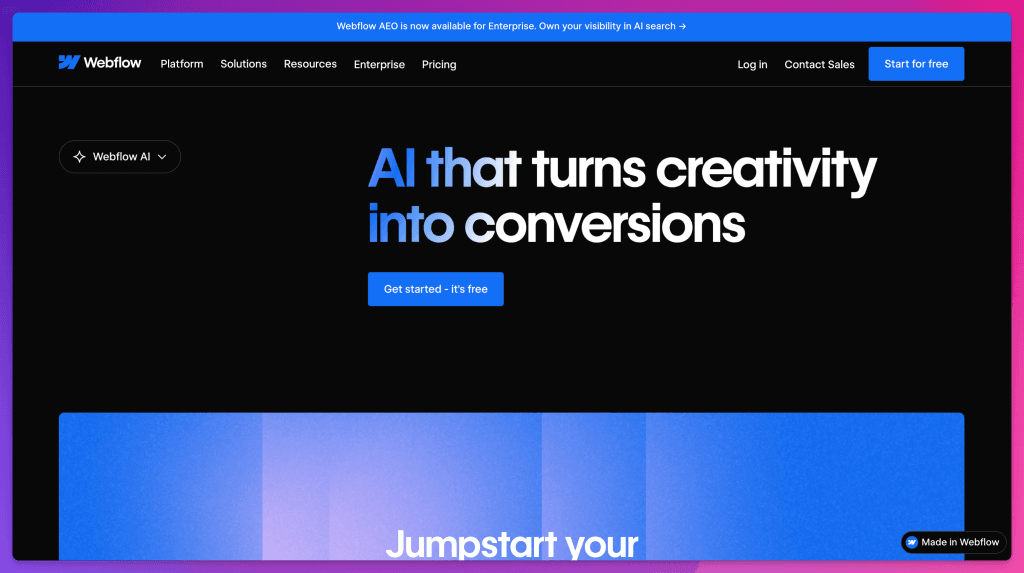
Webflow sits in a practical middle ground for many teams: strong visual control, professional marketing pages, CMS features, and a workflow designers understand.
Webflow’s AI site builder docs explain that the feature can generate a responsive multi-page site from basic details, but they also list constraints, including that the AI site builder is for new sites or sites already generated with it.
I like that because it makes the tradeoff visible. Webflow can be very strong, but you still need to understand the platform’s rules.
Best for: professional marketing sites, agencies, design teams, and Webflow CMS users.
Not best for: teams that want the AI builder to reshape an existing custom site or own a complex app backend.
Base44
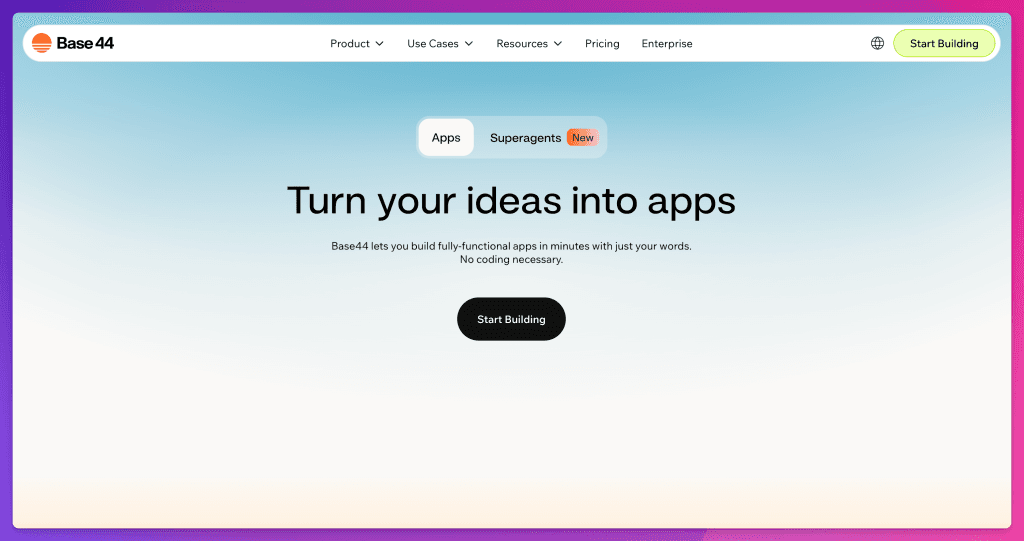
Base44 is worth watching because it is not only trying to generate pages. Its own site describes Base44 as a vibe coding platform for building apps and websites without coding experience, including structure, design, logic, integrations, and AI agents.
I would consider Base44 when the goal is an all-in-one app or website experience with backend pieces included. It may be especially interesting for people who want software-like behavior without assembling many separate tools.
Where I would be careful: portability and long-term ownership. If the system becomes important to your business, you need to know what you can export, how data is stored, how integrations are managed, and what happens if you outgrow the platform.
Best for: no-code apps, internal tools, lightweight products, and builders who want backend features included.
Not best for: teams that need a highly custom stack from day one.
Squarespace AI
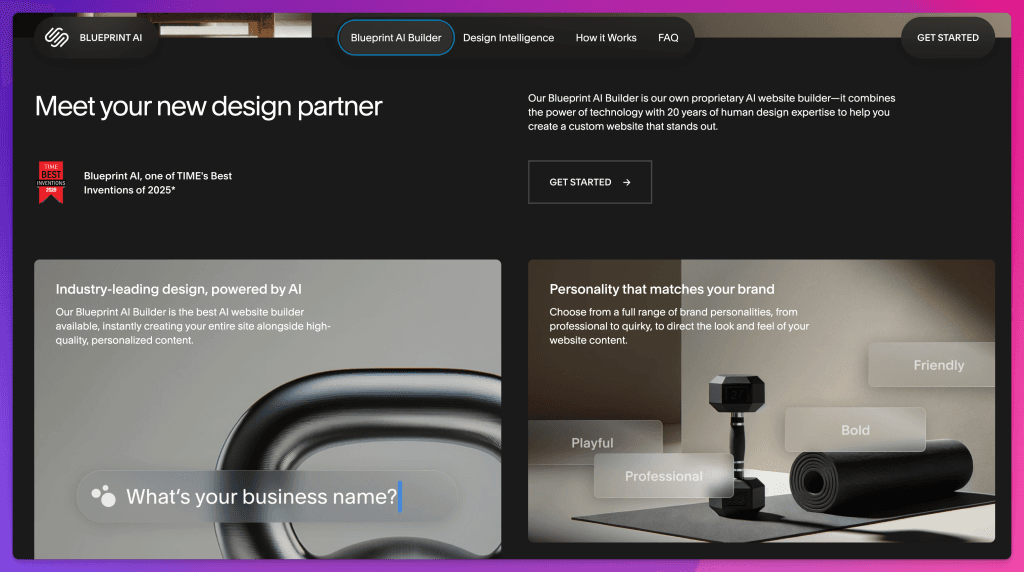
Squarespace still belongs in this comparison because many creators and small businesses do not need a custom app builder. They need a good-looking site they can manage.
We used Squarespace before WordPress, and it helped Feisworld at that stage. Later, as the archive grew, we needed more flexibility, stronger performance control, and a different publishing workflow. That does not make Squarespace a bad choice. It means it stopped being the right choice for us.
We also covered Squarespace Blueprint AI in a separate hands-on review: Squarespace Blueprint AI Builder Review. If you are choosing Squarespace specifically, that article goes deeper into what the AI setup flow feels like and where it can help creators who want less technical friction.
I would consider Squarespace for artists, creators, consultants, portfolios, simple service sites, and small brands that want a low-friction design and publishing experience.
Where I would be careful: content depth and custom operations. If you need the kind of system we built, with headless WordPress, Next.js, Turso, Vercel, Ops, redirects, affiliate monitoring, and AI visibility workflows, Squarespace is not the right center of gravity.
Best for: creator sites, portfolios, simple business sites, and low-setup publishing.
Not best for: custom content operations or a large migration where code-level control matters.
What We Chose for Feisworld
For Feisworld, we did not choose a single AI website builder to own the whole site.
We chose a system:
- WordPress for writing and source content.
- Feisworld Ops for review, curation, redirects, affiliates, and monitoring.
- Turso for approved content snapshots and operational state.
- Next.js for public rendering.
- Vercel for deployment, previews, hosting, and performance workflows.
- v0 for AI-assisted interface exploration and fast visual iteration.
That setup would be too much for many websites. It was right for us because Feisworld is not only a brochure. It is a media archive, a partner channel, a discovery engine, a public memory system, and part of our AI visibility strategy.
We explain the publishing architecture in more detail here: Headless WordPress with Next.js: Our Human-Reviewed Publishing System.
Feisworld Tip
Do not choose an AI website builder by asking, “Which tool is best?”
Ask:
- What am I building?
- Who needs to update it?
- What happens if I leave the platform?
- What must be true after launch?
- Who will maintain the thing AI creates?
That last question is the one people skip.
AI makes it easier to create the first version. It does not make the second, third, and tenth version disappear.
How I Would Choose
If you need a simple business site: start with Wix or Squarespace. You will probably get online faster, and the built-in ecosystem may matter more than code ownership.
If you need a beautiful marketing site: look at Framer or Webflow. Both can be strong when the site is mostly public pages, CMS content, and design control.
If you need a product prototype: look at Lovable, Bolt, Replit Agent, Base44, or v0. Choose based on how much code ownership, collaboration, backend control, and deployment control you need.
If you are already in the Vercel and Next.js world: v0 is very compelling. It fits naturally with that workflow and can help with UI, pages, dashboards, and app ideas.
If you have a serious archive: slow down before choosing. The hardest part may not be the new homepage. It may be content modeling, redirects, schema, old media, affiliate links, analytics, author signals, and editorial review.
That was the Feisworld lesson. The tool matters, but the operating model matters more.
The Mistake I Would Avoid
The mistake is choosing the tool that creates the most impressive first screen. A first screen can lie.
It can look polished while the CMS is wrong. It can look modern while the SEO is weak. It can look fast while the images are poorly handled. It can look complete while the redirects are missing. It can look on-brand while the writing sounds like everyone else.
AI builders are very good at making the first visible answer appear. That is useful. It also means we have to get better at reviewing the invisible parts.
For Feisworld, AI gave us more room. It helped us design, test, curate, compare, and build faster. But it did not remove the need for human taste, technical judgment, editorial care, or maintenance.
That is my real answer to “best AI website builder in 2026.”
Choose the tool that fits the website you are actually responsible for, not the demo you wish you had.
FAQ
What is the best AI website builder in 2026?
The best AI website builder depends on what you are building. For simple business websites, Wix or Squarespace may be enough. For visual marketing sites, Framer or Webflow may fit better. For AI-assisted app or code workflows, v0, Lovable, Replit Agent, Bolt, and Base44 are stronger candidates.
Is v0 better than Lovable?
v0 and Lovable solve overlapping but different problems. I would choose v0 when I want modern UI, React or Next.js code, and a Vercel-friendly workflow. I would choose Lovable when I want to move quickly from idea to working app prototype, especially as a founder or product team testing a concept.
Is Replit Agent better than Bolt?
Replit Agent may be better if you want an all-in-one browser coding workspace with project tools, collaboration, and deployment inside Replit. Bolt may be better if you want a fast AI build environment focused on creating apps and websites in the browser. For both, I would keep version control and review discipline.
Can AI website builders replace developers?
They can replace some early scaffolding, layout exploration, and repetitive setup. They do not replace product judgment, security review, accessibility checks, performance work, content strategy, SEO decisions, or long-term maintenance. For serious sites, AI is best treated as a collaborator, not the final authority.
Can I use an AI website builder for SEO?
Yes, but the builder alone does not guarantee SEO results. You still need helpful content, clean structure, metadata, schema, fast pages, useful internal links, crawlable pages, image handling, redirects, and a site people can trust. The best tool is the one that lets you control those parts well enough for your use case.
What did Feisworld use to rebuild its site?
Feisworld rebuilt its public site with headless WordPress, Next.js, Turso, Vercel, and a custom Ops dashboard. v0 helped with AI-assisted interface exploration and design iteration, but it did not own the whole migration. The system was built around human review and long-term content operations.
You might also enjoy…

Written by
Fei WuFei Wu is the founder and CEO of Feisworld Media, a Massachusetts-based digital media company helping brands get discovered by people and by AI. An Adobe Global Ambassador and brand partner to ElevenLabs, Synthesia, and 50+ other tech and AI companies, she hosts the Feisworld Podcast (400+ episodes, 500K+ downloads — guests have included Seth Godin, Steve Wozniak, Chris Voss, and Arianna Huffington) and co-created the documentary Feisworld: Live Your Art on Amazon Prime. Fei writes for CNET, Lifehacker, and PCMag, and her work has been featured in Forbes, Harvard Business Review, and WIRED. She has been publishing on the internet since 2014 — long before AI discoverability had a name.
View all posts by Fei Wu→Stay updated
Weekly insights on content, AI, and digital media.
Keep Reading
Related Articles

Codex Sites: The Democratization of Website Building Thanks to OpenAI
v0 Case Study: How I Built a Modern Content Site With AI