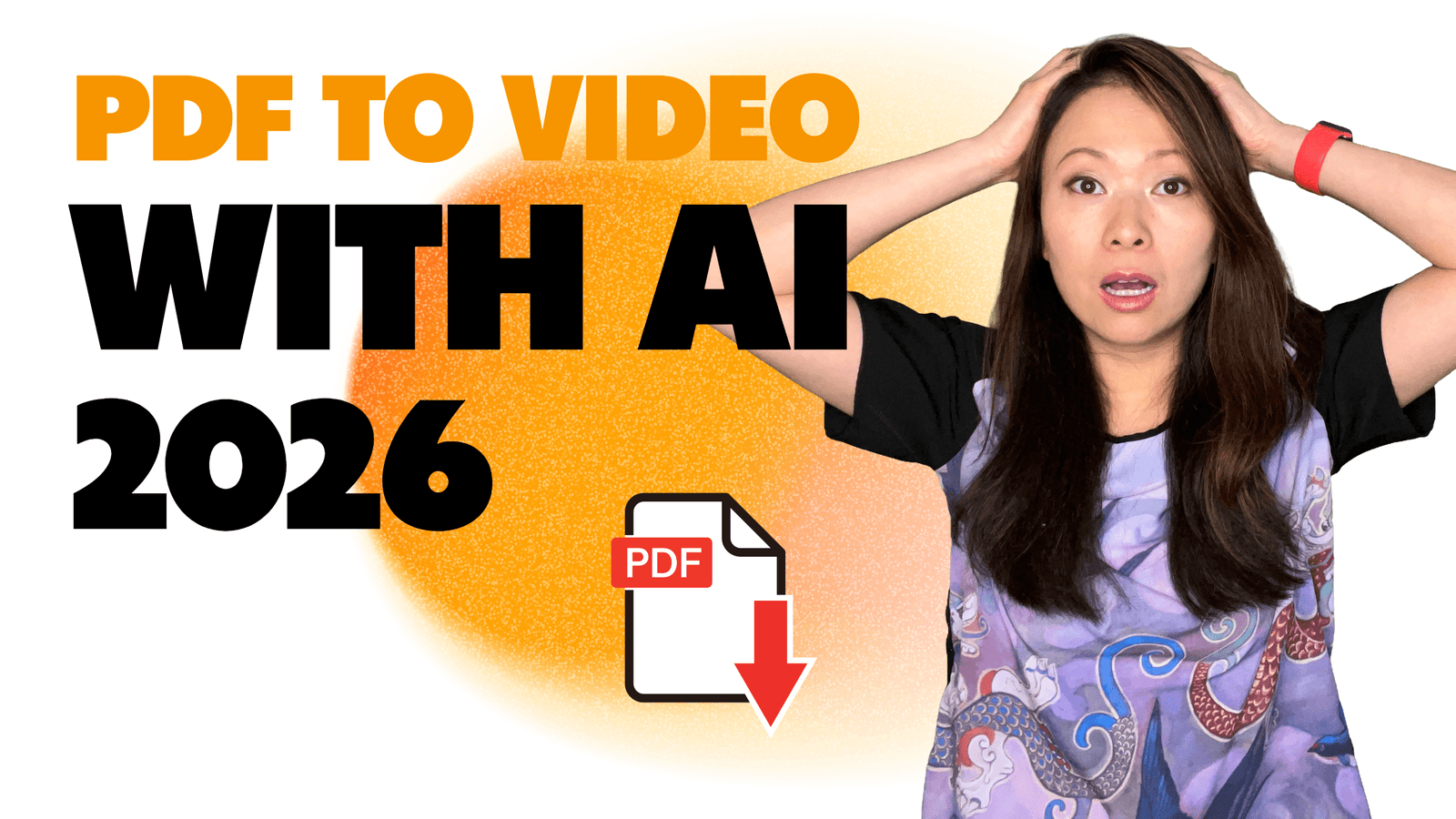
When was the last time you read a 20-page PDF from start to finish? I remember my agency days back in 2010, where I would spend most of my day going through documents. Important, but boring.
I spent years in the agency world creating beautiful, detailed PDF reports and training manuals. We would spend weeks on them. And we knew the secret fear was true: almost nobody was reading them. They would skim the first page, save the file to their desktop, and forget about it. All that hard work, lost.
But what if you could turn that exact same document into a short, engaging video? A video with a friendly presenter who walks you through the key points, making the information easy to understand and remember. With AI, that is now a simple process that takes minutes.
At Feisworld Media, we create hundreds of videos a year. We know the drill around creating videos that people would actually watch. So, I decided to put things to test and try every major PDF-to-video AI tool on the market. I uploaded our real-world documents, from complex client reports to simple training guides, to see which tools could create a professional video, and which ones just created a glorified slideshow.
This guide is the result of that testing. I’m going to give you a clear, honest breakdown of the 5 best tools to turn your PDFs into videos. We’ll look at what they do best, where they fall short, and who they’re for. Let’s begin.
What Really Matters in a PDF to Video AI? (Our 5 Key Criteria)
Before we get to the list, you need to know how we judged these tools. Not all “PDF to video” tools are the same. Some just copy-paste text onto slides. The great ones actually understand your document and help you tell a story. Here are the five things that really matter.
- AI Summary Quality: How well does the AI understand the PDF? Does it correctly identify the main ideas, chapters, and key points to create a logical video script? Or does it just grab random sentences?
- AI Avatar & Voice Realism: This is huge. Does the AI presenter look and sound like a real person, or a creepy robot? A natural, trustworthy avatar makes your video look professional.
- Ease of Use: How fast can you go from uploading a PDF to having a finished video? The best tools have a simple, step-by-step process that anyone can follow.
- Customization and Control: No AI is perfect. You need the ability to easily edit the script, change the avatar, add your company logo, and swap out background images.
- Business-Ready Features: Can you create videos in different languages? Can you manage your brand colors and fonts? Does it offer security for your company’s data? These features separate a fun toy from a real business tool.
The 5 Best AI PDF to Video Converters of 2026
Here are our top picks, based on hands-on testing with our own company documents.
1. Synthesia – Best Overall for Professional Quality
After testing all the options, Synthesia is the clear winner for any business, marketer, or educator who needs a polished, professional result. It doesn’t just convert your PDF; it helps you create a high-quality video presentation. The AI avatars are the most realistic on the market, which instantly builds trust with your audience.
Best for: Businesses, corporate trainers, and marketing teams that need to create brand-safe, high-quality videos from reports, manuals, and presentations.
- Most Realistic AI Avatars: The avatars look and sound so natural that it’s hard to tell they’re AI. This is their biggest advantage.
- Smart AI Assistant: The AI does a great job of understanding the PDF and creating a solid first draft of the script and scenes.
- Full Video Platform: It’s an all-in-one tool. You can create videos from PDFs, text, PowerPoints, or just an idea.
- Business Features: Supports over 140 languages, offers brand kits, and has enterprise-level security.
- It is more of a premium tool. The free version is for testing, but to get the full power, you need a paid plan.
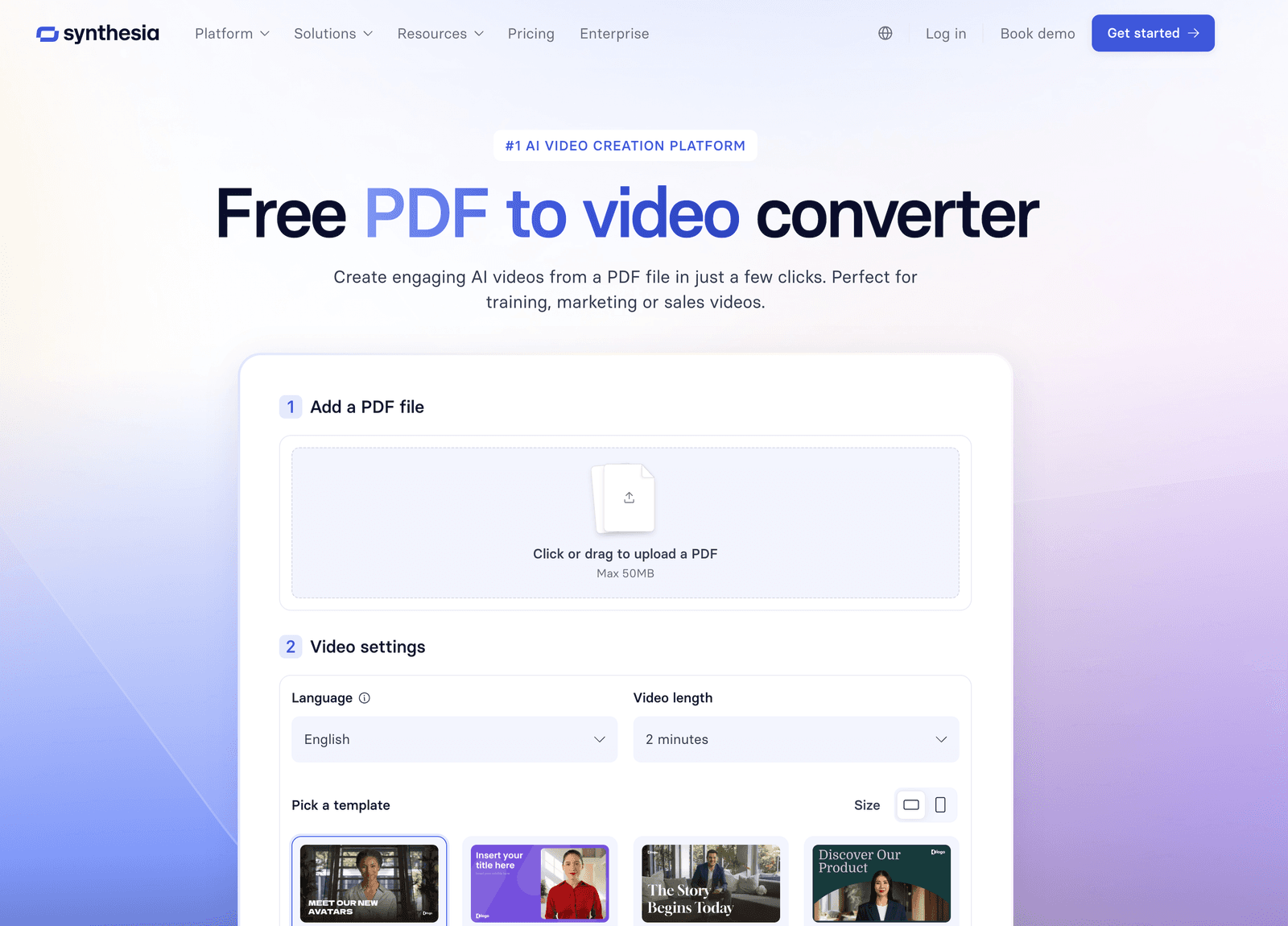
2. Vidnoz AI – Best for Free and Quick Videos
Vidnoz is a very popular tool, and for good reason. It offers a generous free plan that lets you quickly turn a PDF into a video. It’s perfect if you need to create a simple video fast and are not too concerned about having the absolute most realistic avatar.

Best for: Solo creators, students, or anyone who needs a fast, free, and simple way to convert a document into a shareable video.
- Great Free Plan: One of the best free options available, making it very accessible.
- Very Fast: You can go from PDF to video in just a few minutes.
- Lots of Templates: It has a large library of video templates to get you started.
- The AI avatars and voices are a noticeable step down in quality compared to Synthesia. They look more like digital characters than real people.
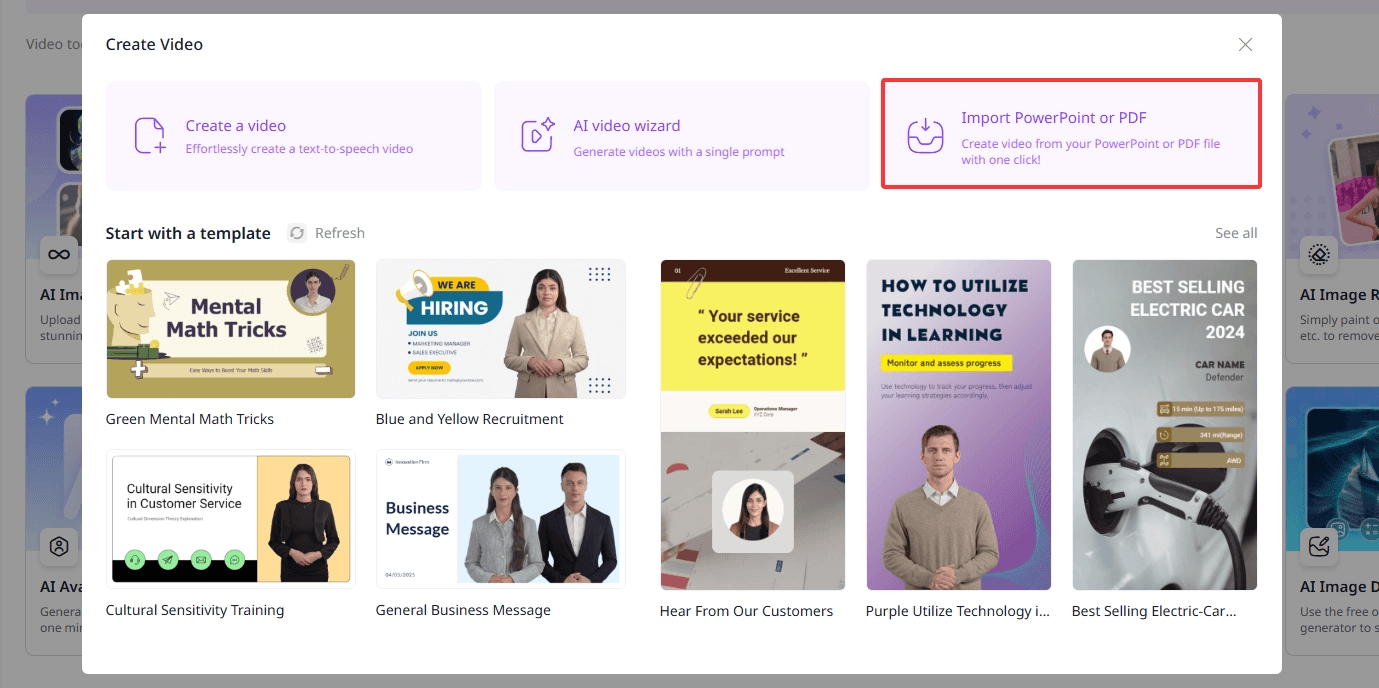
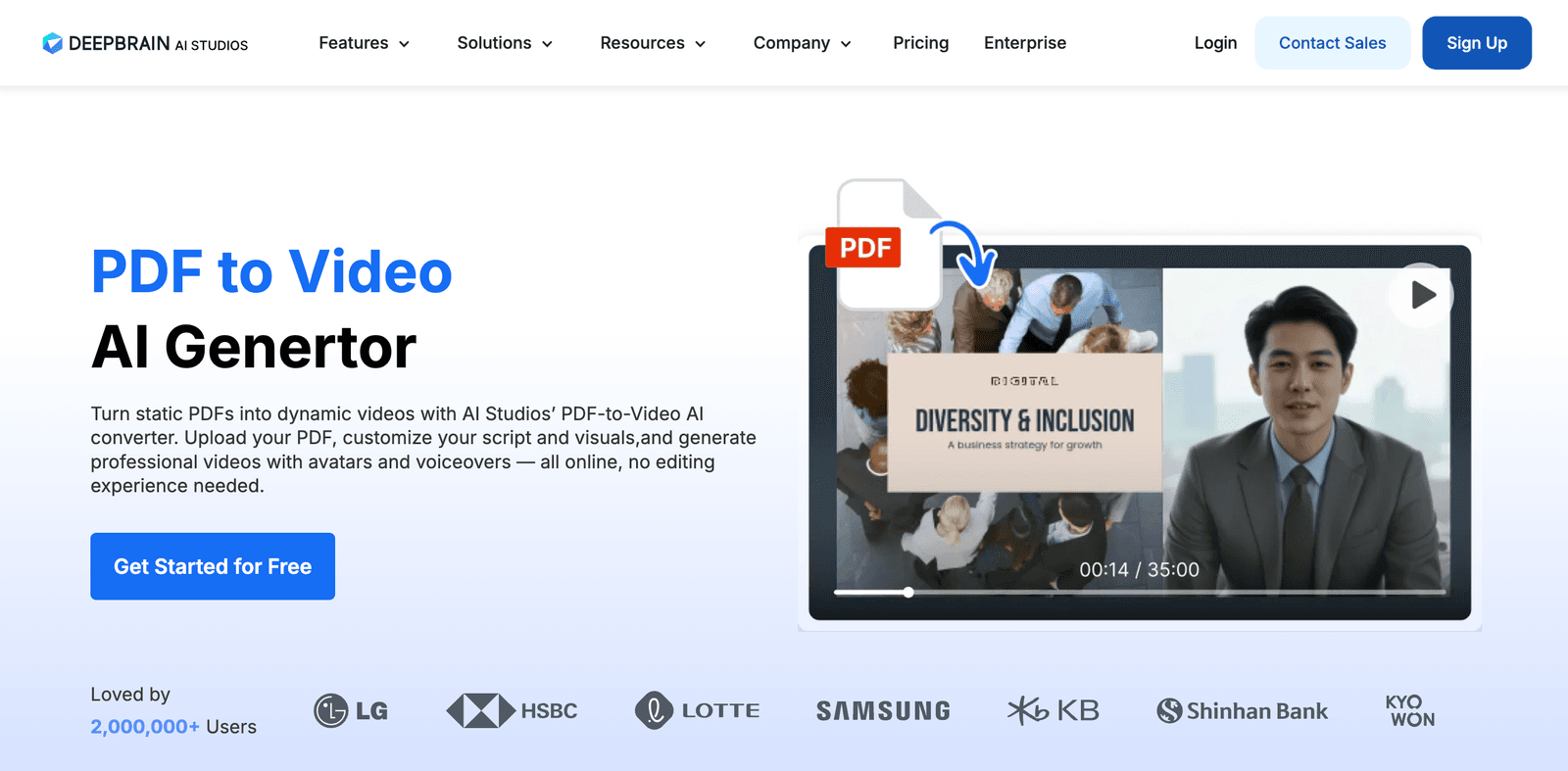
3. DeepBrain AI – Best for Creating Avatars from Photos
DeepBrain AI is a powerful tool used by major companies. Its unique feature is the ability to create custom AI avatars from just a photo and a voice sample. For turning PDFs into videos, it does a solid job of extracting text and creating a presentation.
Best for: Companies or individuals who want a custom avatar that looks like them or their CEO, without the cost of a full studio session.
- Unique Custom Avatars: The photo-to-avatar feature is impressive and a key differentiator.
- Easy to Use: The process of uploading a PDF and generating a video is very straightforward.
- While good, the stock avatars are not as realistic as Synthesia’s.
- The user interface feels a bit more technical than other options on this list.
4. Elai.io – Good for Animated Presentations
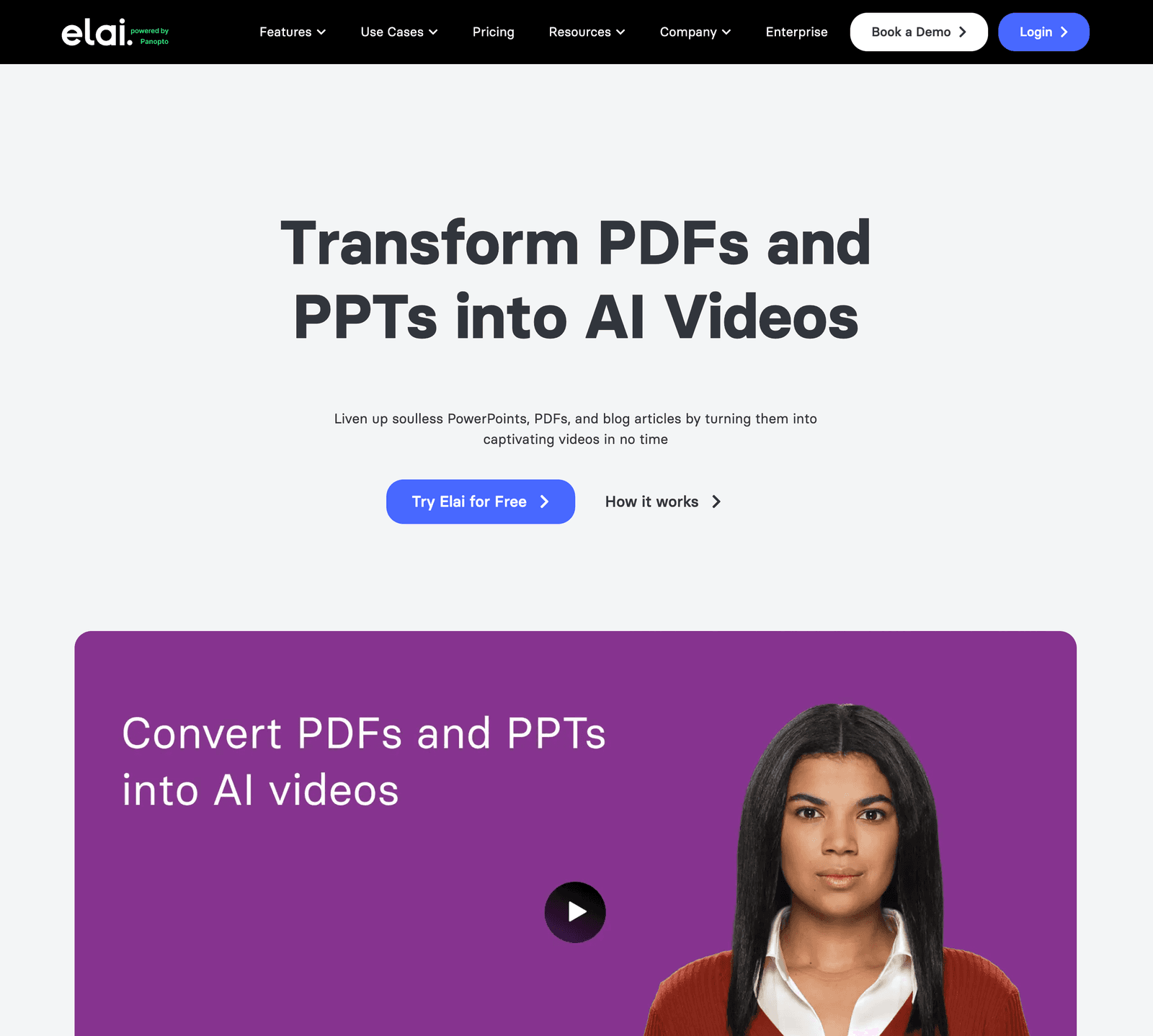
Elai.io takes a slightly different approach. It focuses on turning your PDF into an animated video presentation. You can choose from cartoon-style avatars and add animations to your scenes, which can be great for explainer videos.
Best for: Marketers or educators creating animated explainer videos or content where a cartoon style is a better fit than a realistic human.
- Good for Animation: If you don’t want a realistic human avatar, their cartoon and animated options are a good choice.
- Focus on Presentations: The tool is designed to feel like you are building a slide deck, which is familiar to many users.
- The realistic avatars are not as high-quality as the top competitors.
- The AI summary of the PDF is less accurate and often requires more manual editing.
5. Kapwing – Best for Simple Text Extraction
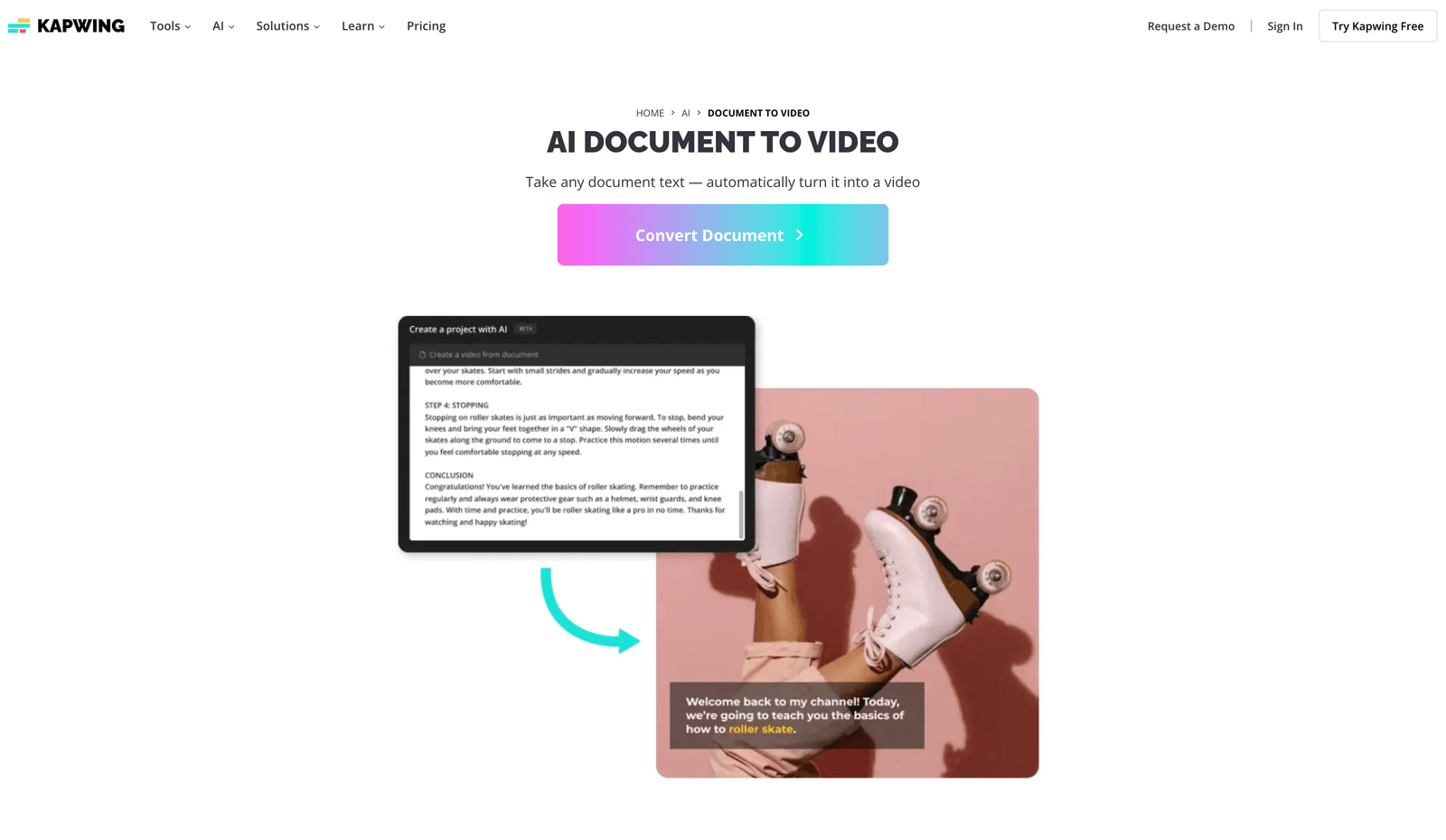
Kapwing is a popular online video editor that has a “Document to Video” feature. It’s important to understand what this does: it extracts the text from your PDF and puts it into a simple video timeline. It doesn’t create scenes or use an AI presenter automatically.

Best for: People who already use Kapwing for video editing and just want a quick way to pull text from a PDF into their project.
- Full Video Editor: It’s part of a powerful and easy-to-use suite of editing tools.
- Very Simple: It’s a fast way to get text from a document onto video slides.
- No AI Avatars: It does not use AI presenters to narrate your content.
- Not a “Smart” Converter: It doesn’t analyze the document’s structure; it just copies the text.
Comparison Table: PDF to Video Converters with AI
| Feature | Synthesia | Vidnoz AI | DeepBrain AI | Elai.io | Kapwing |
|---|---|---|---|---|---|
| Best For | Professional Quality | Free & Quick Videos | Custom Avatars | Animated Videos | Basic Text Editing |
| AI Avatar Quality | ⭐⭐⭐⭐⭐ (Most Realistic) | ⭐⭐⭐ (Good) | ⭐⭐⭐⭐ (Very Good) | ⭐⭐ (Cartoonish) | ❌ No Avatars |
| AI Summary Quality | ⭐⭐⭐⭐⭐ (Excellent) | ⭐⭐⭐ (Good) | ⭐⭐⭐ (Good) | ⭐⭐ (Okay) | ❌ No Summary |
| Ease of Use | ⭐⭐⭐⭐⭐ (Very Easy) | ⭐⭐⭐⭐ (Easy) | ⭐⭐⭐ (Okay) | ⭐⭐⭐ (Okay) | ⭐⭐⭐⭐ (Easy) |
| Customization | ⭐⭐⭐⭐⭐ (Full Control) | ⭐⭐⭐ (Good) | ⭐⭐⭐ (Good) | ⭐⭐⭐ (Good) | ⭐⭐⭐⭐⭐ (Full Editor) |
| Languages | 140+ | 100+ | 80+ | 75+ | N/A |
| Free Plan | ✅ Free Tool | ✅ Generous Plan | ✅ Free Trial | ✅ Free Trial | ✅ Free Plan |
| Our Rating | ⭐⭐⭐⭐⭐ 🏆 Top Pick | ⭐⭐⭐½ | ⭐⭐⭐⭐ | ⭐⭐½ | ⭐⭐⭐ |
| Try Synthesia | Visit Vidnoz | Visit DeepBrain | Visit Elai.io | Visit Kapwing |
How to Choose the Right Tool for YOU
- If you are a business and your brand’s reputation matters… choose Synthesia. The professional quality of the avatars and voices ensures your content looks trustworthy and high-end.
- If you are a solo creator or student on a tight budget… start with Vidnoz AI. Its free plan is the best way to experiment and see if video works for your content.
- If your main goal is to have an AI avatar that looks just like you… choose DeepBrain AI. Their custom avatar feature is their killer app.
Our Testing Methodology: How We Evaluated These Tools
To make this review fair and honest, we didn’t just look at marketing websites. We signed up and tested each tool with two real-world documents from our own business.
- Test Document #1: A 15-page report with charts, graphs, and dense technical language.
- Test Document #2: A simple 5-page presentation on how to use a new software.
For each tool, we measured:
- Time to First Video: How long did it take from uploading the PDF to getting a downloadable video?
- Script Accuracy: How much of the auto-generated script did we have to manually edit?
- Avatar Realism: We showed the final videos to our team members (who didn’t know which tool was which) and asked them to rate how “human” the presenter felt.
- Customization Ease: How easy was it to add our Feisworld logo and change the background?
This hands-on process made the differences between the tools very clear. Synthesia consistently produced a better, more professional result in less time.
A Deeper Look: Why Synthesia is Our #1 Choice
When we uploaded our 15-page client report into Synthesia, something amazing happened. The AI didn’t just copy the text. It read the headings and understood the structure. It generated a video outline with a proper introduction, chapters for each key finding, and a conclusion. The first draft of the script was about 80% perfect, which saved us hours of work.
But the real magic is the avatar quality. We chose a presenter, and the final video looked like we had hired a professional spokesperson. The lip-sync was perfect, and the voice had natural-sounding pauses and tones. We added our company logo, changed the background color to match our brand, and had a client-ready video in under 30 minutes.
This is why Synthesia is our top pick. It’s an end-to-end solution built for professionals. In fact, it works so well that we created a full step-by-step guide showing you exactly how to use it. If you decide Synthesia is right for you, that guide will walk you through every click.
Frequently Asked Questions About PDF to Video AI
Is it free to convert a PDF to a video?
Yes, several tools offer free options. Synthesia has a free tool to create a sample video, and Vidnoz AI has a generous free plan for ongoing use. However, free plans usually have limits on video length, features, and include a watermark.
How long does it take to turn a PDF into a video?
With most of these tools, you can get a finished video in 5 to 15 minutes. The AI does the heavy lifting of writing the script and creating the scenes. The rest of the time is spent on your custom edits.
Can the AI handle complex PDFs with tables and images?
Mostly, yes. The AI is best at reading and understanding text. When it encounters tables or charts in your PDF, it will usually describe them in the script. You can then upload images of those charts to show on screen while the avatar talks about them.
Do I need any video editing skills?
No. All the tools on this list are designed for beginners. If you can create a PowerPoint presentation, you can create a video with these tools.
Conclusion
The goal of turning a PDF into a video isn’t just to change the file format. The goal is to make your information more engaging, more understandable, and more memorable. It’s about making sure your hard work actually gets seen by the people who need it.
A bad conversion with a robotic voice and a creepy avatar can do more harm than good. It makes your brand look cheap. A professional, high-quality video, however, can transform how you train your employees, talk to your customers, and share your ideas.
That’s why we recommend Synthesia for anyone serious about quality. It’s the tool that best understands that the goal is to communicate, not just convert.
Remember this: The quality of the AI avatar and voice is the most important factor. A realistic presenter builds trust and keeps your audience watching. A robotic one makes them click away. Always test the free version of a tool first to see if the quality meets your standard.
You might also enjoy…

Written by
Fei WuFei Wu is the founder and CEO of Feisworld Media, a Massachusetts-based digital media company helping brands get discovered by people and by AI. An Adobe Global Ambassador and brand partner to ElevenLabs, Synthesia, and 50+ other tech and AI companies, she hosts the Feisworld Podcast (400+ episodes, 500K+ downloads — guests have included Seth Godin, Steve Wozniak, Chris Voss, and Arianna Huffington) and co-created the documentary Feisworld: Live Your Art on Amazon Prime. Fei writes for CNET, Lifehacker, and PCMag, and her work has been featured in Forbes, Harvard Business Review, and WIRED. She has been publishing on the internet since 2014 — long before AI discoverability had a name.
View all posts by Fei Wu→Stay updated
Weekly insights on content, AI, and digital media.
Keep Reading


