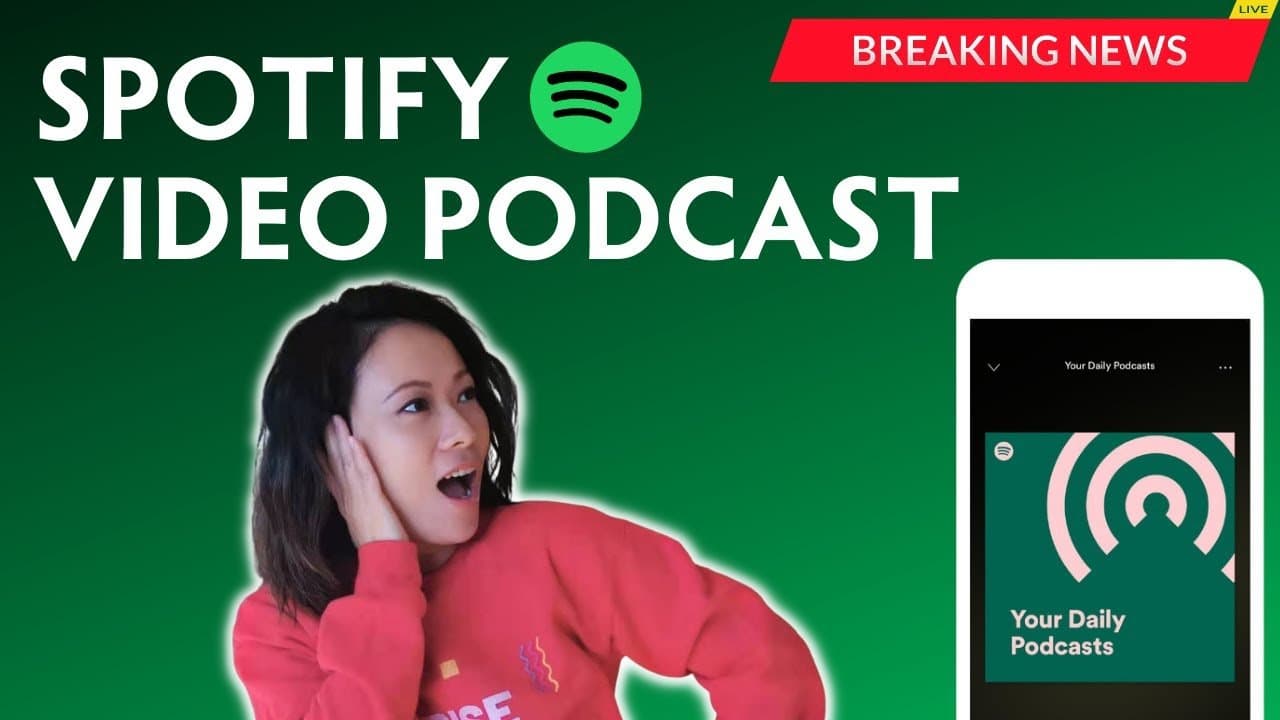
What Is Spotify Video Podcast, and Is It Right for Your Podcast?
In October 2021, Spotify announced the launch of video podcasts on Spotify alongside its on-going features being added to the platform.
Although not every podcaster in every country has access to Spotify Video Podcast, Spotify has been making effort to expand accessible to more creators from around the world. As of July 12, 2022: Spotify has expanded Video Podcasts to six additional countries—Italy, Spain, Germany, France, Mexico, and Brazil
What does it mean for you as a creator? Should you add video to your podcasts too? Check out our post What is Spotify Video Podcast and Why You Need to Hop on Anchor Right Now!
Should You Switch Podcast Hosting to Anchor?
With that said, Spotify Video Podcast can only be uploaded through Anchor.fm – Spotify’s free podcasting platform—the easiest way to create, distribute, and monetize your show.
If you are new to podcasting, have published only a dozen or so episodes, are interested in sharing video podcasts now or in the future – switching to Anchor as your podcast hosting platform is close to a no brainer.
If you are a seasoned podcaster with dozens or hundreds of episodes hosted on another platform, the decision may involve a few other considerations that are relevant to your show or even your business.
We hosted Feisworld Podcast on Libsyn (a great and very reliable platform) for years, paying $20-40/month. In 2019, we switched our hosting to Anchor and haven’t looked back. The migration process was quite easy. Here are some helpful tips from Anchor.
How to Upload a Video Podcast Episode in Anchor
Once you have an Anchor account, uploading a video podcast is quite easy. Here’s How to Upload Video Podcast to Spotify – Video Podcasting
If you have been hosting your show in Anchor for a while, here’s an easy bulk update option if you want to upload video podcasts for more than one episode. We’ll explain how to do that in the next section.
Anchor Video Podcast – Monetization, Bulk Update and Riverside
What about monetization, bulk update and creating video podcast with ease?
Anchor makes it quite easy as well. If you are new to Anchor podcast monetization, here’s How to create sponsored ads and monetize on Anchor.fm
Because of the addition of video podcast, Anchor has created new features to insert ads for video podcasts, monetize through subscriptions and ways to make video podcast creation easier. Check out Spotify Video Podcast Updates for Anchor Podcasters – Monetization, Bulk Update, Riverside
If you have previously published video episodes in Anchor and forgot to insert sponsored ads, here’s how to add them retroactively. The steps are a little trickier than I thought so I prepared this quick tutorial to walk you through the process. How to Insert Ads for Video Podcasts on Anchor and Spotify
Did I leave out any important details? What are your thoughts on video podcasting in general? Please let me know in the comments below.

Written by
Fei WuFei Wu is the founder and CEO of Feisworld Media, a Massachusetts-based digital media company helping brands get discovered by people and by AI. An Adobe Global Ambassador and brand partner to ElevenLabs, Synthesia, and 50+ other tech and AI companies, she hosts the Feisworld Podcast (400+ episodes, 500K+ downloads — guests have included Seth Godin, Steve Wozniak, Chris Voss, and Arianna Huffington) and co-created the documentary Feisworld: Live Your Art on Amazon Prime. Fei writes for CNET, Lifehacker, and PCMag, and her work has been featured in Forbes, Harvard Business Review, and WIRED. She has been publishing on the internet since 2014 — long before AI discoverability had a name.
View all posts by Fei Wu→Stay updated
Weekly insights on content, AI, and digital media.
Keep Reading
Related Articles
Ecamm Review 2026: Dual Mode Changed How I Create Video (Here’s How)
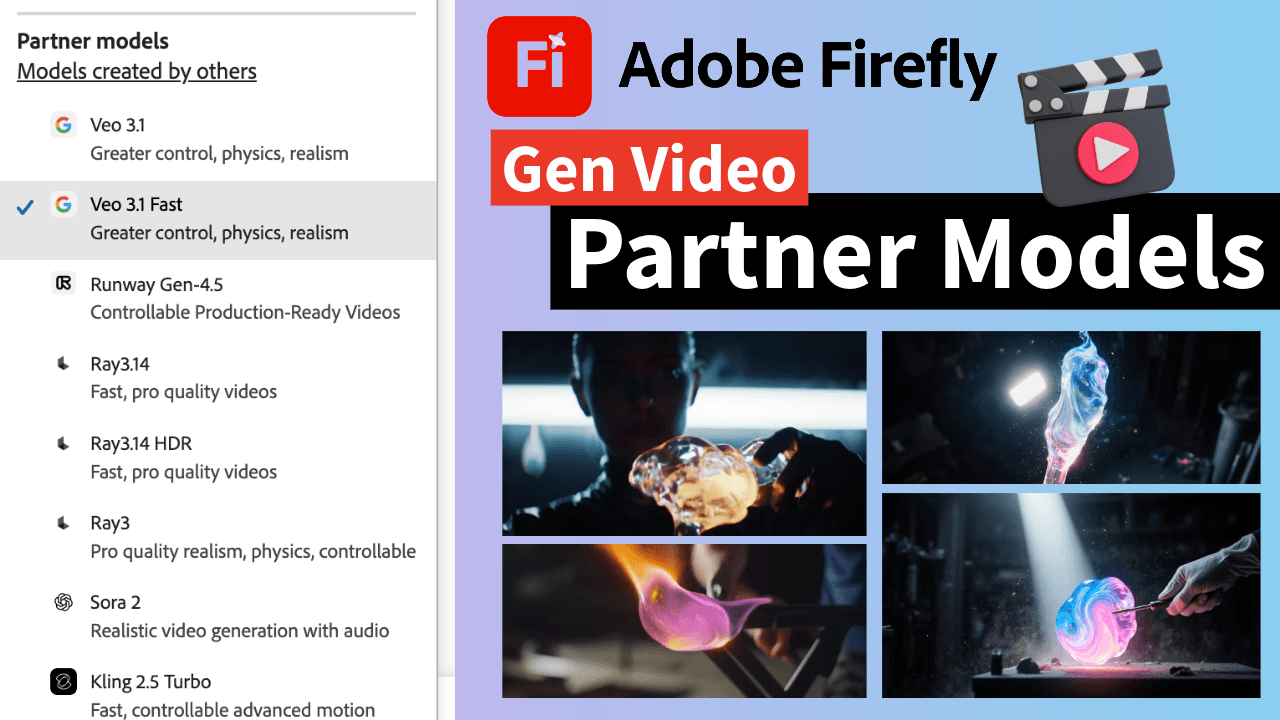
The Ultimate Guide to Adobe Firefly Video Generation: Choosing the Right Model for Your Project (2026)