FEISWORLD × ECAMM
Our Ecamm Partnership: Live Production Tutorials & Reviews
Ecamm Live has powered Feisworld livestreams and podcast recordings on the Mac for years. I've covered it since 2023 — multi-camera setups, overlays, interview workflows, and the deals worth waiting for. Here's everything I've learned from real production use.


4
Articles & tutorials published
4+
Years of active coverage
1
Product lines covered
Why I Cover Ecamm
I started using Ecamm Live when I needed a livestream setup that felt professional without renting a studio. As a Mac-based creator, I wanted multi-camera switching, overlays, and clean audio from a single machine — and Ecamm delivered exactly that.
My Ecamm coverage comes from real production: livestreams, interviews, and podcast recordings. I don't review it from a feature list — I show how it fits a working creator's broadcast workflow, what it replaces, and where it genuinely saves time.
What makes Ecamm stand out is the balance of power and approachability. It rivals far more complex software, but a solo creator can learn it in an afternoon. That's the kind of tool I'm happy to cover year after year — including the Black Friday deals readers ask about every season.
My Ecamm Content Library

Ecamm Review 2026: Dual Mode Changed How I Create Video (Here’s How)
Published Apr 1, 2026 · Content Creation · 5 min read
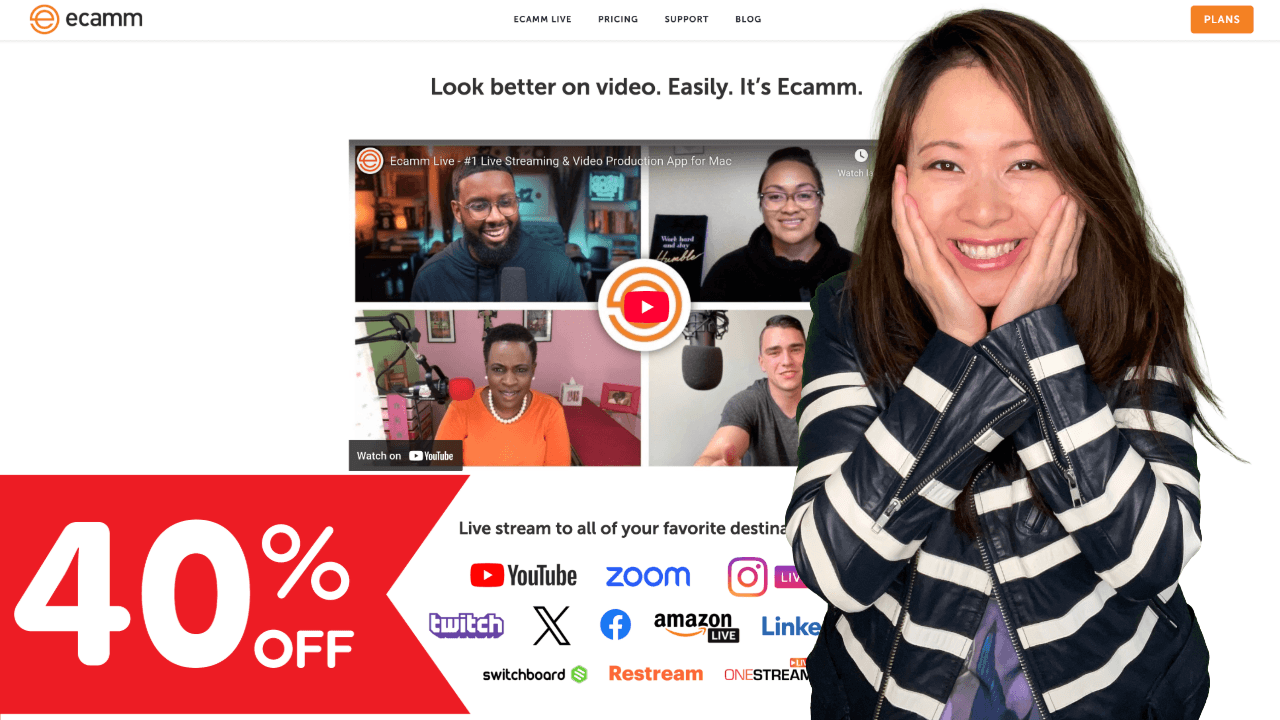
Ecamm Live Black Friday Sale: 40% OFF Annual Plans (2025)
Published Nov 21, 2025 · Deals · 4 min read
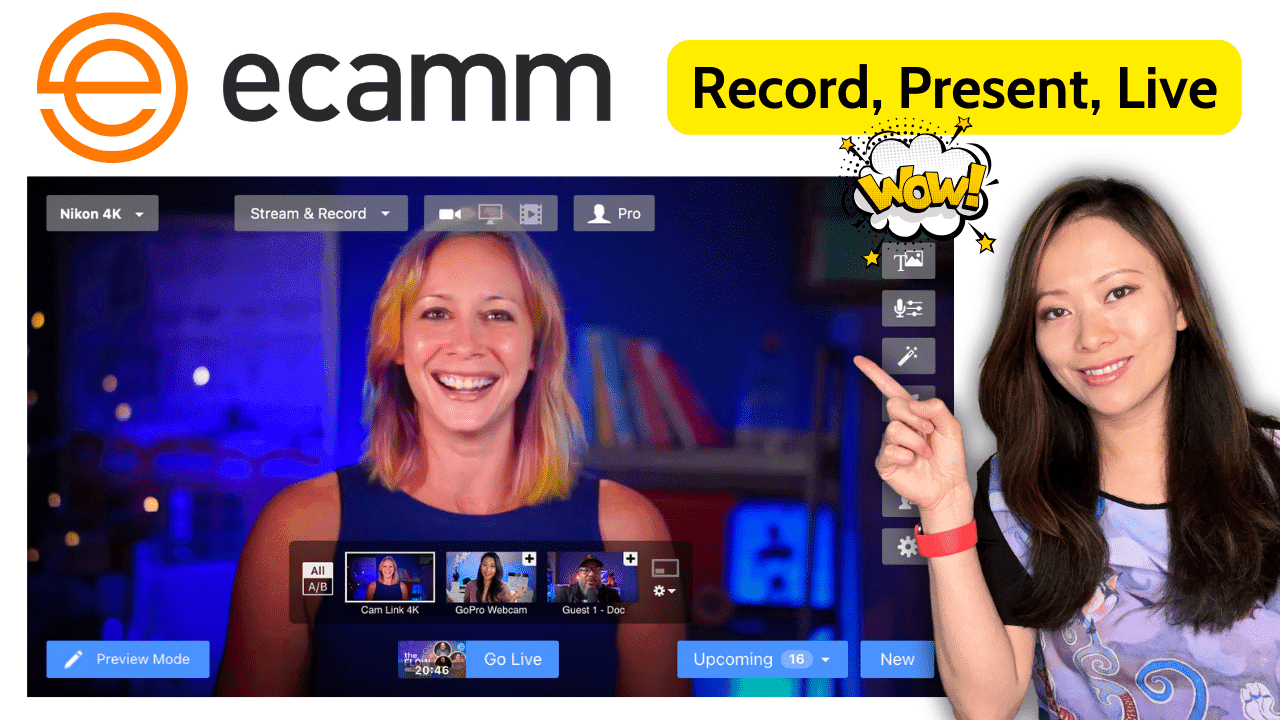
Ecamm Live: The Ultimate Virtual Camera, Video Recording and Livestream Software for Creators (2024)
Published Nov 25, 2023 · Content Creation · 5 min read

Ecamm Black Friday Sale: Get 40% OFF Annual Plans (2023)
Published Nov 16, 2023 · Deals · 4 min read
Frequently Asked Questions
Is Ecamm Live worth it for solo creators?
Yes — for Mac users producing livestreams or video podcasts, Ecamm Live offers multi-camera production, overlays, and scene switching at a price far below dedicated broadcast hardware. It's my go-to for professional-looking streams from a single computer.
Does Ecamm Live only work on Mac?
Ecamm Live is a Mac-only application. If you're on Windows, you'd look at alternatives like OBS or Streamlabs, but for Mac creators Ecamm is one of the most polished options available.
Can Ecamm Live handle multi-camera interviews?
Yes. I use Ecamm for multi-camera setups and remote interviews regularly. It supports multiple cameras, screen sharing, overlays, and guest feeds, making it ideal for interview-style content.
What I've Learned Covering Ecamm
A studio in a single app
Ecamm Live turns one Mac into a multi-camera broadcast setup. For creators who don't want a hardware switcher, it's the closest thing to a TV studio in software.
Approachable for non-technical creators
Despite its power, Ecamm is learnable in an afternoon. That low barrier is why I recommend it to creators who feel intimidated by OBS.
Overlays and branding matter
Ecamm's overlay and scene tools let small creators look polished and on-brand — a detail that quietly separates amateur streams from professional ones.
Watch for Black Friday
Ecamm runs meaningful seasonal deals. Several of my most-read Ecamm articles are Black Friday guides because timing the purchase genuinely saves money.
Stay Updated on Ecamm Tools
I publish new Ecamm tutorials and reviews every month. Subscribe to get them in your inbox.
Subscribe to NewsletterWant a Partnership Like This?
I build long-term content partnerships with tools I actually use. See what working with Feisworld looks like.
Explore PartnershipsMore Feisworld Partners
Adobe
Creative suite & AI tools
ElevenLabs
AI voice & audio production
Restream
Livestreaming & multistreaming
Descript
Podcast & video editing
Riverside
Recording & content repurposing
airSlate
Document workflow suite
Synthesia
AI video creation & translation
Granola
AI meeting notes
v0
AI website building by Vercel