FEISWORLD × RIVERSIDE
Our Riverside Partnership: Recording & Content Repurposing
Riverside is my primary podcast recording platform. I've used it for 100+ interview episodes and know its strengths and quirks intimately. Here's everything I've learned.

4
Articles & tutorials published
2+
Years of active coverage
3
Product lines covered
What Riverside Says About Us
“Fei structured our partnership around three distinct buyer intent stages rather than a single review post. That strategic approach means a Riverside related search almost always surfaces Feisworld content somewhere in the results.
Why I Cover Riverside
I switched to Riverside in 2022 after losing an interview to Zoom audio issues. Since then, I've recorded over 100 podcast episodes on the platform and never lost another recording.
Our coverage comes from daily use. I record the Feisworld Podcast on Riverside, use their AI tools for editing, and repurpose content across platforms. This isn't theoretical — it's my actual workflow.
What makes my Riverside content valuable is the practitioner perspective. I share what works, what doesn't, and how to get the best results from real experience.
My Riverside Content Library
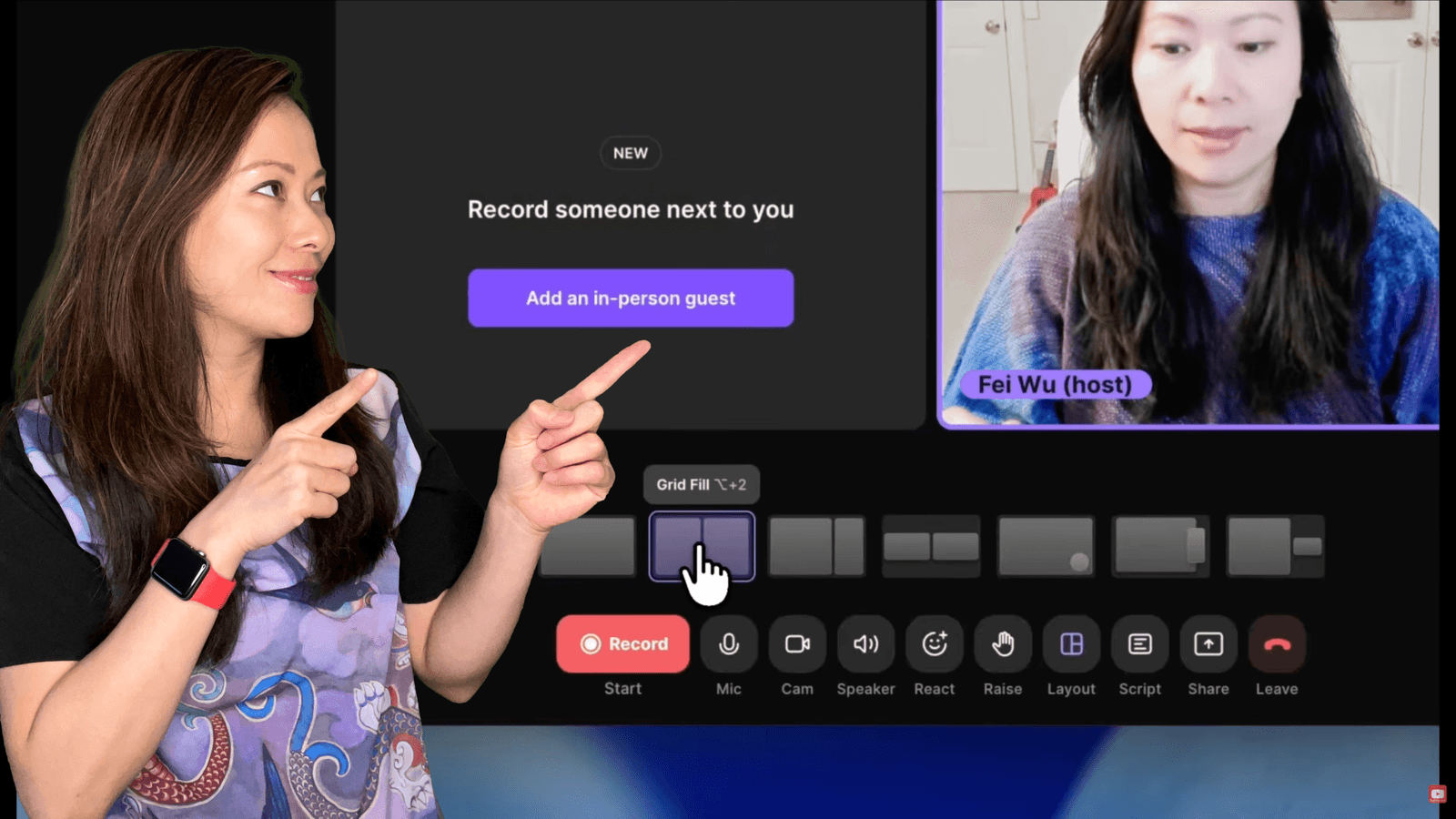
Riverside Webinar Tutorial: How to Set Up and Host a Webinar from Scratch (2026)
Published Mar 19, 2026 · Content Creation · 5 min read
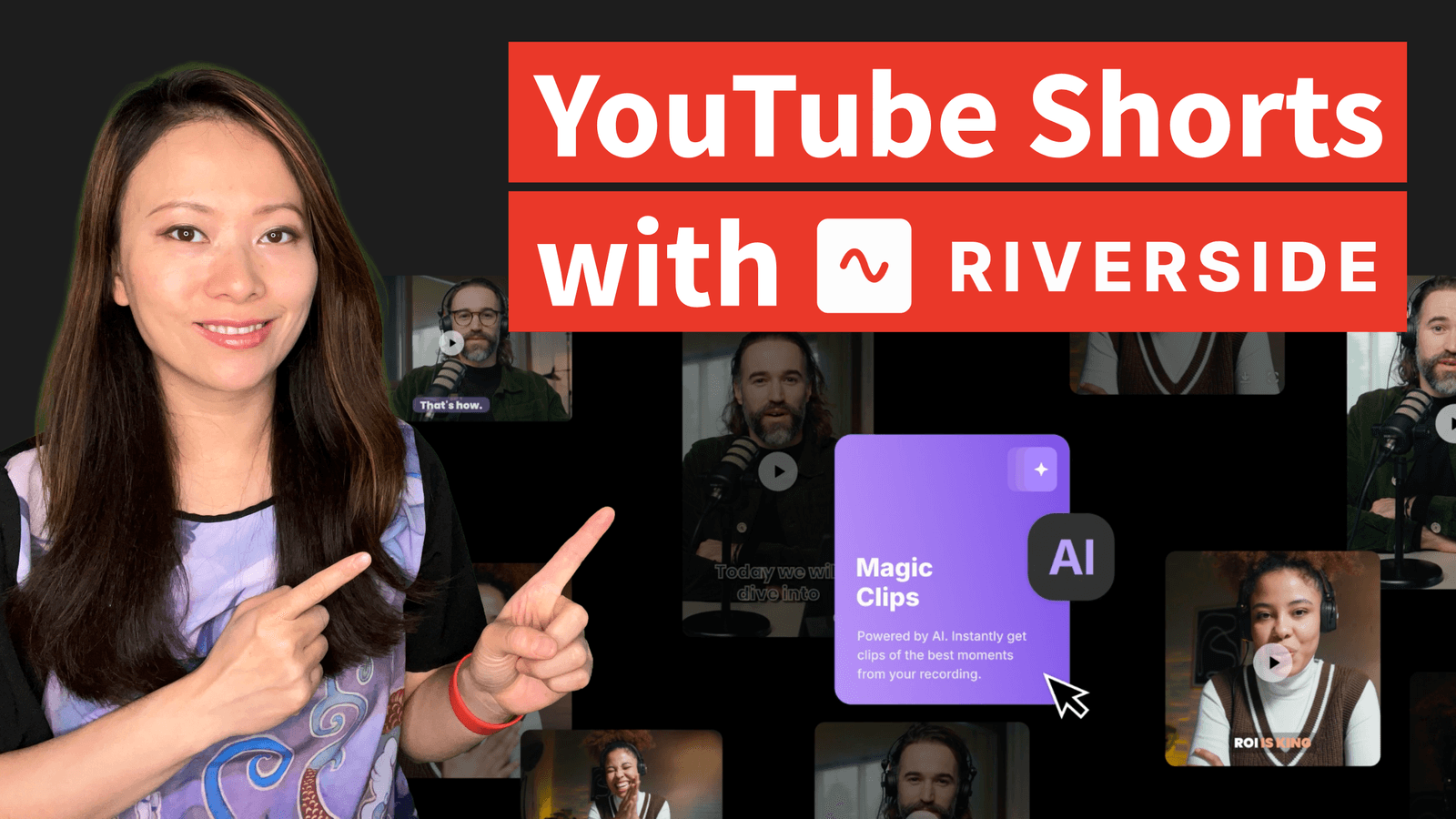
How to Make a YouTube Short with Riverside Magic Clips (Step-by-Step 2026)
Published Feb 10, 2026 · Content Creation · 4 min read
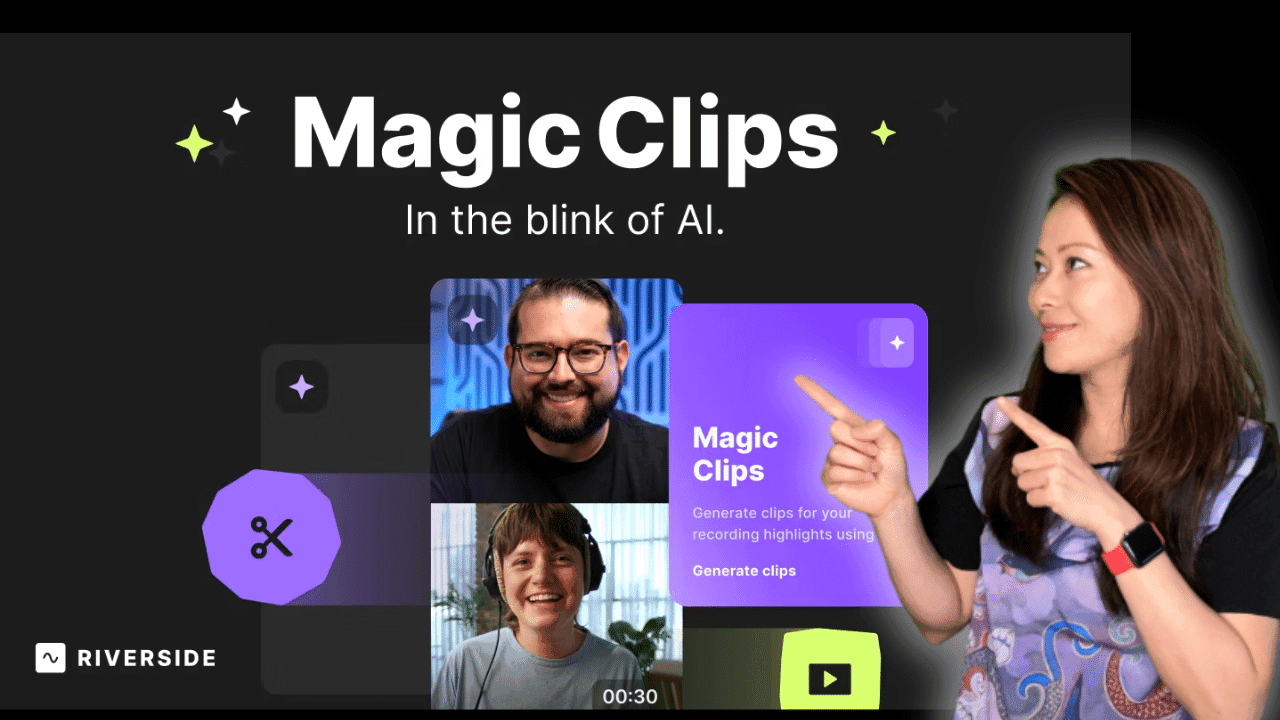
Magic Clips from Riverside just launched (2023)
Published Jul 26, 2023 · AI · 5 min read
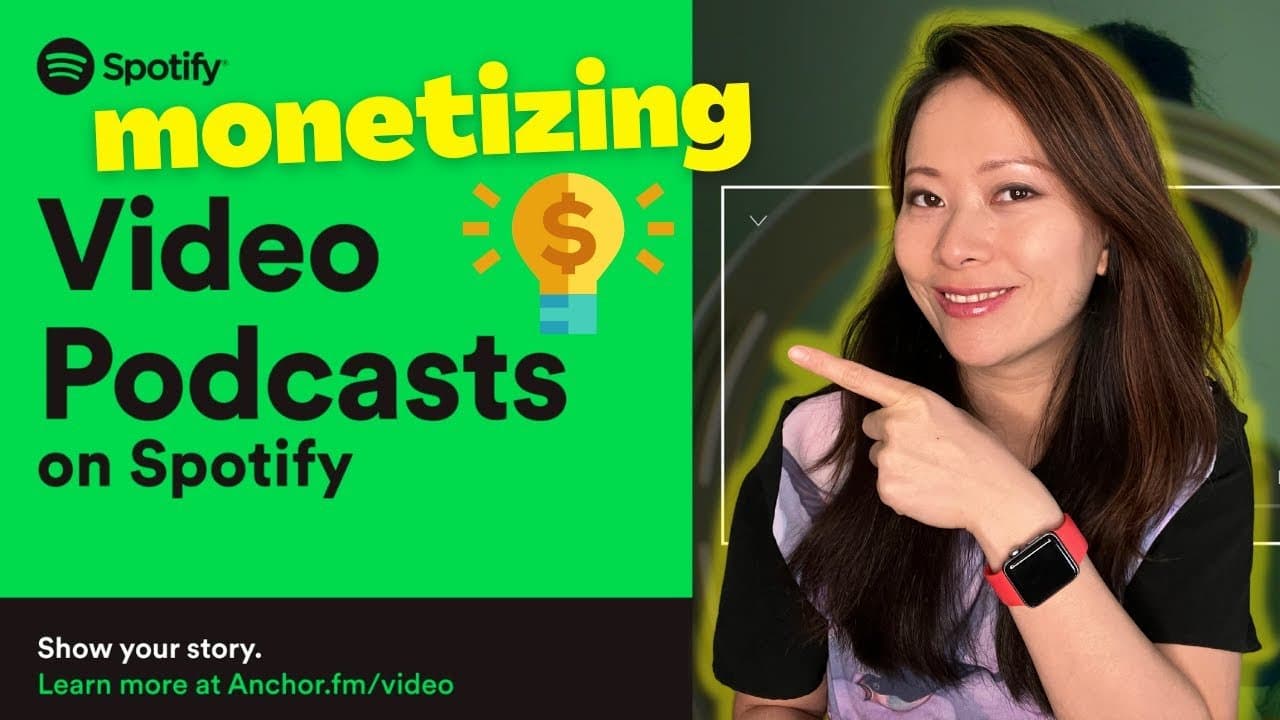
Spotify Video Podcast Updates for Anchor Podcasters – Monetization, Bulk Update, Riverside
Published May 4, 2022 · Content Creation · 5 min read
Frequently Asked Questions
Is Riverside better than Zoom for podcast recording?
For podcast-quality audio, yes — Riverside's local recording means internet issues don't affect your final audio. Zoom is fine for meetings but not for professional content production.
Does Riverside work well with slow internet?
Yes, because Riverside records locally on each participant's device. You'll see a lower-quality preview during recording, but the final files are full quality regardless of connection speed.
How good is Riverside's AI editing?
The AI can identify and remove filler words, long pauses, and create clips automatically. It saves hours of manual editing — I use it for every episode.
What I've Learned Covering Riverside
Local recording changes everything
Riverside's local recording means internet hiccups don't ruin your audio. This alone makes it worth using for serious content.
AI repurposing saves hours
Riverside's AI can turn a 60-minute interview into clips, transcripts, and social posts. For solo creators, this is a massive time saver.
Video quality requires good setup
Riverside captures what your camera sends. Good lighting and audio still matter — the platform just preserves what you give it.
Webinar features are underrated
Riverside's webinar capabilities rival dedicated platforms. If you're already using it for recording, the webinar features are a bonus.
Stay Updated on Riverside Tools
I publish new Riverside tutorials and reviews every month. Subscribe to get them in your inbox.
Subscribe to NewsletterWant a Partnership Like This?
I build long-term content partnerships with tools I actually use. See what working with Feisworld looks like.
Explore Partnerships