Video Production
209 articles with this tag
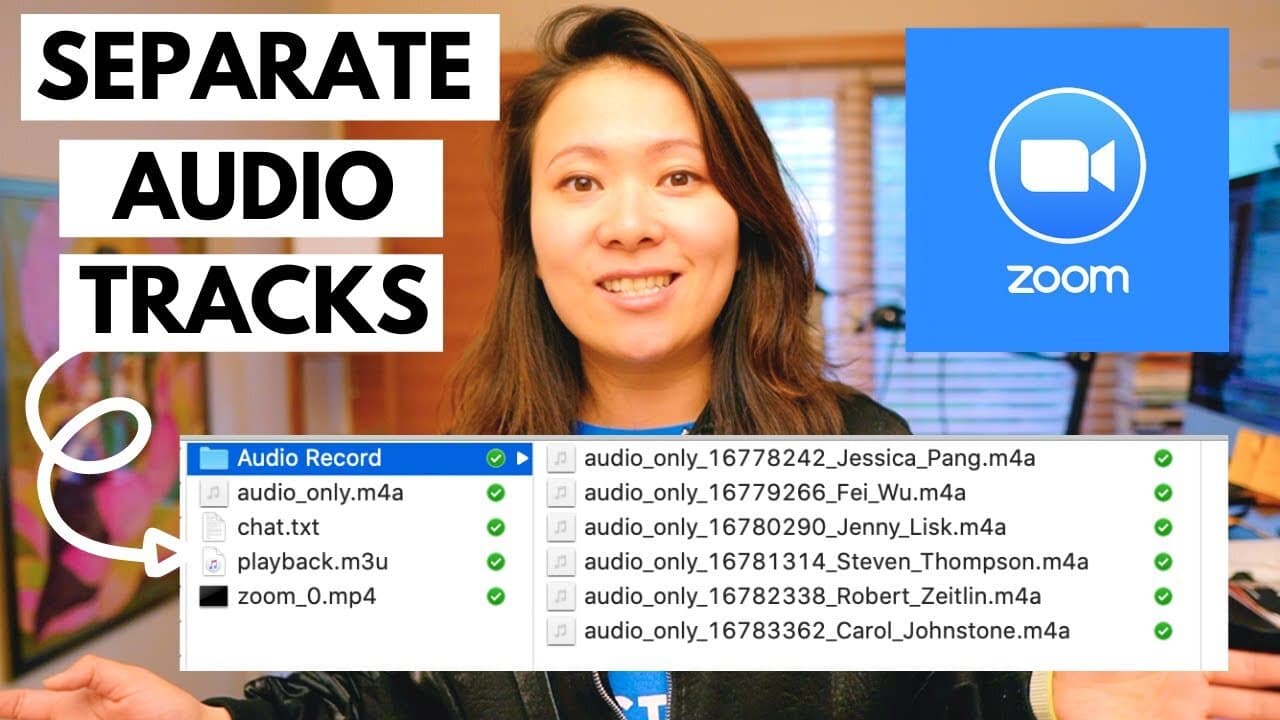
How to Record Separate Audio Tracks in Zoom for Easy Editing
Most Zoom users aren’t aware that they can record audio files on separate tracks. This feature is incredibly beneficial and critical…...
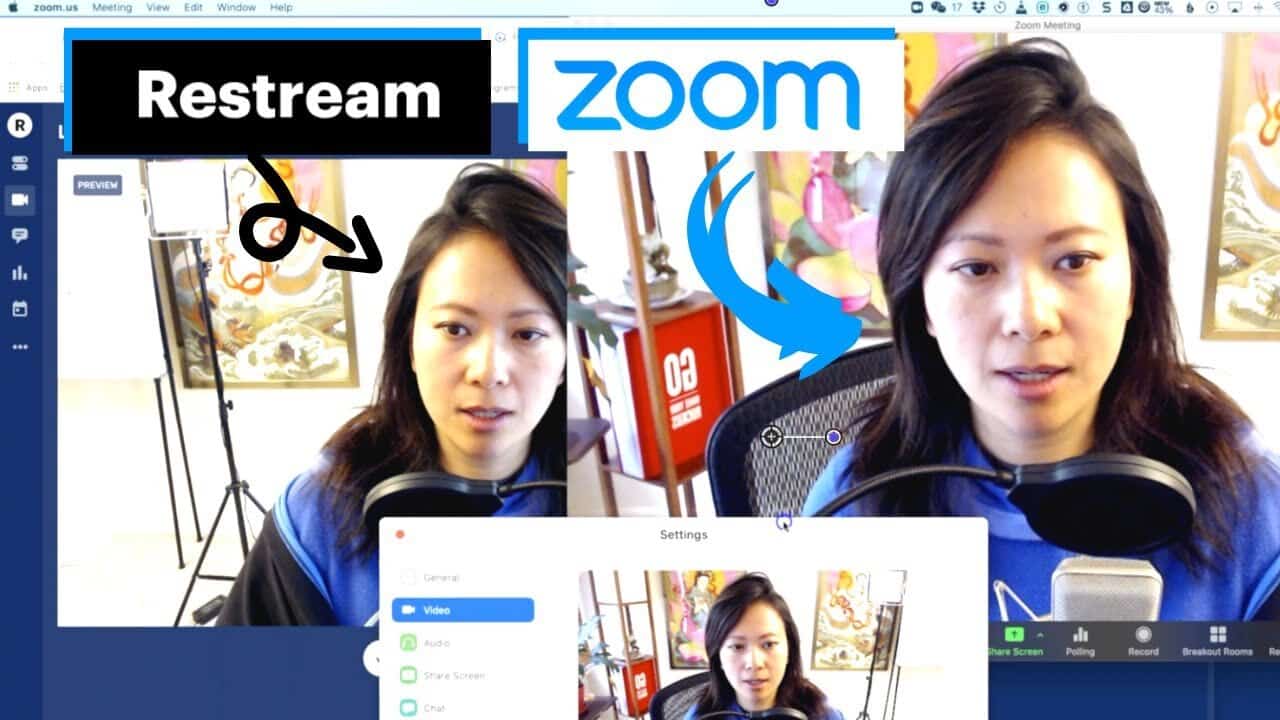
How to Livestream Multiple People With Zoom and Restream
What’s the best way to livestream multiple people? Restream is one of the leading multistream and simulcast software out there today. But di...
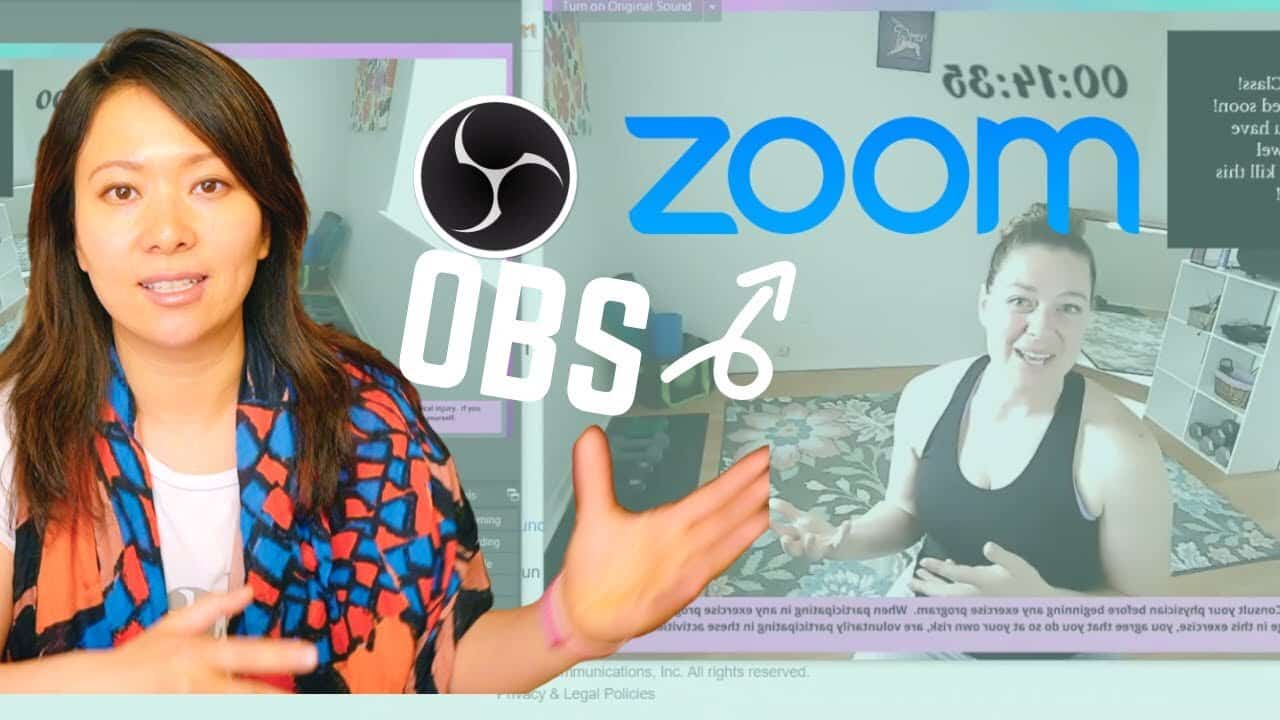
How to Use Obs With Zoom
In this video, we explain every single step associated with using connecting OBS with Zoom....
How to Get Started With Restream
👑 Sign up for Restream (they have a free account too!): https://restream.io?ref=gjD3k In this video, I’m going to walk you through…...
Introducing Castr and How to Use It With Zoom
In this video, I’ll walk you through the basics of Castr as a multistream and simulcast software – including download, connecting…...
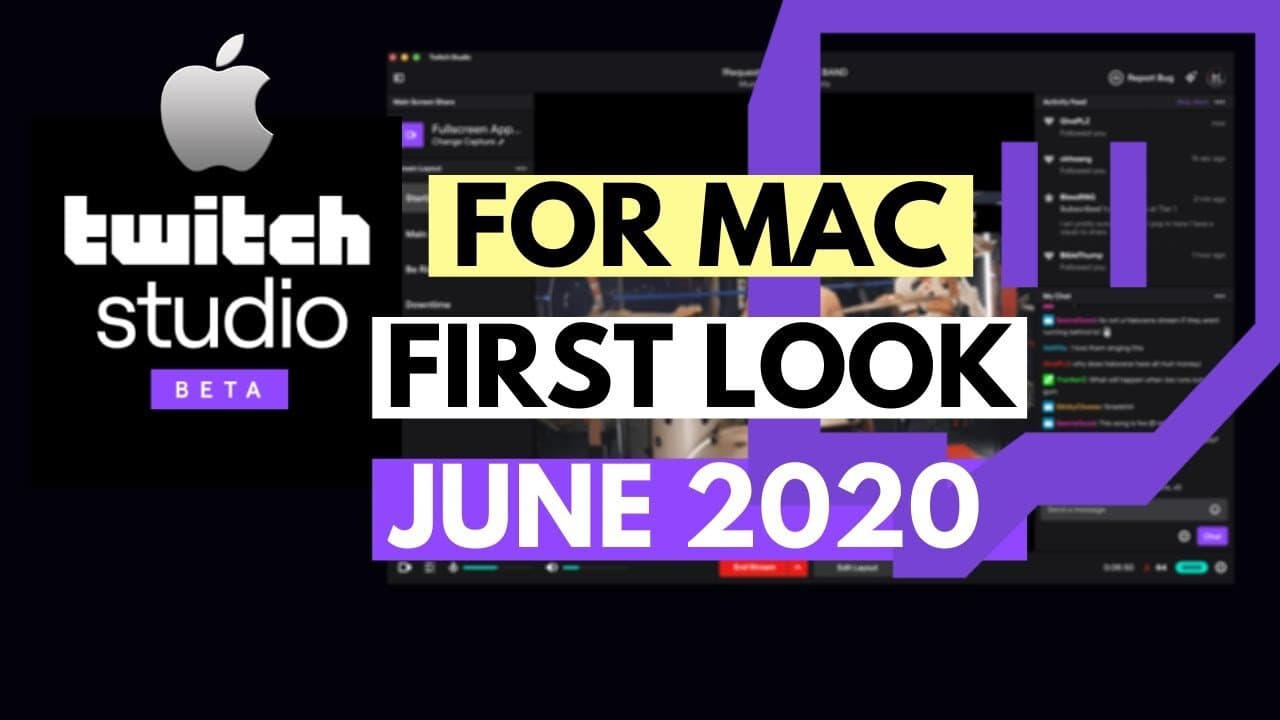
Twitch Studio Beta Mac: Setup Tutorial and Complete Guide
This is the most comprehensive, the only detailed, step-by-step tutorial you’ll find on the internet to talk about the brand new Twitch Stud...
Streamlabs Obs Basics – Scenes, Sources, Spotify
We’ve seen some growing popularity among Zumba, Dance and Fitness Teachers who choose zoom-alternative platforms for creative setup, better ...

How to Use Loom and Record Your Lessons for Remote and Online Learning (2023)
This step-by-step guide on how to use loom is created for entrepreneurs, speakers and educators who want to create online learning videos. T...
How to Capture Computer Audio With Obs and Streamlabs Obs
How can you capture the computer audio with OBS and Streamlabs? This is part of a mini-series to help dance and fitness instructors transiti...
How to Get Started With Twitch and Obs for Teaching Zumba
In this video, I’ll demonstrate a great alternative to teaching Zumba on Zoom. Twitch! Twitch isn’t only a gaming platform but…...
How to Teach Online With Facebook Live
As more people learn how to use Zoom, we’ve also seen more issues surrounding Zoom as a teaching tool from a…...
How to Use Zoom for Zumbathon and Multiple Hosts
This question has come up a lot – how do you use Zoom (or Zoom Webinar) with multiple co-hosts and panelists…...
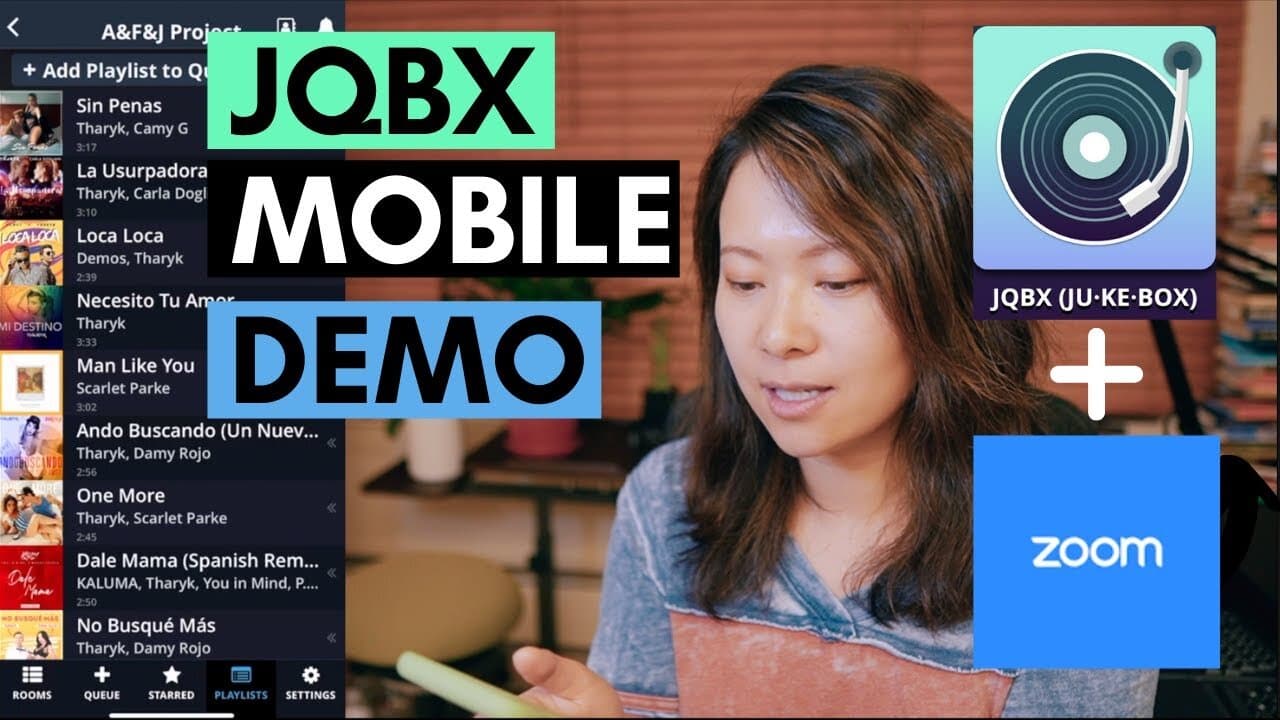
How to Fix Music Sync in Zoom With Jqbx (Mobile App Demo)
In this video I’m demoing how to use JQBX on your mobile devices (yes, it works for both iOS and Android),…...
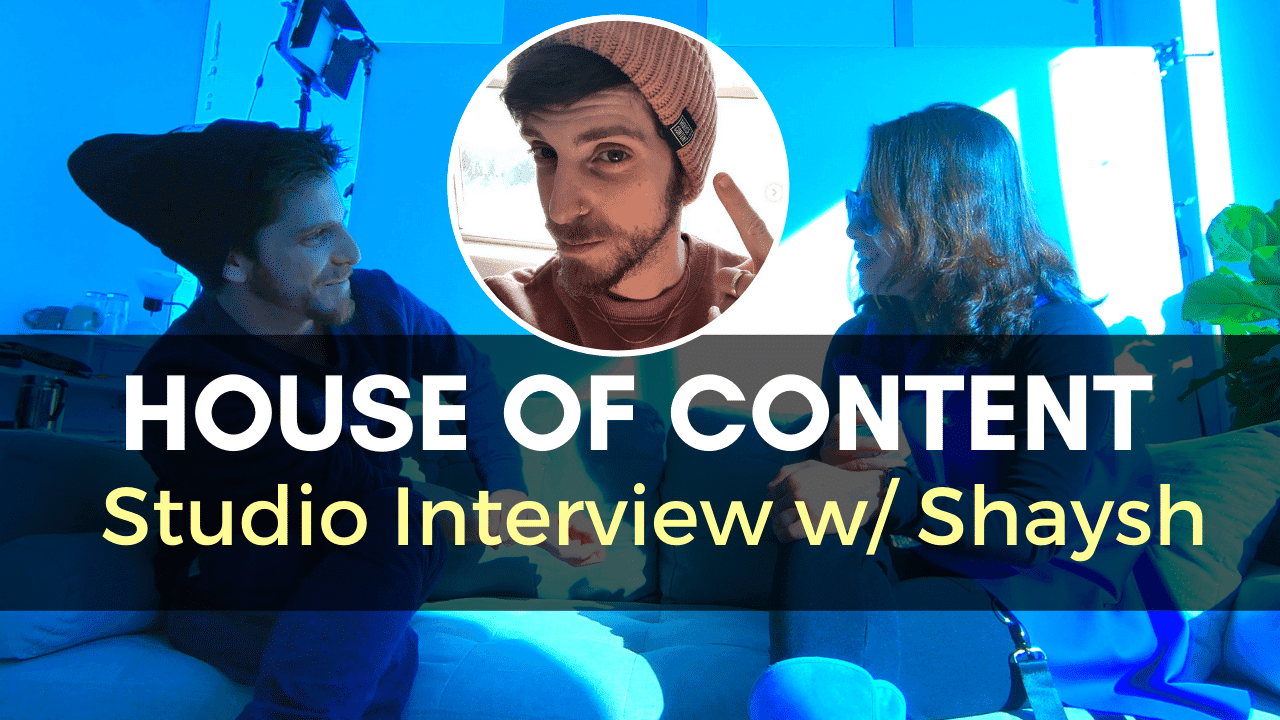
Visiting the House of Content Studio in South Boston, Ma With Creative Director Eran Shaysh
I met Shaysh (that’s how he calls himself) while working at Arnold Worldwide (2013-15). Shaysh started his own studio in South…...
How to Fix Music Delay in Zoom With Jqbx (Web)
Many dance and fitness instructors notice the unavoidable and unpredictable music or video delay in Zoom (when sharing video and music…...
5 Tips for Zoom Dance and Meeting Participants
Please share this video with your Zumba, dance, fitness students, and regular meeting attendees! In this video, we walk through the…...
12 Zoom Meeting Tips Every Host Should Know
In this video, I break down 12 of the basic and advanced features and best practices every host should know (Zoom meeting tips for hosts)...
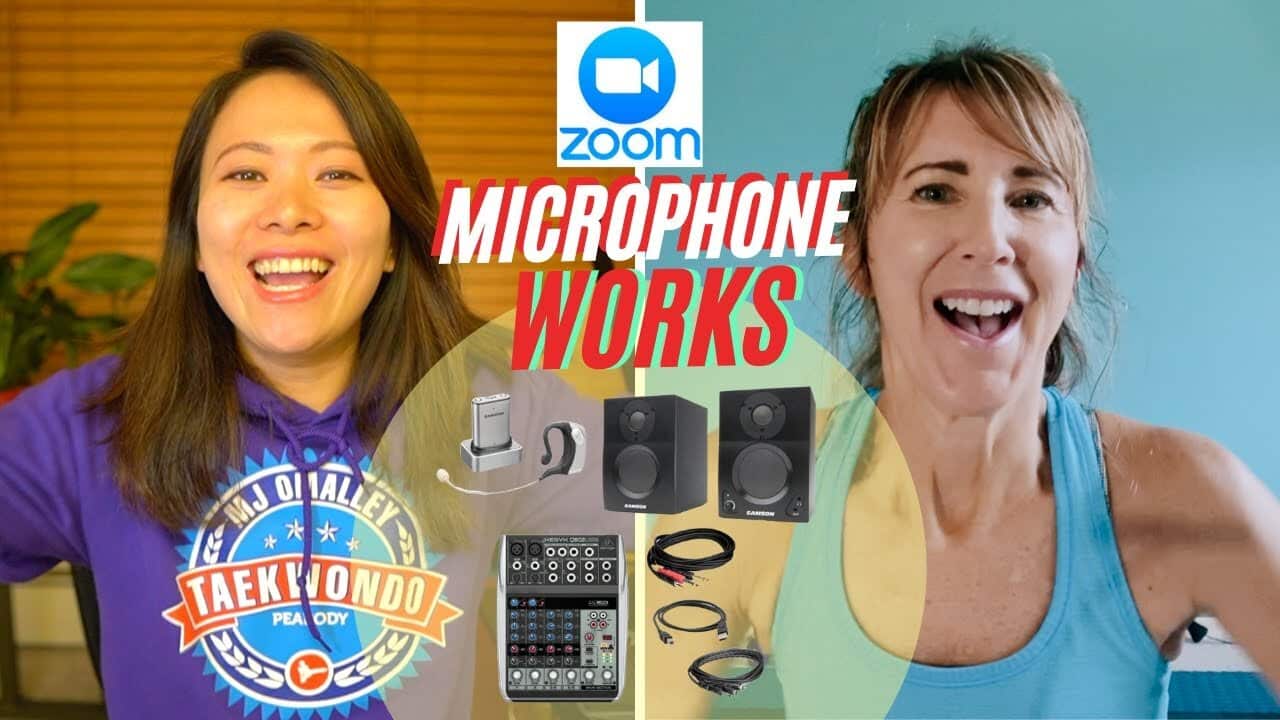
How to Use Zoom With Music and Microphone (Updated Solution With a Mixer)
We spent weeks looking for a more professional solution to this problem. The setup is slightly more expensive but it’ll produce…...
How to Organize and Host a Successful Livestream Concert With Multiple Performers From Home With Zoom Webinar
In this article, I’m going to walk you through step-by-step on how to prepare, organize and host a successful livestream concert…...
![How to Fix Zoom Delay (The Easy Way) [2023]](/_next/image?url=https%3A%2F%2Fwww.feisworld.com%2Fwp-content%2Fuploads%2F2020%2F04%2Fmaxresdefault-2.jpg&w=3840&q=75)
How to Fix Zoom Delay (The Easy Way) [2023]
Ever wondered how to fix Zoom delay? There are built-in technical issues that may cause the delay and sync issues you experience on Zoom....
Want more video production content?
Subscribe to get weekly strategies on content, AI, and digital media.
No spam. Unsubscribe anytime.